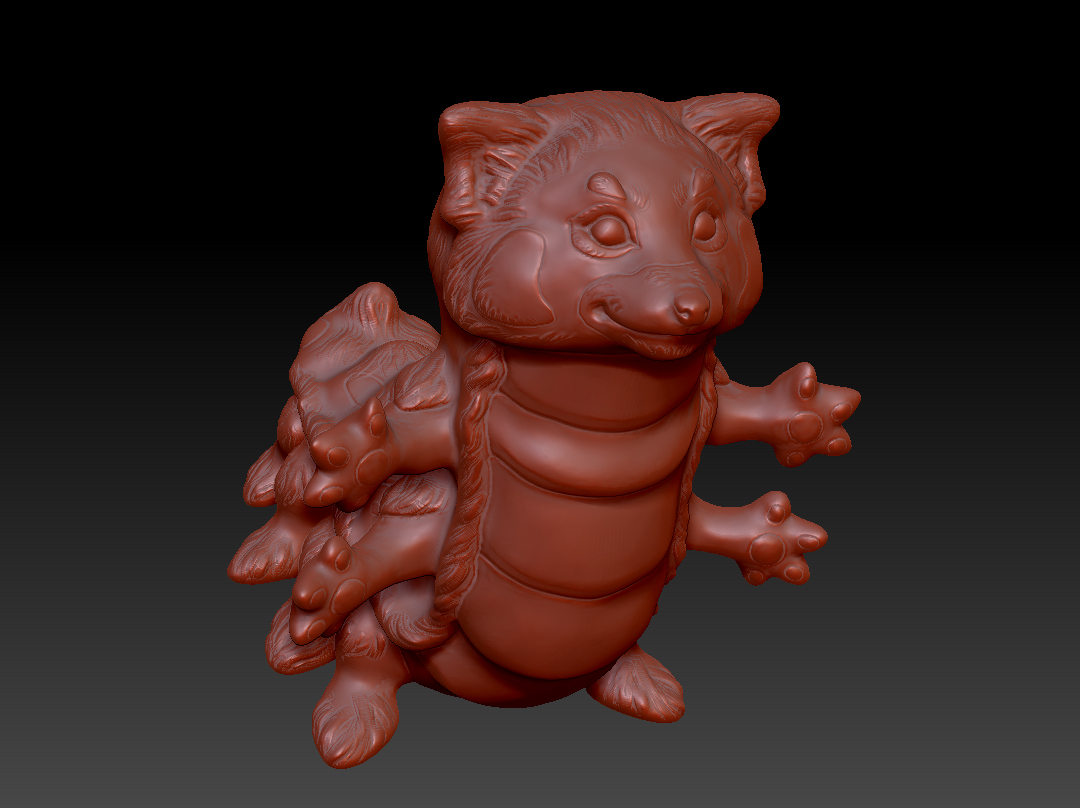
Hi guys :). This will be my first post/thread on here. I have already done some hunting on this topic, but can’t seem to find a clear answer for my specific situation. ANY help would be very much appreciated! I’m a traditional sculptor new to z-brush. I’ve been dipping in and out of it for a while now, but recently got a beefier computer, as I need to get to know this program well for my art career. That being said…
I’m running on an i7, with 16 gigs of RAM, on a 64 bit operating system, with Windows 8 (it’s a gaming PC too if that’s relevant). I have an original character I’m working on, that I started as z-spheres, made an adaptive skin for, then sculpted up to the highest resolution in Dynamesh. I’ve un-clicked dynamesh to subdivide, but can’t get beyond a subdivision of 3…and at 3 I get horrible lag, and an unending loading bar if I do even one brush stroke.
I have reloaded it and currently have it at subdivision level 2, and it says it has “Polys= 8355102, Points= 8355104” . I have deleted the lower subdivision levels as well. When I try to subdivide, I get the message stating I need to increase the maximum polys, or delete lower subdivisions, etc.
Can anyone tell me what number I should have all the levers set to in the preferences mem setting, that would be appropriate to the power and memory I have to work with?
Is there something within my actual computer I need to adjust? Or is this poly count just insane and I somehow need to get rid of polys? Any help would be GREATLY appreciated :). I’ll attach a screengrab of my character in this message…he’s still a work in progress. He is an original character for a project I’m doing, please do not copy/use him for any reason. Thanks for your time/help! ~Angela
Attachments