ZBrushCentral

How did Ryan Kittleson perform this simple "move" on a curved surface? *Quick Video*

Hello everyone.

I am subscribing to a great series of tutorials by Ryan Kittleson and I am working on one where we create an engraving on a ring by using textures, UV maps, and masks.

I can follow along fine but at the very end, when he uses the transpose tool to “move” or extrude/engrave the text that we put on the ring, he is able to move the entire text evenly in relation to the surface.

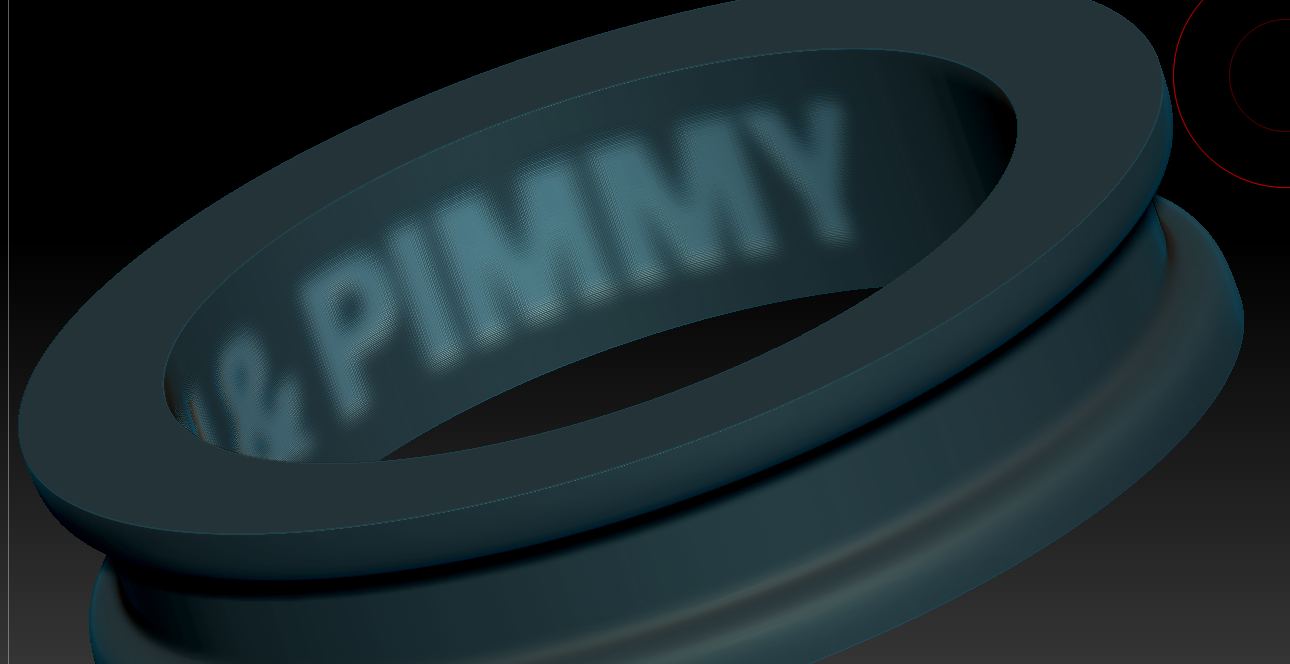
As you can see in my video, however, when I perform the same “move”, my text does not evenly move in relation to the curved surface.

I suspect I have some kind of different setting somewhere? How can I evenly move the text in and out like he did?
Thank you.

Here is the short videos showing his performance and then mine to see what I mean.

https://drive.google.com/file/d/1nmuHaCBNuXD4DCNBFN6yDJpP5MAyGKo2/view

https://drive.google.com/file/d/15IBZJKOlLnlagIlxicB-lM36cpRs0dg2/view

Couple of things I see.

He’s in 4r7 p3
You’re in 4r7

You’re using LMB
He’s using RMB

Anyway, all he is doing is running the inflate command in the viewport with the gizmo. You can simply do this with the deformations panel.

Thank you.

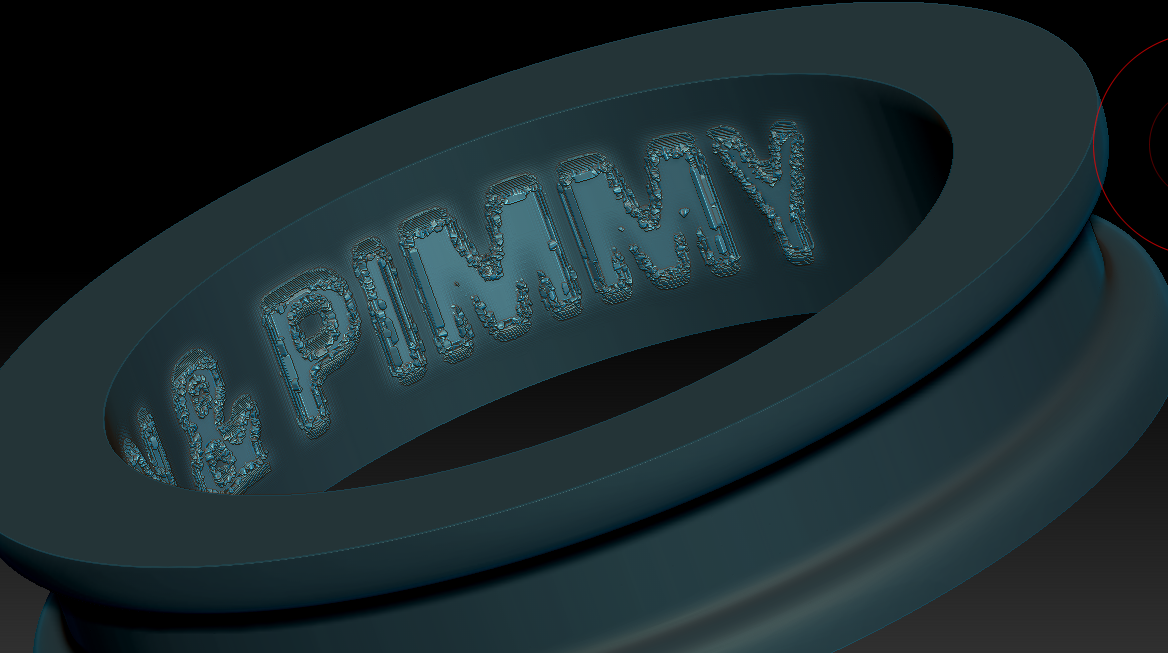
You are correct that inflate from deformations panel is working. I’m getting a lot of jaggies but that is mostly because of the text. I’ll have to learn how to make super crisp text before I apply it as a texture and mask.

Thanks.

I’ll have to learn how to make super crisp text before I apply it as a texture and mask.

Common mistake is sharpening displacement, bump, alphas, whatever we call it, maps/images to get better, ‘more detailed’ maps for rendering and/or sculpting/modeling.

Sharpening, or whatever similar filter used to get “more pronounced” maps - 2D images, is taking away color informations - resolution
In most extreme way we can reduce that info on just 2 colors, black and white (or 0 and 255 in 8-bit RGB)
That’s ok if we wont to make stencil but not for smooth displ. or alpha map.

Smoothing in 3D = blurring in 2D, with or without adding more polys (smooth subdiv.) or pixels ((photoshop) pict. enlargement with some smoothing/blurring algorithm)

So if you want to make mask based inflation without jaggies you should have some smooth transition on the edges

If you apply alpha through noise maker you can see what result you can get with that alpha even on low res. or not good topology without applying it to mesh
Also saving alphas for future use as noisemaker (ZNM) can help simplifying and speeding workflow.

If you want crisp transition, like 90° engraving you should use some other techniques, something that will ad additional geometry between inflated and (in this case) masked poligons.

I applied a “blur” to the entire text before inflating but it didn’t help at all. Would only a radial blur work?

I am really frustrated but reading and watching lots of tutorials. What would be the best approach to make clean text engravings in Zbrush? I have access to Rhino but Rhino just makes crap loads of triangles when you export and it sucks at boolean actions on texts as the mesh is full of errors when you try it there.blurred text.pngnot any better.png

Attachments

blurred text.png

not any better.png

Sorry cause my reply lead you to wrong way.
Just dont understand people, “experienced artists”, when fixing and making things in applications primary specialized for 2d (photoshop), not doing that in sculpting app. like zbrush where you can immediately see results and…so on

Not You, keep on reading :smiley:

Should write just this last sentence:

Quote myself:

If you want crisp transition, like 90° engraving you should use some other techniques, something that will ad additional geometry between inflated and (in this case) masked poligons.

There is lot of options how to do it in Zbr., so here’s one from the beginning in tool palete:
Tool -> Geometry -> Edgeloop
There you have more options, you can try GroupsLoops with Lopps number 1 or 2, that will give you enough new geometry where you need it.
GPolish leave on default, lover it if it smooth your borders too match.

When satisfied with resoulth, mask your ring polygroup (or letters and ctrl+I to mask other groups) and perform some negative inflation.
You can make inflation in more steps and polish/smooth indented groups if necessary.

Of course, you have to make 2 polygroups before this procedure with group masked (letters).

And i think your letters are just fine for this, dont have to smooth them. In most cases problem is in underlying topology and method for applying alphas/mask.

Applying it with UVs is always best option but can be most complicated thing in all this, presuming you used uv master, because of way it threads uv islands, deforming them trying to maximize usage of uv space. Really much more complicated than all procedures for making text engravings:D

As for tutorials i sugest you first read zbrush help docs, than watch all basic staff from AskZbrush, so after that and lot of practice you can recognize some other good stuff on web. Well, at least, not waste time on “Easiest way” and “Best way” type of stuff.
Holding Ctrl key when hoovering buttons in zbrush also very helpful.

And for masking, polypainting, polygroups, experiment little on some regular lowpoly mesh with some white mat. and polyframe on.
Selection is basic and one of most important thing in any 3d app., unless you want just push an pull dynamesh clay