Hello,
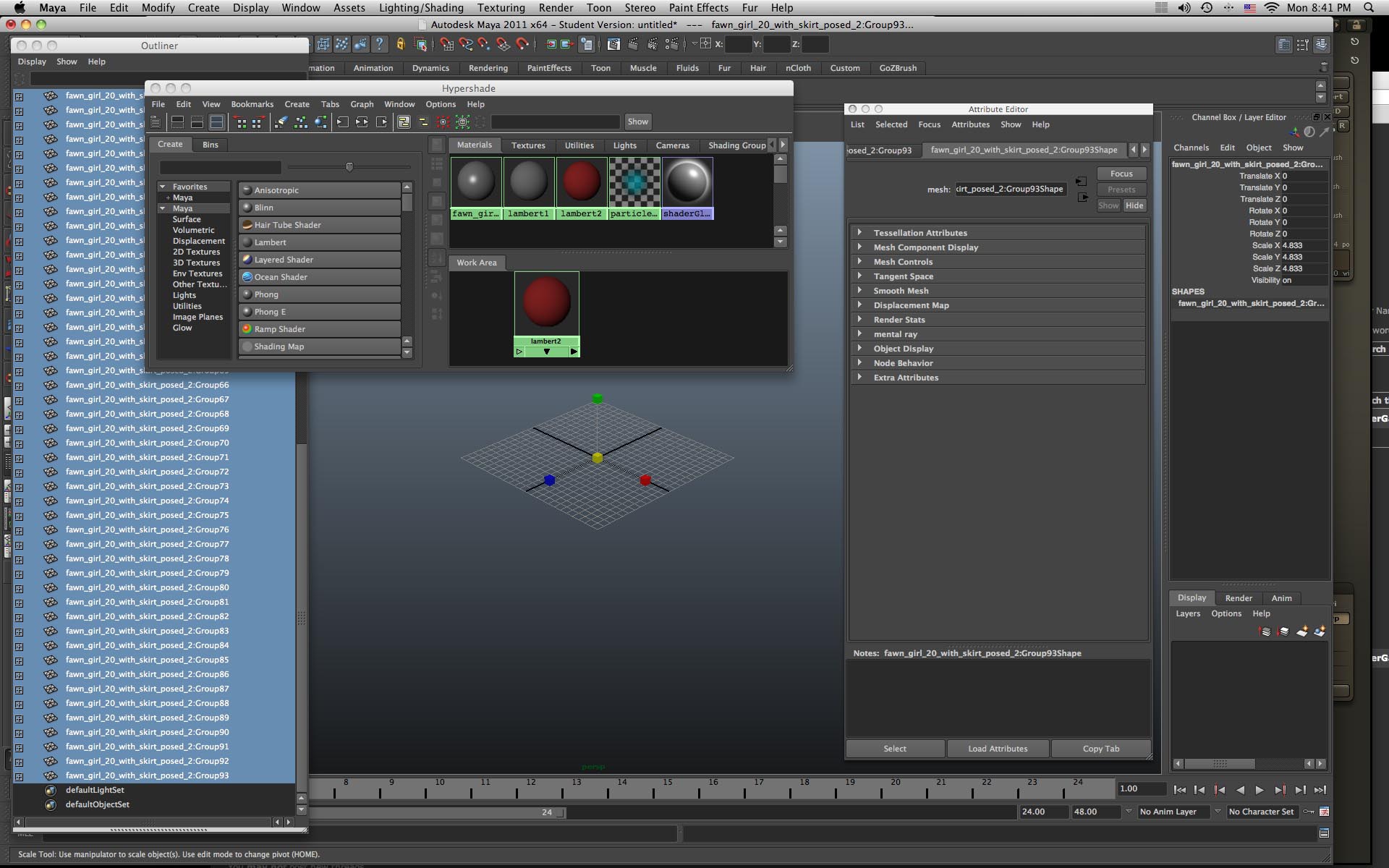
When I export my model as an .obj file into Maya, I get an error and I am unable to see my model. Maya is saying it's there but it's not.

I have exported other models into Maya before with no issue.

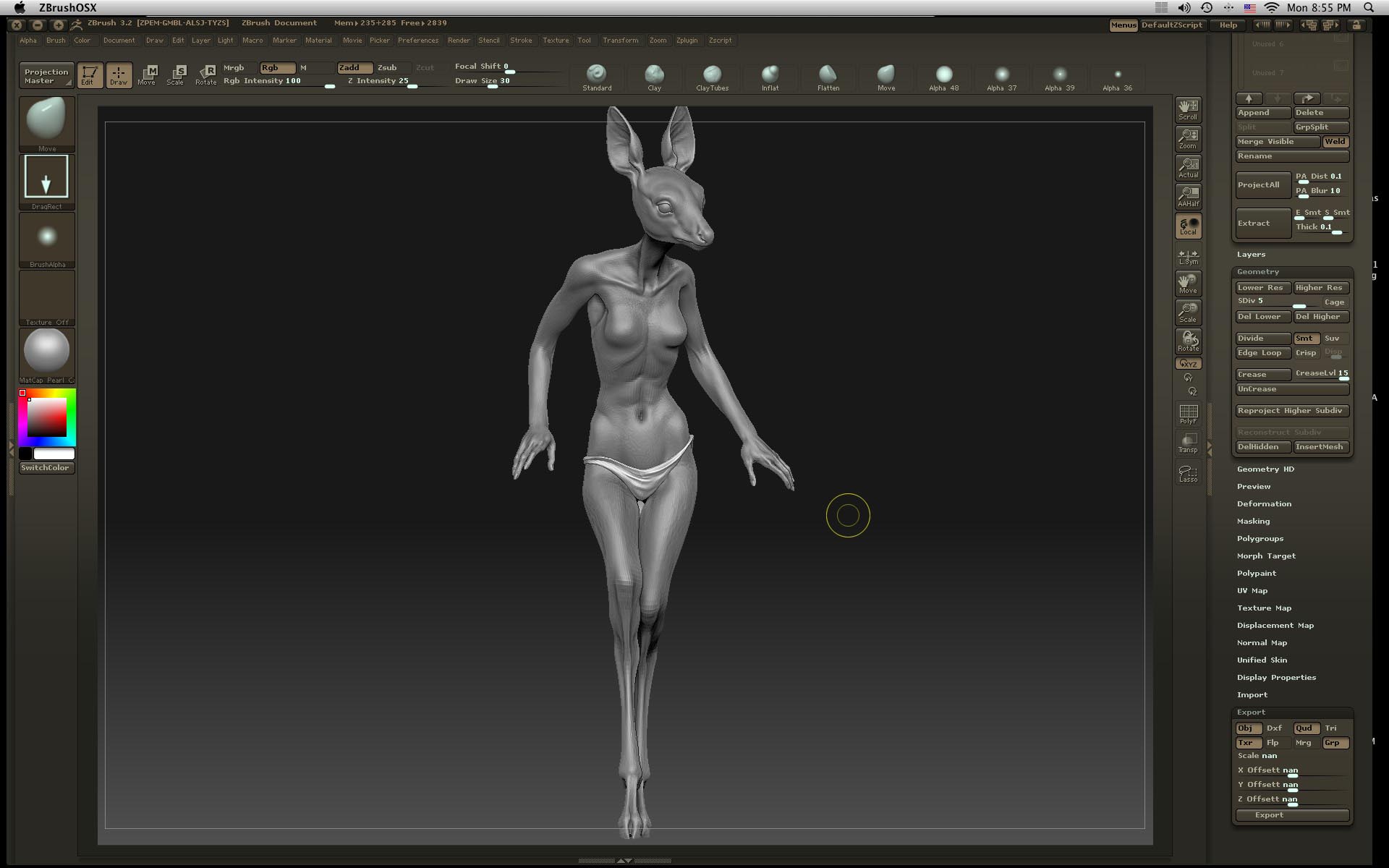
The model has no poly painting on it, it is asymmetrical, though I don't know why that would matter.

I have Zbrush 3.2 Mac version and tried to export into the 2011 Maya Mac ver.

Does anyone know what's going on?

Thanks,

J
I also can’t see any models made in Maya in Zbrush when I append them as subtools. I make the model, export as an obj. Import into Zbrush (i can see it at that point), make it a polymesh, select my original tool and append BUT I don’t see anything! I can see it when I open it by itself, just not when I append it as a subtool… I’ve tried the same thing with other models, nothing. I’ve tried using 3.12 ver and that can’t even open the file.
Is this freaking program supposed to be THIS DIFFICULT TO DEAL WITH??!! I just keep running into one problem after another. As soon as I post a question here I have another issue.
 small_orange_diamondsmall_orange_diamond