ZBrushCentral

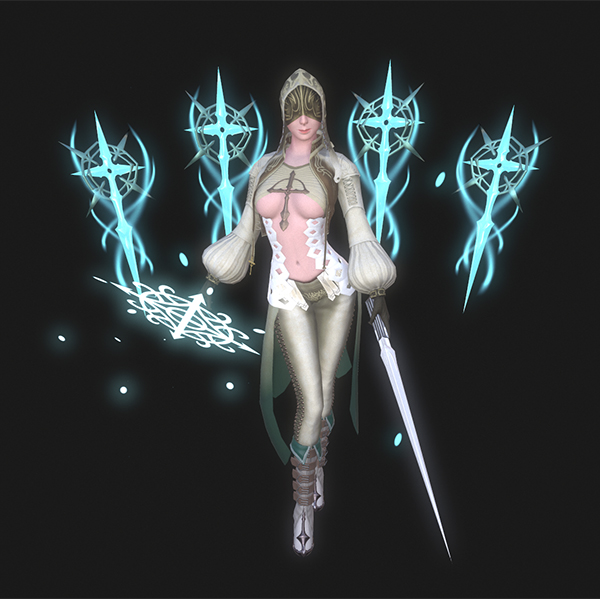
Holy Assassin - 3D Game Art [full breakdown]

Hello Guys,
This is my first post on ZbrushCentral forum, hope you all like it and some technical breakdown is helpful :smiley:

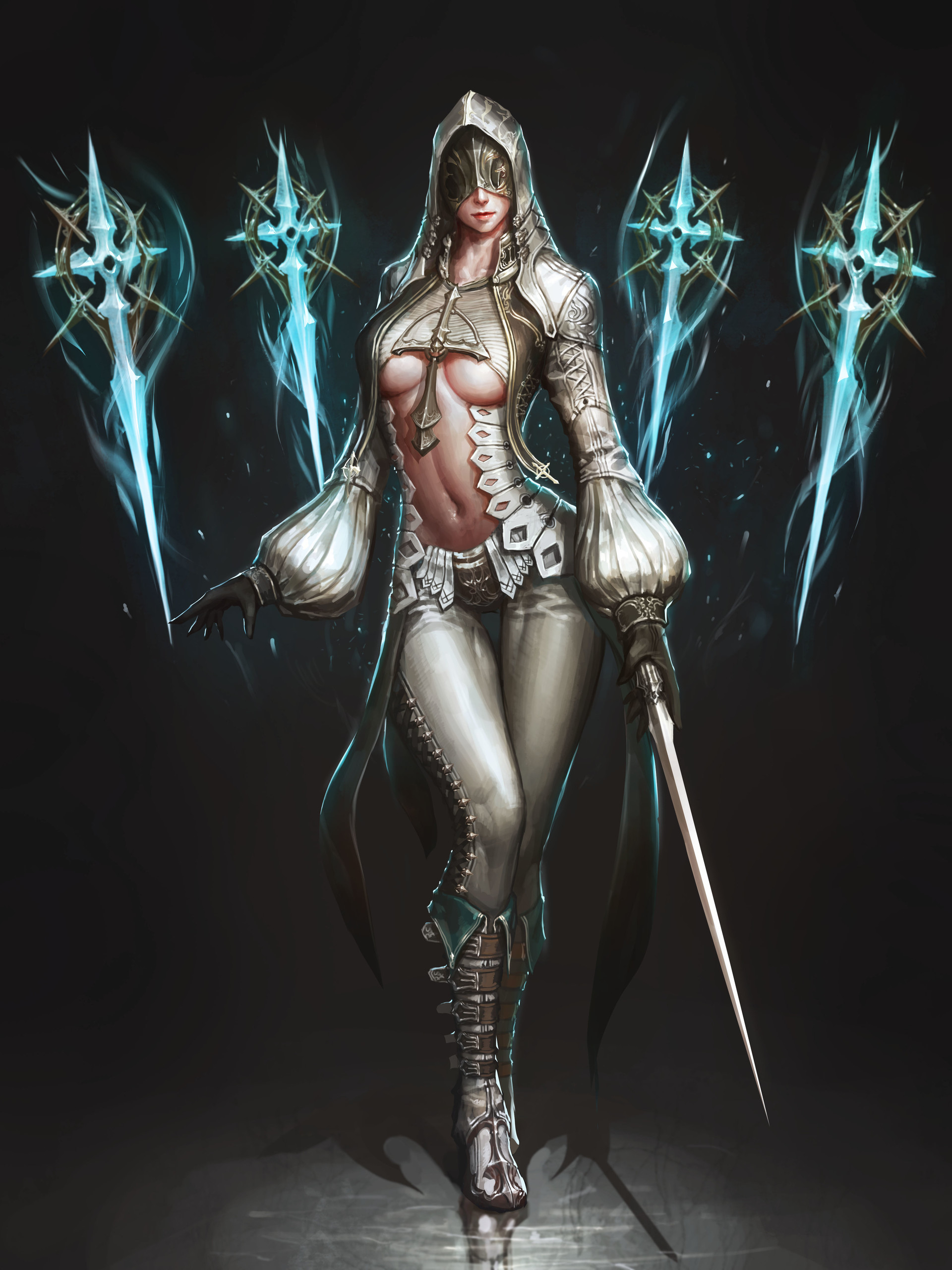
I inspired by JeongSeok Lee’s concept art Holy Assassin
https://www.artstation.com/artwork/vBVJ6
and decide to make it for my practice for 3D game art.[INDENT=2]


So lets get started! :slight_smile:

Attachments

jeongseok-lee-5.jpg

First thing first, sorry for my bad english :smiley: Hope you all understand!

So first I do full poly modelling in Blender.
For now I am more proficient in Blender for poly modelling, in the future I will try to learn zModeller. It’s looks promising :slight_smile:

So here is the result of low/med poly modelling.
and don’t forget to UV unwrapping it all :stuck_out_tongue:

So we are ready to the next step : Zbrush detailling~

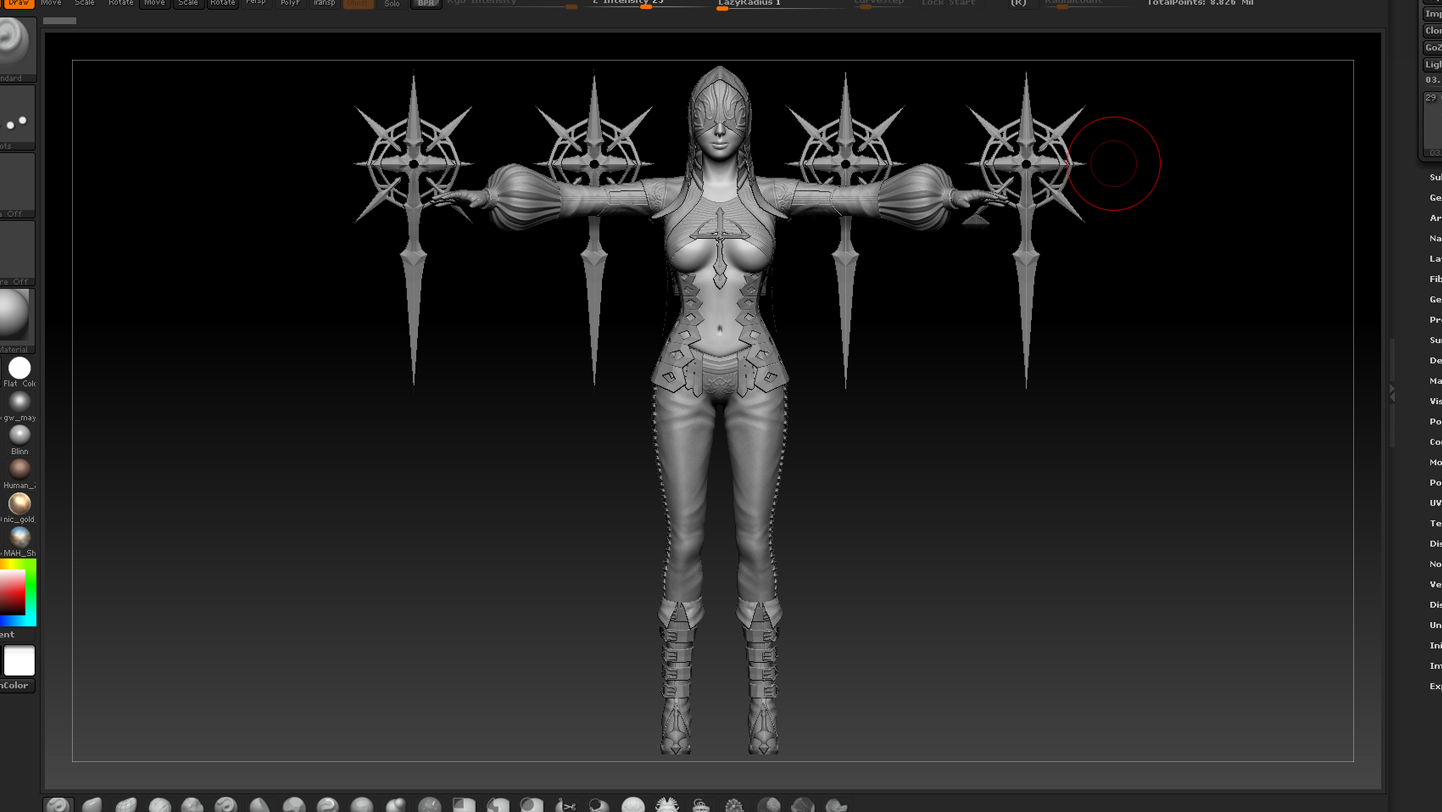
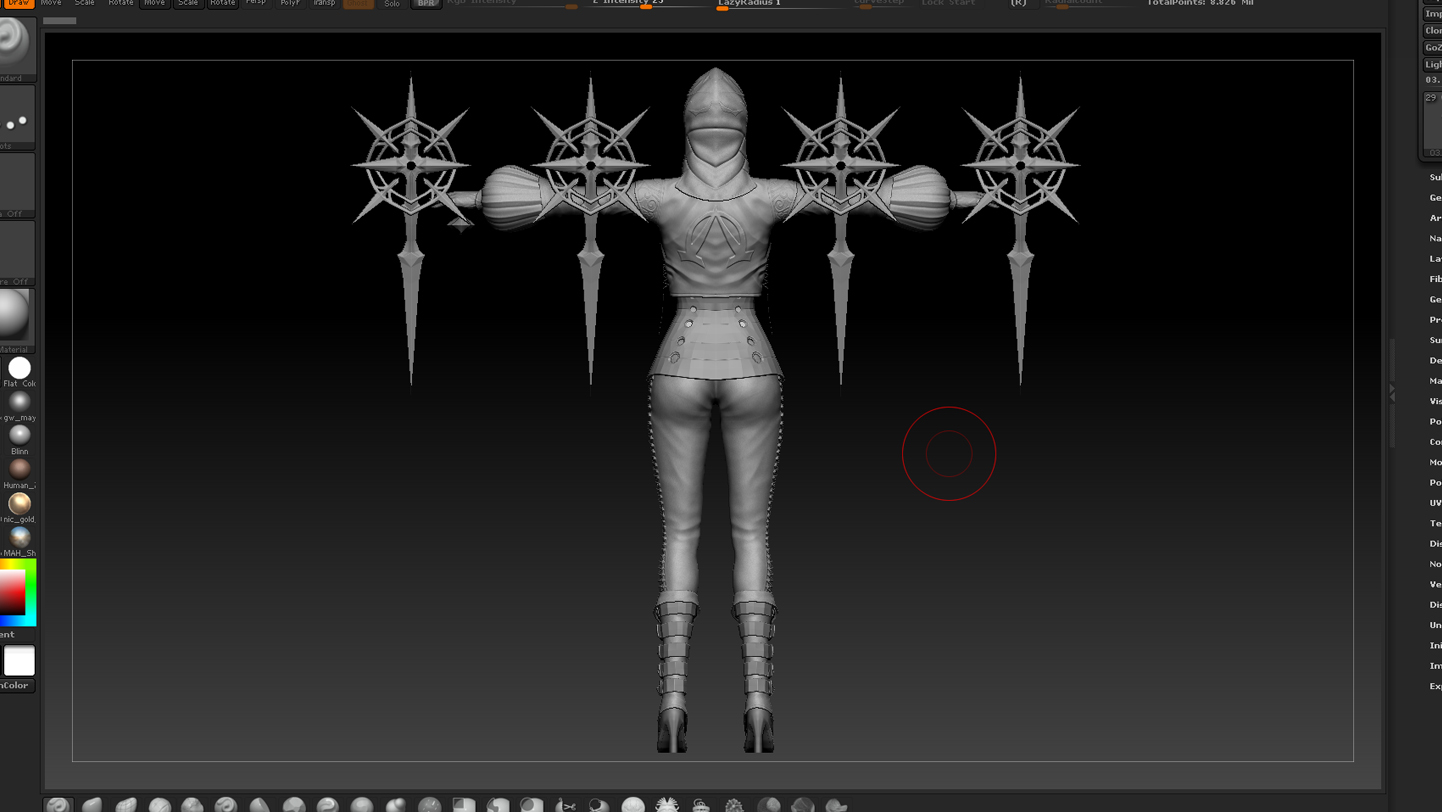
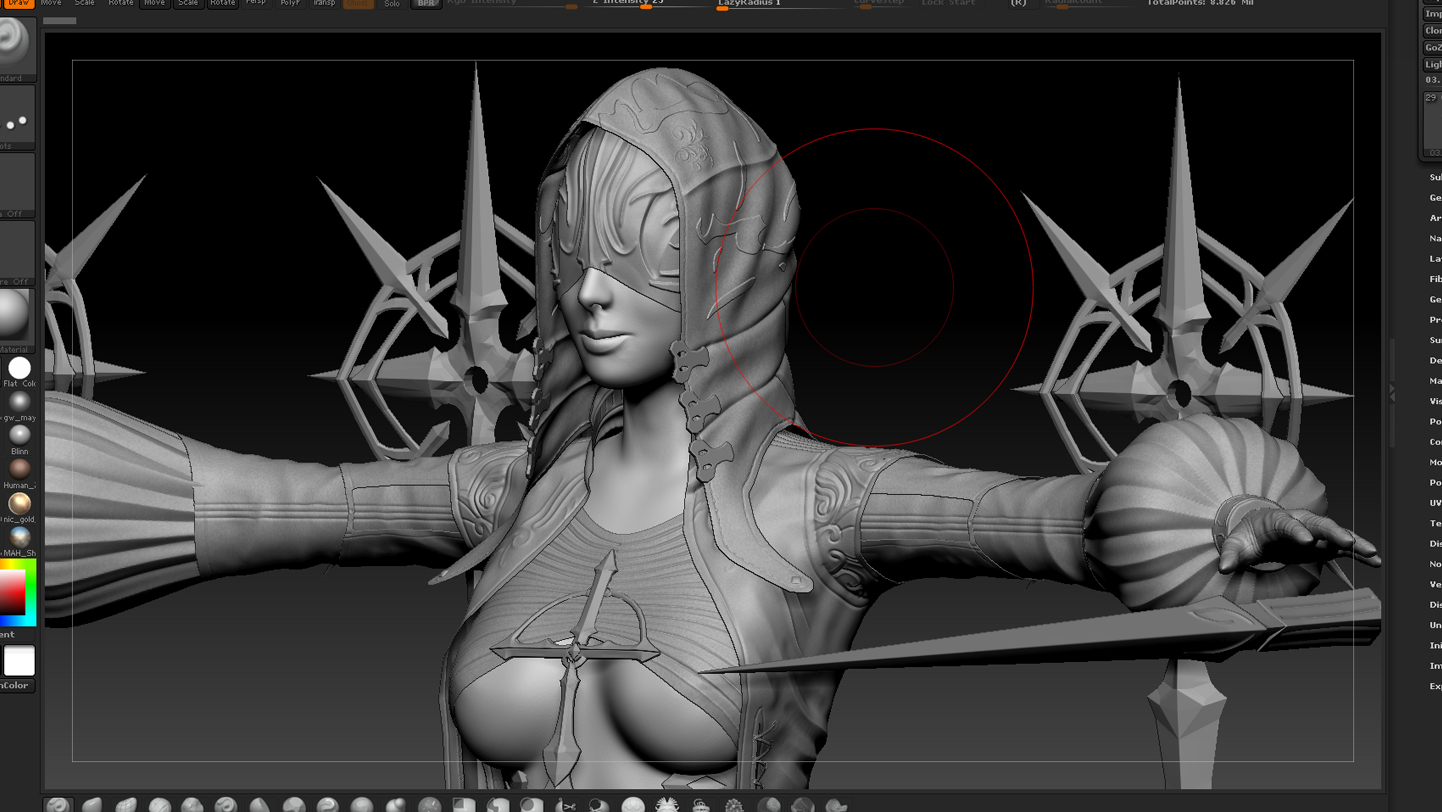
Zbrush Detailing process:

02 - High Poly Detailling Zbrush front.jpg
02 - High Poly Detailling Zbrush back.jpg
02 - High Poly Detailling Zbrush closeup.jpg

Happy Zbrushing! :wink:

There are some parts of the character was not detailed by zbrush,
I planned to do detailing right into substance painter.

Attachments

Front View thumbnail square.jpg

Now it’s time to convert the high poly into projected normal maps :cool:
here is some tips for normal map baking in the xNormal:


Hope this little explanation is helpful,
if you have any question in this topic please let me know and we can discuss it here :wink: