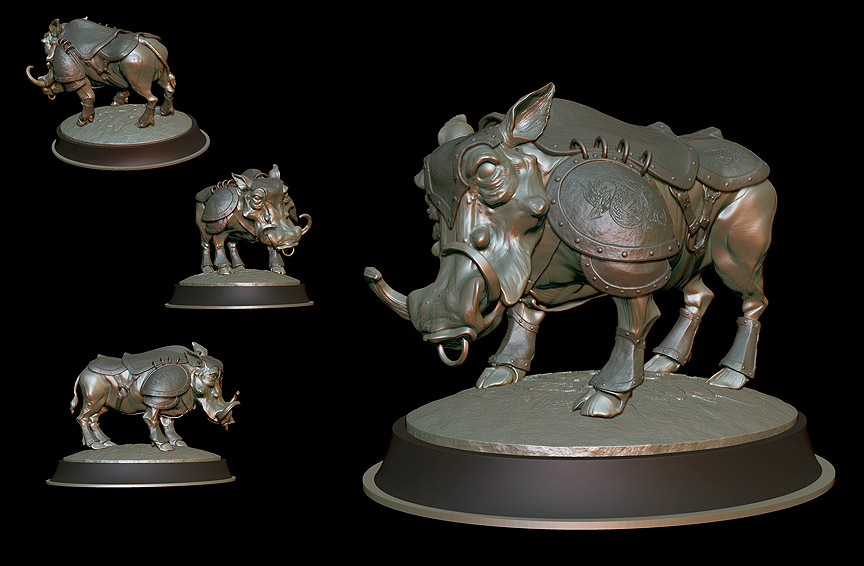
How do I make a ZBrush model hollow(in ZBrush not Maya, etc.) to decrease the cost of printing? I need a hollow interior cavity that is part of the outer mesh. Lots of vague or incomplete suggestions all over the internet. Unfortunately nothing specific to ZBrush. Suggestions are highly appreciated.
I plan on printing the model in pieces, but the warthog body and base need to be hollow or the price is simply too high.
Attachments