ZBrushCentral

Holes in mesh after using GroupsLoops [Answered]

Hello,

after a friend of mine is doing really awesome stuff with ZBrush (imho :wink: ), i’ve started to learn ZBrush as well. So i’m totally new to everything ZBRrush or 3D.

I’ve started with a simple “Headtutorial”, but no i stuck at the eyes, mouth and so on…

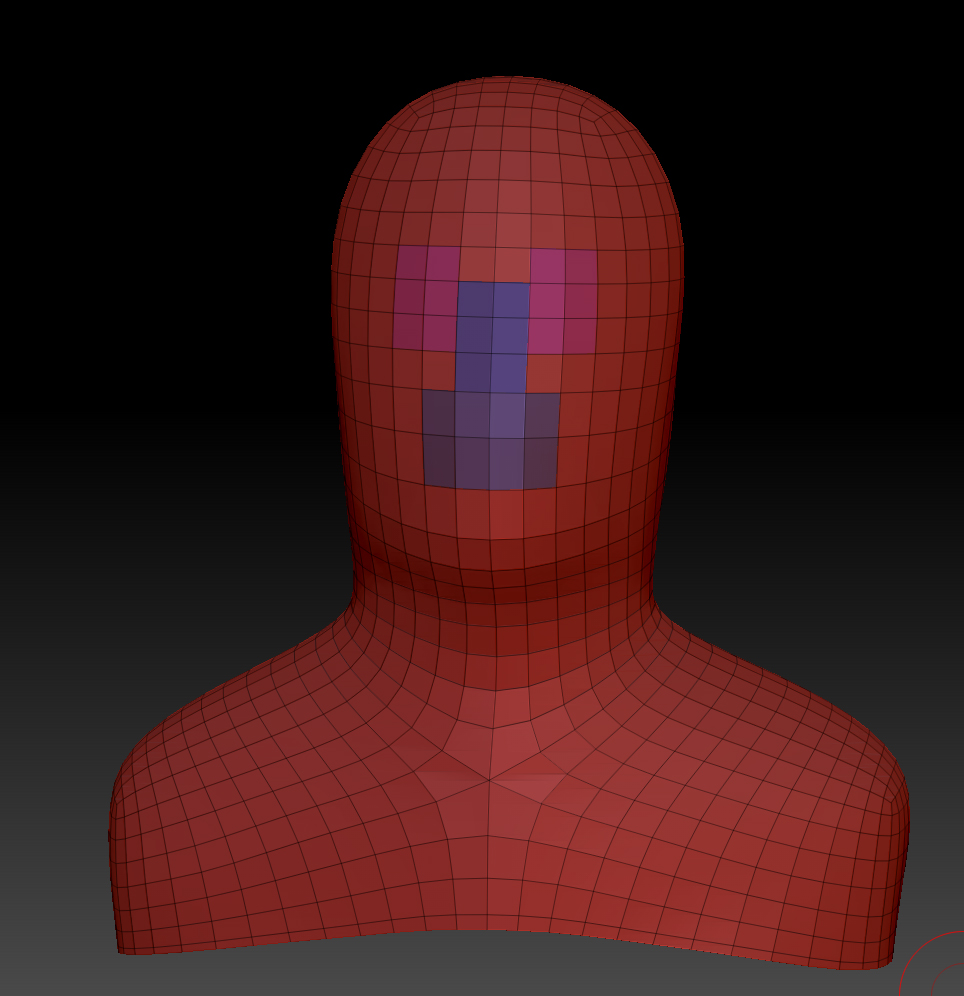
Ive grouped the eyes, ears, the nose and the mouth,

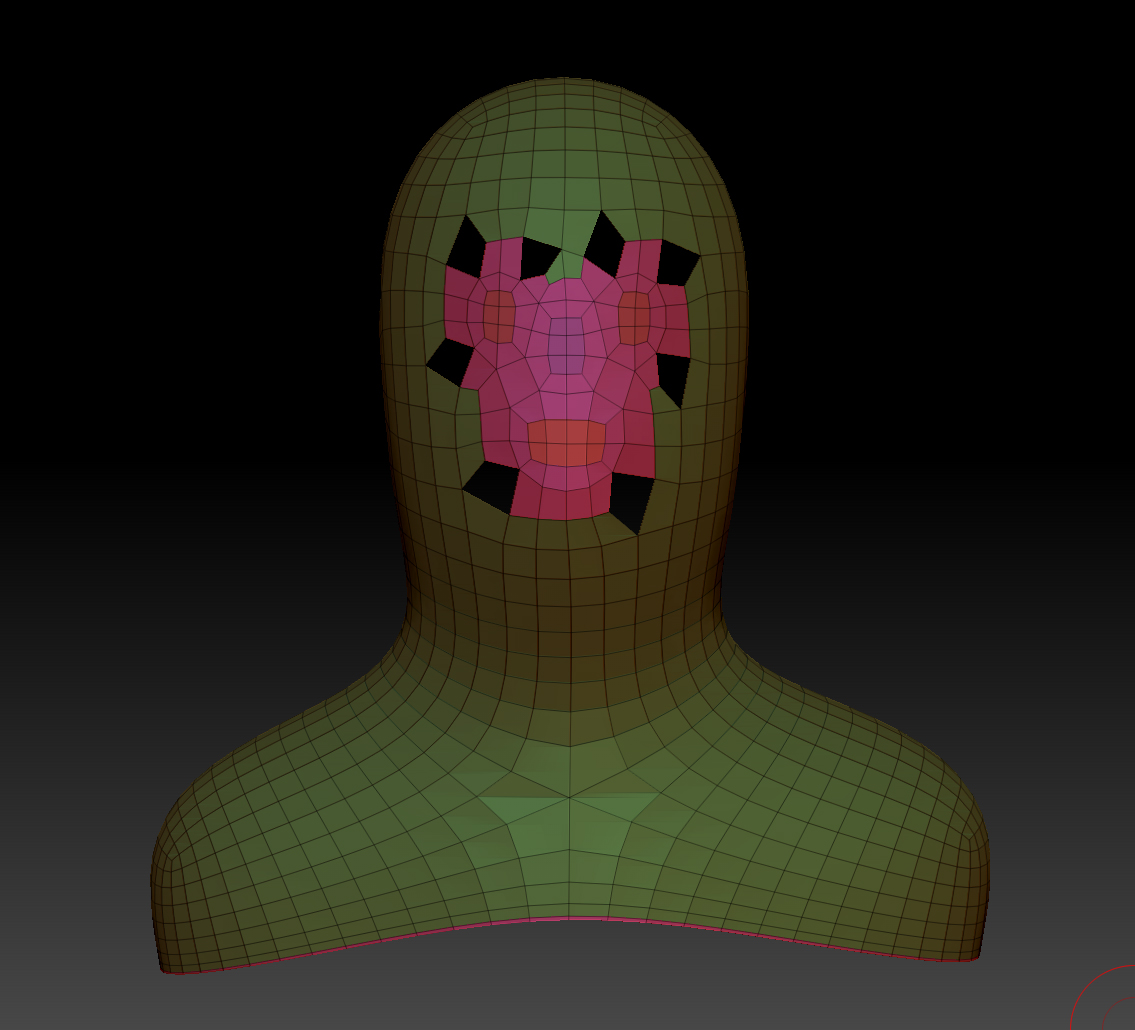
and now i wanna group these loops, but it looks like this:

i’ve tested it out with a simple form, there is no problem, so my headmesh seems to be the problem.

Any ideas? And sorry if this is such a stupid question, as mentioned i’m totally new to this stuff! :slight_smile:

Thanks in advance, vicegold

Attachments
hole_1.jpg

hole_2.jpg

hole_3.jpg

Are you attempting to generate all of the loops at once or are you trying them one at a time?
Set up just a polygroup for the eyes and group loop that, then try the nose, etc.

Also, what happens to your mesh when you give it a subD level? Are those actual holes in the geometry or is Zbrush simply displaying the faces incorrectly?

I’ve tried to loop just the mouth, it’s the same! As well with the nose and the eyes!

When i divide the model in subdivisions it looks like this, so these blackholes are actually holes, right?

hole_4.jpg

Hmm. I’m at a loss. I can give this a go tomorrow when I’m sitting at work wasting time and see what I come up with. Hopefully someone will get back to you before then though.

Could you post the mesh here? The only reason that I can think of for this happening is that there’s a problem with the mesh.

http://dl.dropbox.com/u/160004/zbrush/head_subd_2.ZTL

Thanks. Your mesh does have a stray vertex but that still didn’t cause any problems for me. I didn’t get the holes. I’ve attached the revised mesh.

Thank you marcus_civis for the updated mesh!

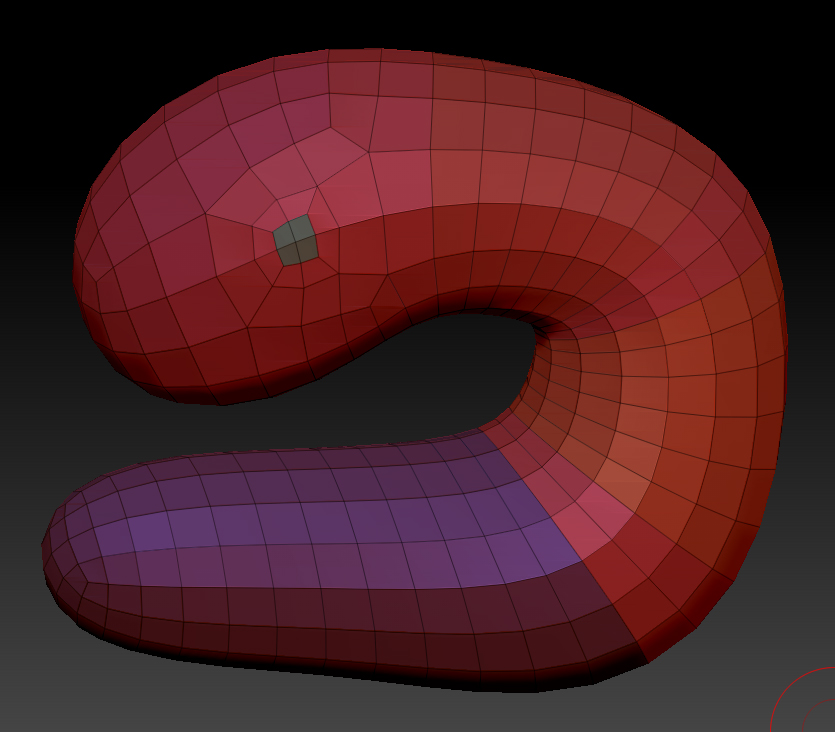
Never heard of a stray vertex (sorry for that), is a stray vertex something like this? It looks a little bit incorrect for me. And how can i avoid or fix it?

hole_5.jpg

And is there a stray vertex in the face as well?

No, that is simply a vertex that is connected to more than four edges, and is often called a pole. Although you don’t want too many of them, sometimes they are difficult to avoid.

A stray vertex is a point that is out on its own, and is not connected to any or enough edges to form part of a polygon. You won’t be able to see a stray vertex but if you press the Tool>Geometry>Check Mesh button ZBrush will tell you if you’ve got any.

Thanks again, marcus_civis! I’ve just resculpted the head, and everything was okay. Don’t really get it what’s the problem, but now everything is fine. Thanks to all posters!