ZBrushCentral

Hm bad texture quality

I have a huge problem and im not sure i have the right workflow on this.
Im trying to make a model for crysis,I made uvs for it in 3ds max.

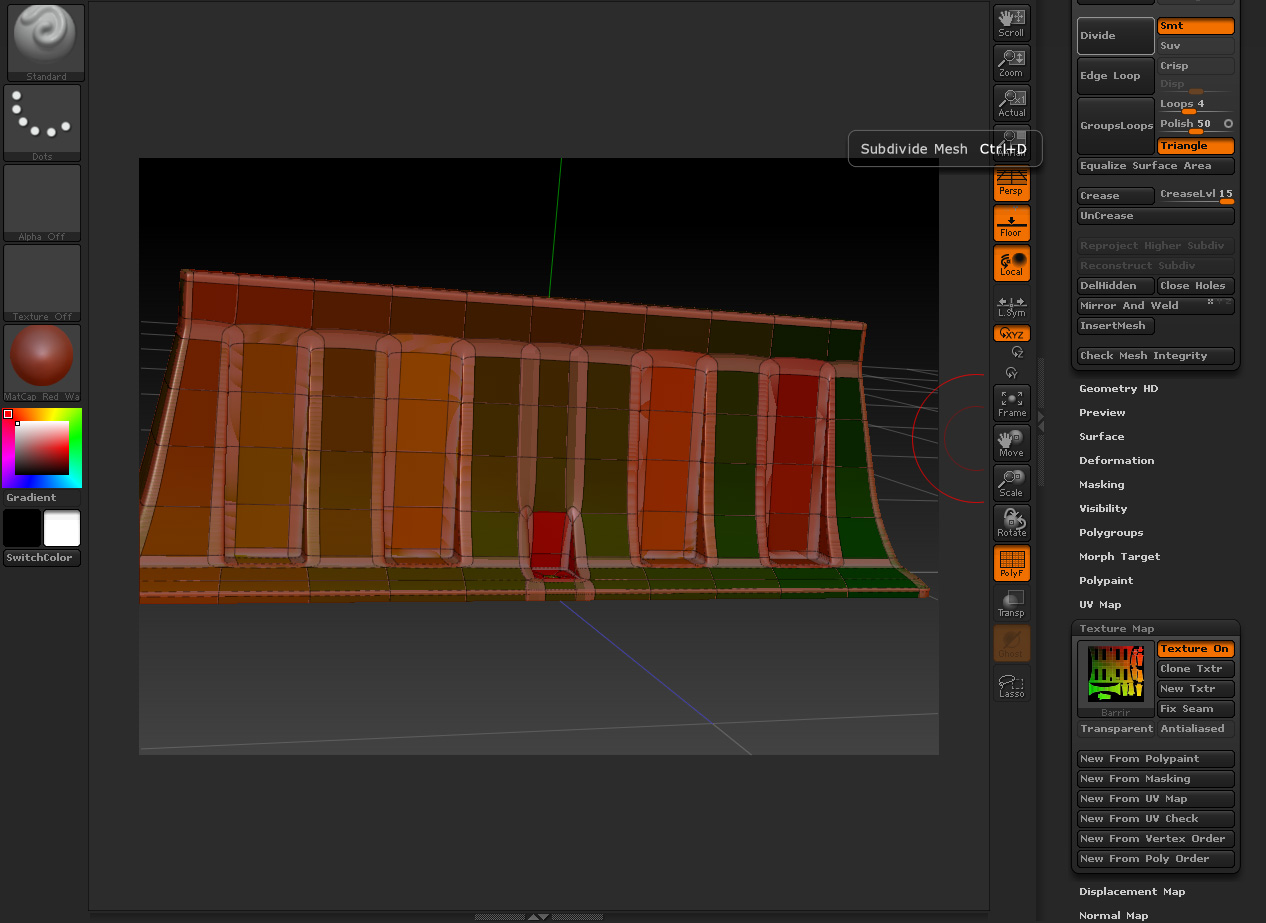
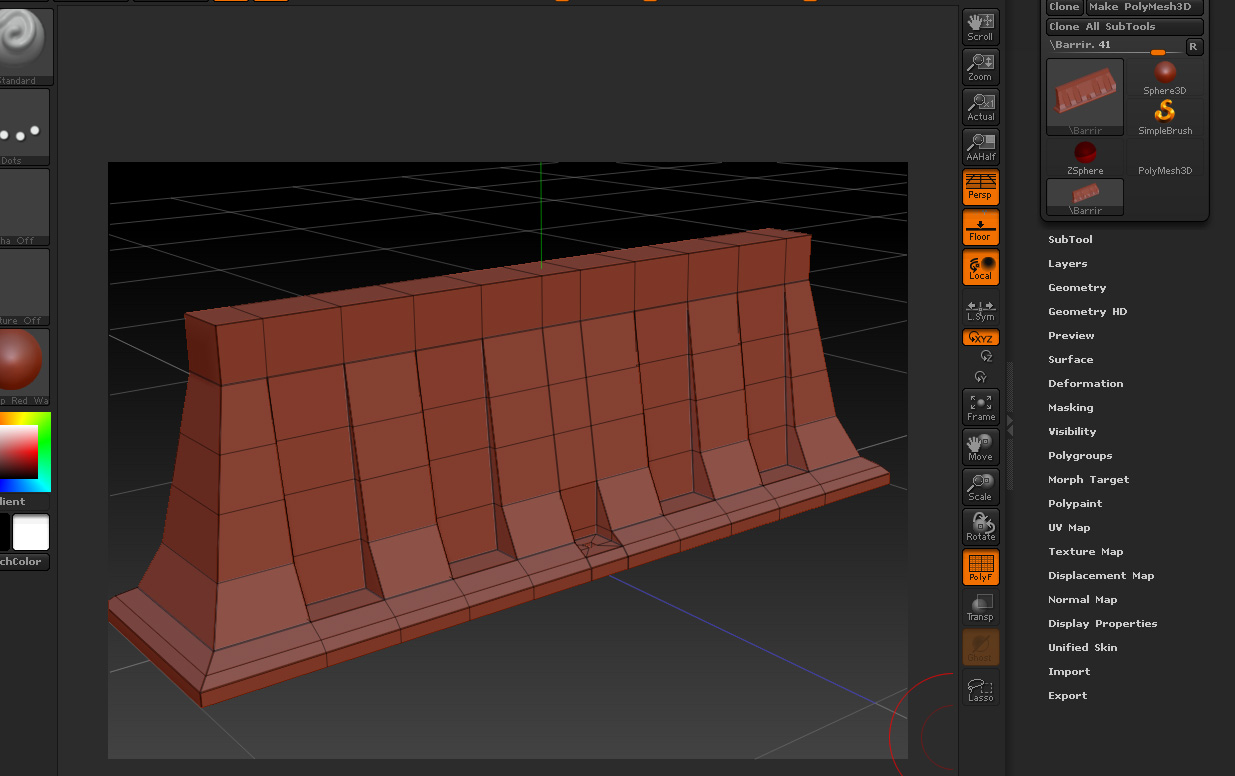
Exported it to zbrush but my uvs gets more and more fuc…ed up when i devide the mesh.Its crawling more and more outside the hard edge areas.

pic 3-4

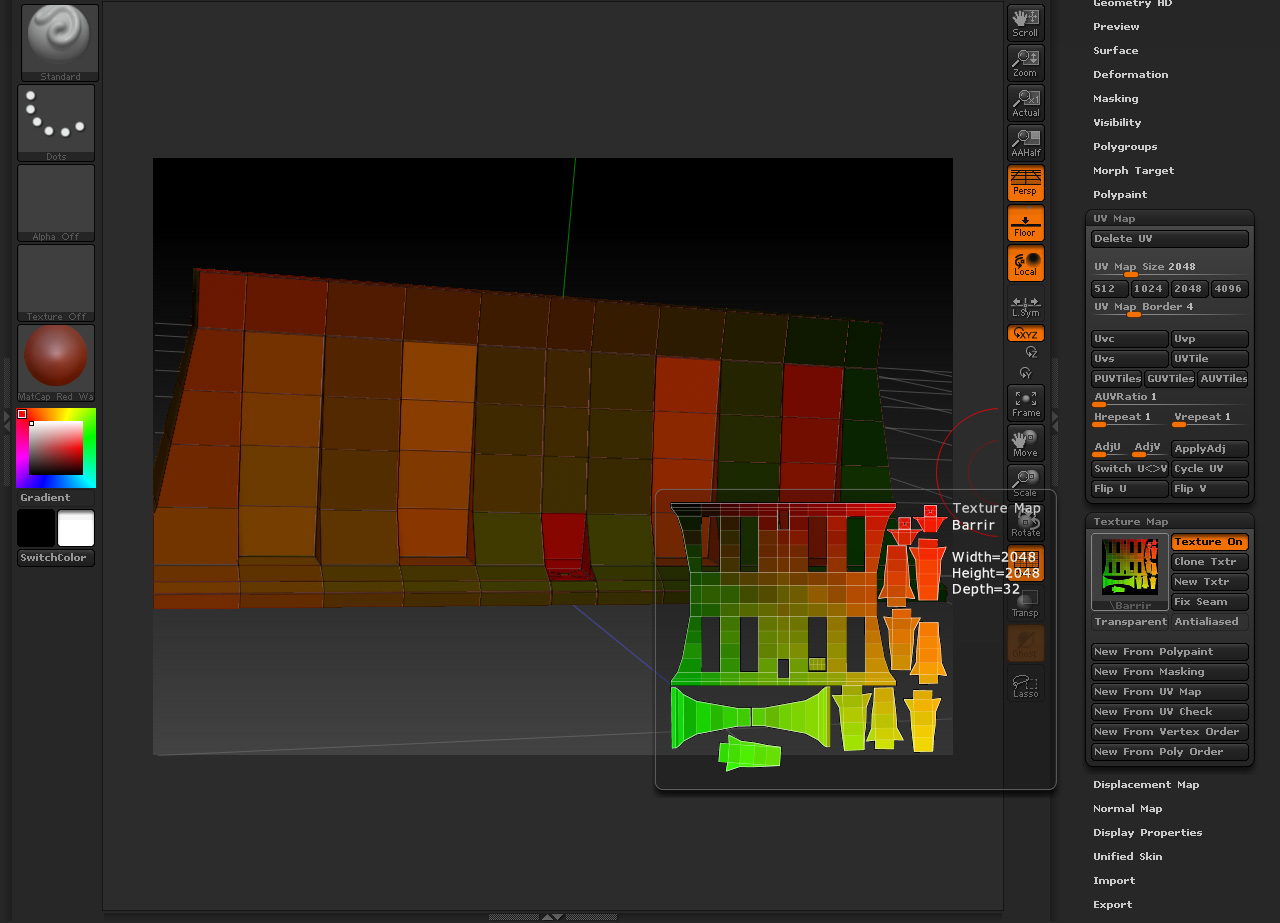
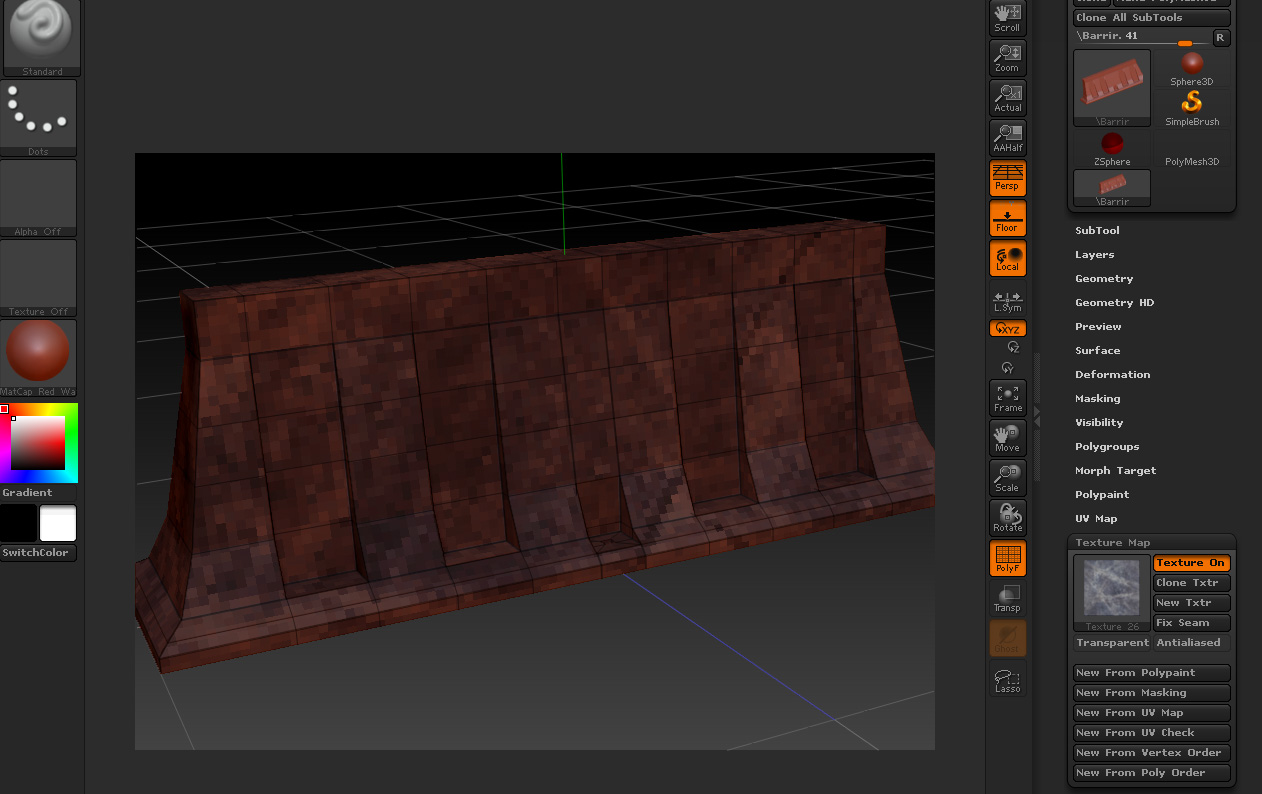
Now to the other problem.I try to make a preview of a simple texture on my mesh.But i get black squares insted

pic1-2

Attachments

3.jpg

4.jpg

1.jpg

2.jpg

Noone?huh:confused:

In the Zbrush 3.5 help i find this

Now, each ZTool and/or SubTool has its own texture management; color and displacement textures are saved directly in the ZTool. They can be displayed or turned off, by clicking on the Texture On or Disp On buttons.

To me it says that IF i have uv,s applyed which i have,i shuld be able to see the texture i applyed in the viewport.And what i get is a joke,Its like i zoom a texture x1600 times.

Well back to Mudbox

Thanks!

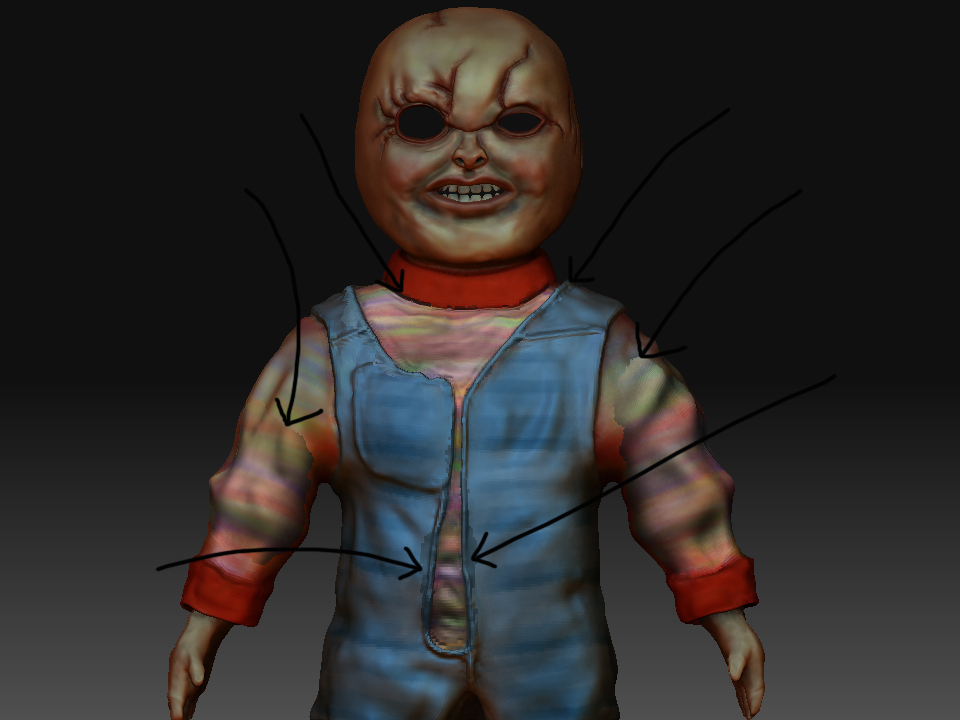
chucky.jpg

right

im currently polypainting a chucky model.

i started with a matcap white but it looks better when i switch to skin04, problem is when i swap to ANY other material type i get horrible seams as shown in the image (arrows)

help would be very grateful !

Attachments

chucky.jpg

hi guys

probably simple but how do you apply an eye texture to a sphere so it maps correctly?

i have a sphere but when i apply a texture its in the wrong location and also needs scaling, any ideas please??