ZBrushCentral

Hi-Res Alpha from GrabDoc (32K x 32K)

Hi,

I try since many days to generate an HiRes alpha from “GrabDoc” feature in alpha-menu.
I managed to divide the 3D-Object in many parts and to fit these to document-size at a 8K x 8K document (max. in ZB).
My Goal is to put these images together and compose an 32Kx32K Image
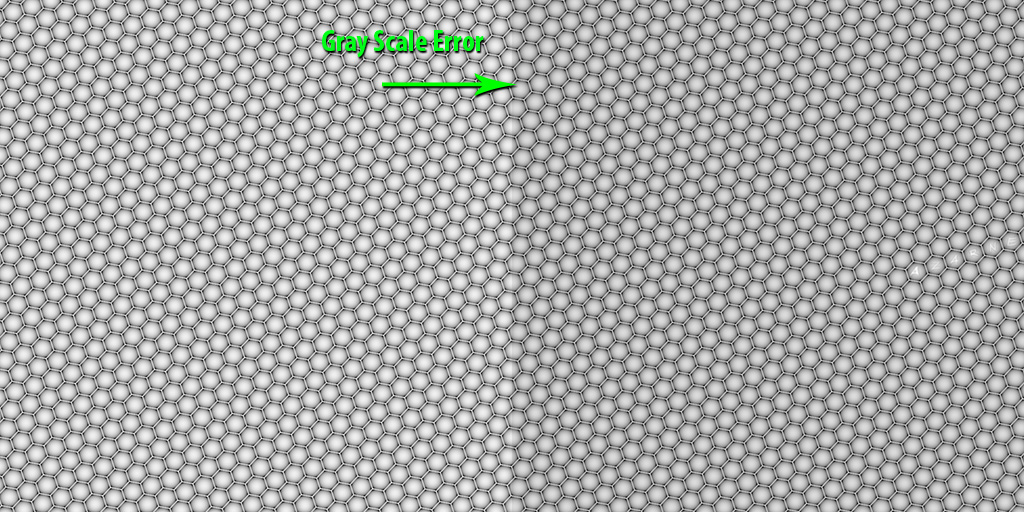
After importing .tiffs in Photoshop the neigbour-parts (images) have different grayscale values even though they had the same depth value in ZB !!!
It means ZBrush transfer the same geometry in different grayscale resultes (alphas).

Is there a way to achieve an even distributed garyscale value in all images?
Many Thanks in advance

Zbrush Object consisting of 2 identical subtools :

The 2 exported Alphas from ZB :

Attachments
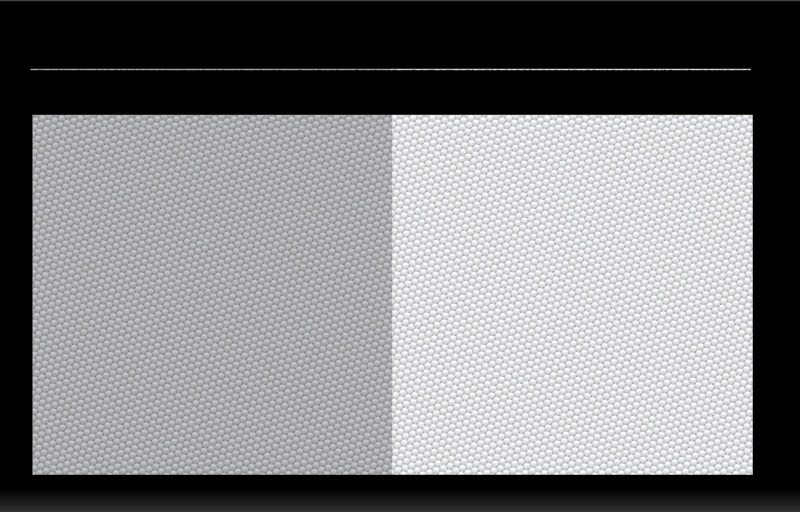
Geo in ZB.jpg

GrayScaleError_1.jpg

As you’ve mentioned … they are 2 different subtools. They have the same color information but ZB greys out the inactive subtool by default. Go to your inactive subtool and click on the little paintbrush symbol next to the on/off switch. After that you should see both subtools ok. Btw … this is just for preview purposes it will not affect the Grabdoc or anything else. HTH

Unless there’s more to this image, 32k is a LOT. Couldn’t you just grab a much smaller section and turn it into a pattern?

Hi dsoellbuster,Hi Cryrid,

Many thanks for your interest and suggestions :slight_smile:
I see, I have to make a more detaild overview of my problem…
A test-projekt with more description and images is on the way.
Cheers