ZBrushCentral

Hi guys, please help me again ... the normal is flipping inside out T-T

Hi, I was wondering if anyone knows what is going on with my model. I think I might have screwed up the uving proccess because my normal keeps turning inside out. the bumps became holes, here is a screenshot…

Its driving me crazy because it happened on all three legs but one. the backleg that you can see right now in the image was also flipped, but after I changed the uv lay out it turned back to normal so I was doubting that uv lay out had something to do with this. I flipped the uvs on all three legs that had issues, anyone knows why this is occurring? Please if anyone knows … save me asap :cry: ~ THNX!

Easy fix

  1. The normal colors need to be flipped because your UVS are stacked or mirrored on one another.
    you should post your UVS

bring the normal map into photoshop and goto the channels. Click on the red channel and invert it. and save it as a new map.

Grab the faces in the leg that has the inverted mapping. Assign a new material only to these faces and choose the the new normal map you saved.

Keep in mind that you might have to try different inverts on different channels until you get the right combo.

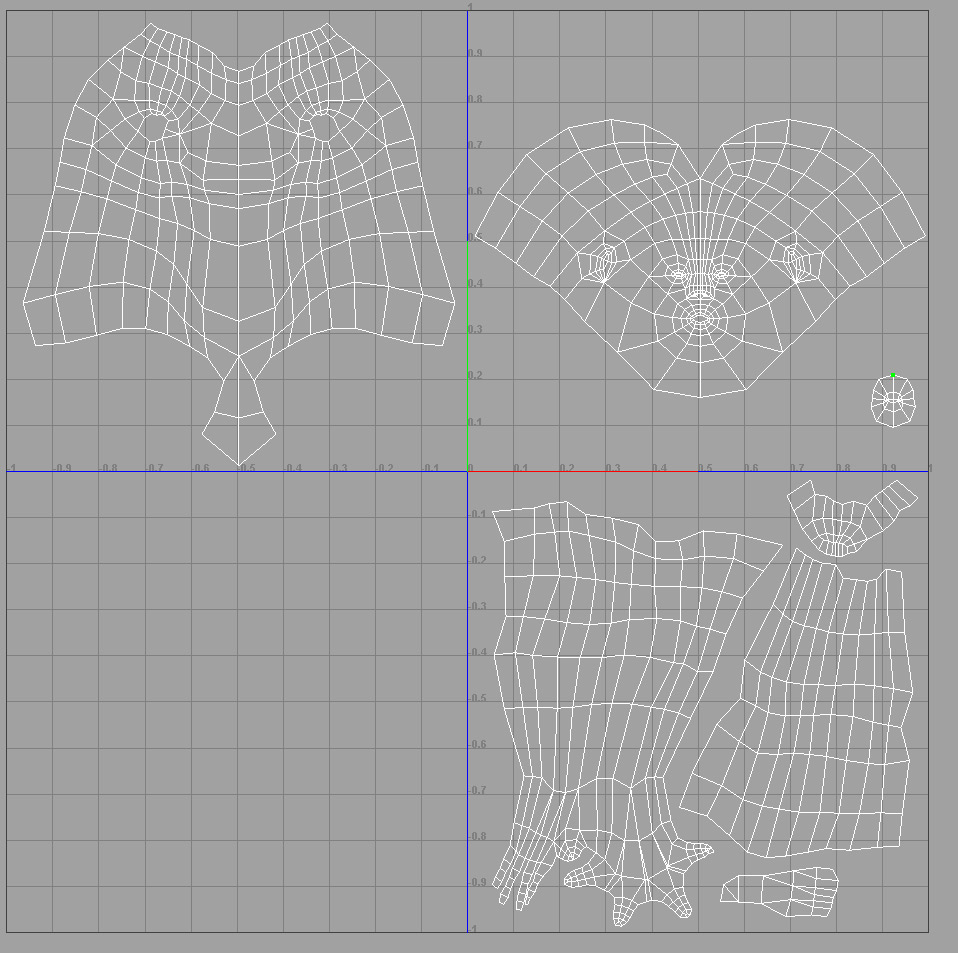
OMG you guys are awesome. I haven’t been to a community in which my questions get a response so quickly and everytime too, for a while. THank you so much and here is a shot of the UVs. I was wondering if anyone can let me know the secret of UVing for normal map so that I don’t have to go through this everytime I make a normal map. I use the traditional way of making low poly characters to UV, I usually flip them around for the heck of saving UV space… here is an image…

Your UVs look ok but you have alot of space that could be mirrored and it will relieve alot of your texturing headaches
I have a few movies on UVs www.houseoftutorials.com Zbrush 103 covers UV switching but heres a picture of what needs to happen if you want your UVs to be mirrored and stacked.

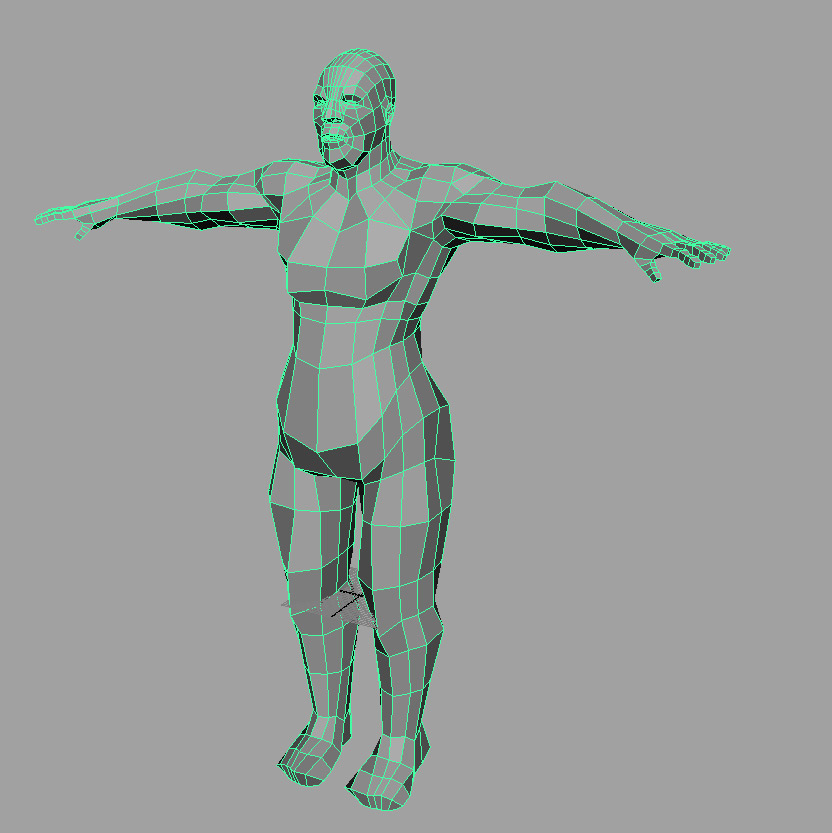
heres a sample dont look at my edge flows though because this model sucks in the topology department

uvs.jpg
Notice how my UVs are stacked on the arms and legs and feet.
Leaving only the head and body not mirrored;)

Attachments

uvs2.jpg

okai… well I didn’t know that, I mean I’ve always been stacking my UVs until I started using zbrush because I was told NOT TO. So there won’t be any problem stacking the UVs? no side effects at all?

The only limit is that both sides will always be the same. meaning if the model say had a tattoo on one arm it will show up on the other. But I have never had a issue with it at all as far as Zbrush. Zbrush will say it has a bad uv test but everything else works great. Did flipping the channels help your map?

it’s workig fine now ! thank you !!
I thought the only way was to regenerate the normal map in zbrush with flip red turned on so yah … haha