ZBrushCentral

Help with tilable texture

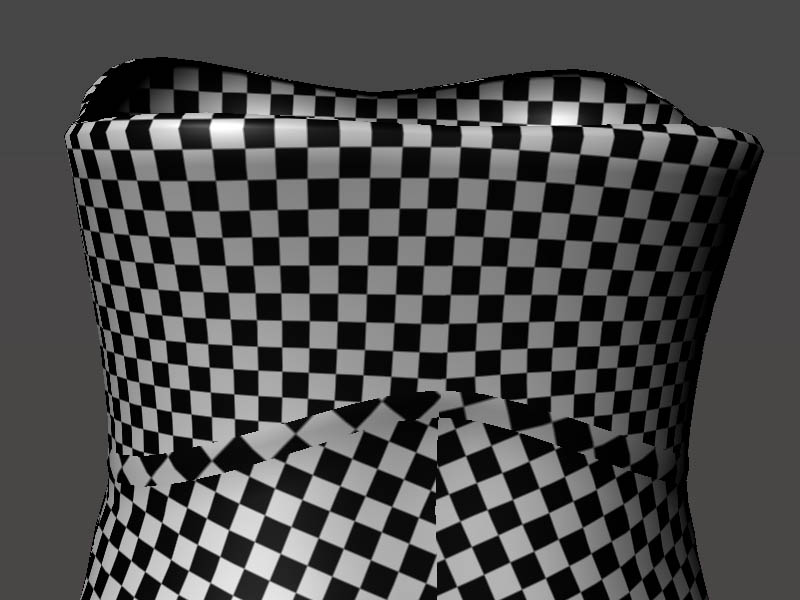
Hi everyone, I’m trying to model a carbon-fiber like corset with Maya and Zbrush, but I can’t get the tilable texture working, either I get problems with the seams, or some weird distortion of the texture.
I think that this might be a problem already treated in this forum, but I’m still searching for an answer so please … give it a look.

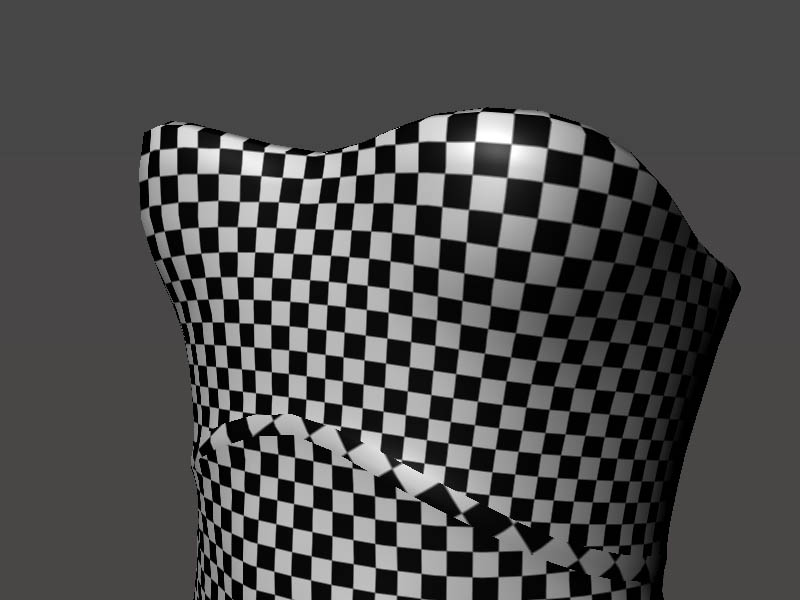
OK now, here is the problem, I do the uv layout in Maya using GoZ and get what it looks to me a good result

[attach=248083]maya1.jpg[/attach]
[attach=248085]maya2.jpg[/attach]

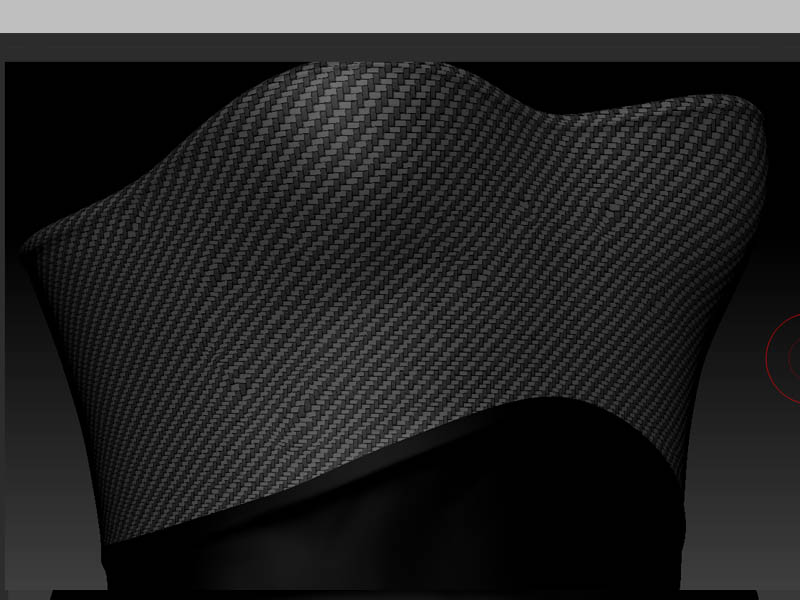
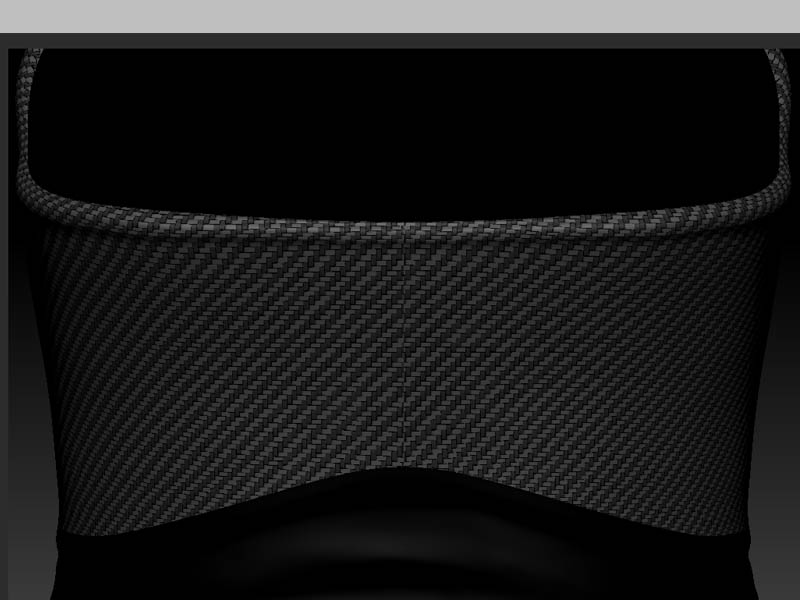
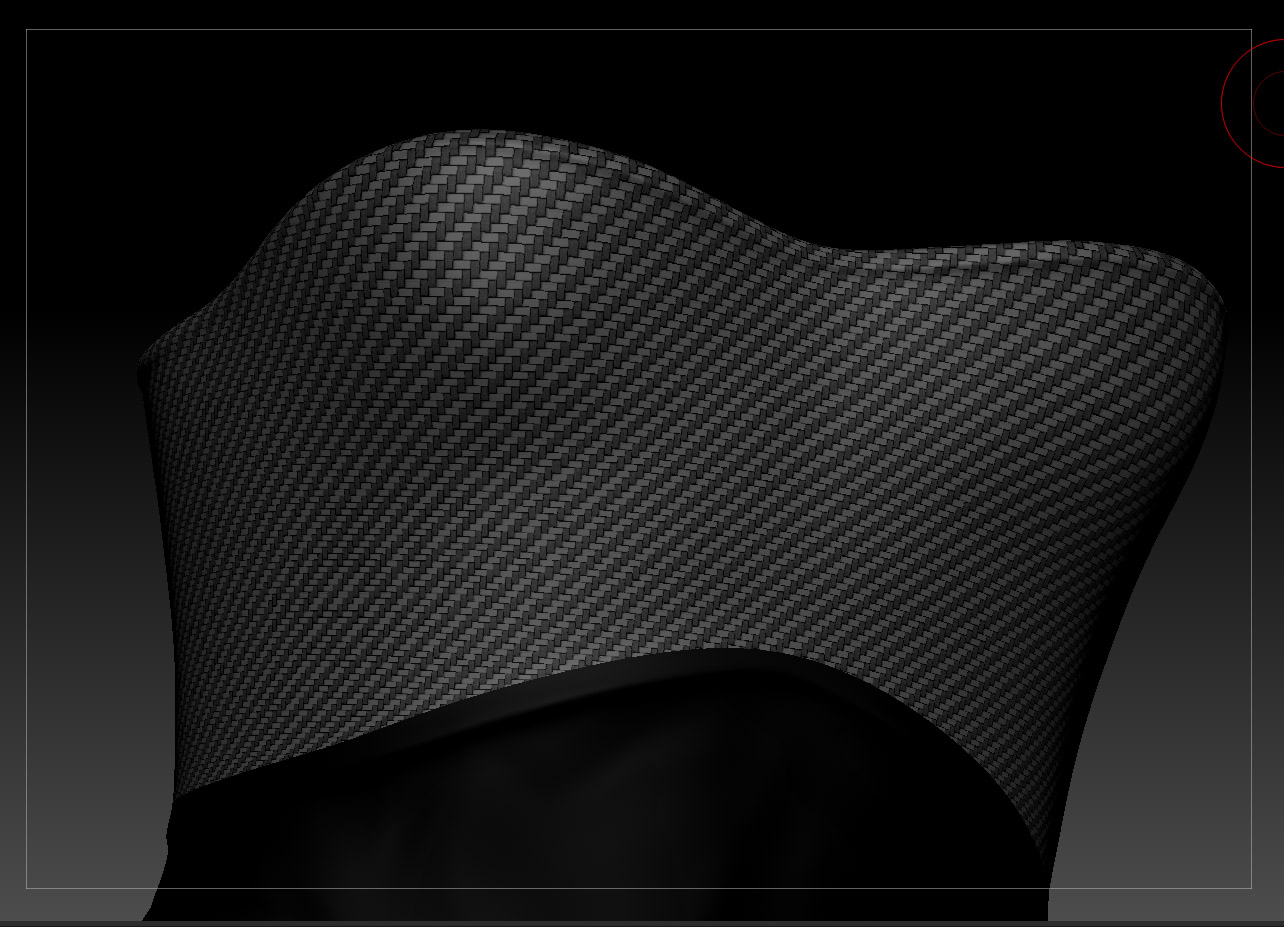
But when I go back in Zbrush the texture looks wrong

[attach=248086]Z2.jpg[/attach]
[attach=248087]Z1.jpg[/attach]

I’m trying everything to get a nice tile over the model but without results, and this was the best reasult I got.

I tryed the UVtile solution under Zbrush but it messes with the orientation.

Any idea how to ?

Attachments
maya1.jpg

maya2.jpg

Z2.jpg

Z1.jpg

Before you subdivide your model, make sure you have “SUV” turned on.
It is right beside the “Divide” button. I had the same problem a while a go.
Hopefully thats whats going on.

Yes!! Yes!! Yes!! It was it !!
Thank You so much SadamHu !!

Ok !! SUV is great … but what a pain !!

I’m trying to get a good understanding of the limitations of this tool. In my case I have a mesh in Z at lvl7 of subdivision, bad uvs and no suv; the goal is to have a nice tiled texture around the model with no seams or distortion.

So I got the lvl1 in Maya and did again the uvs, now they looks good:

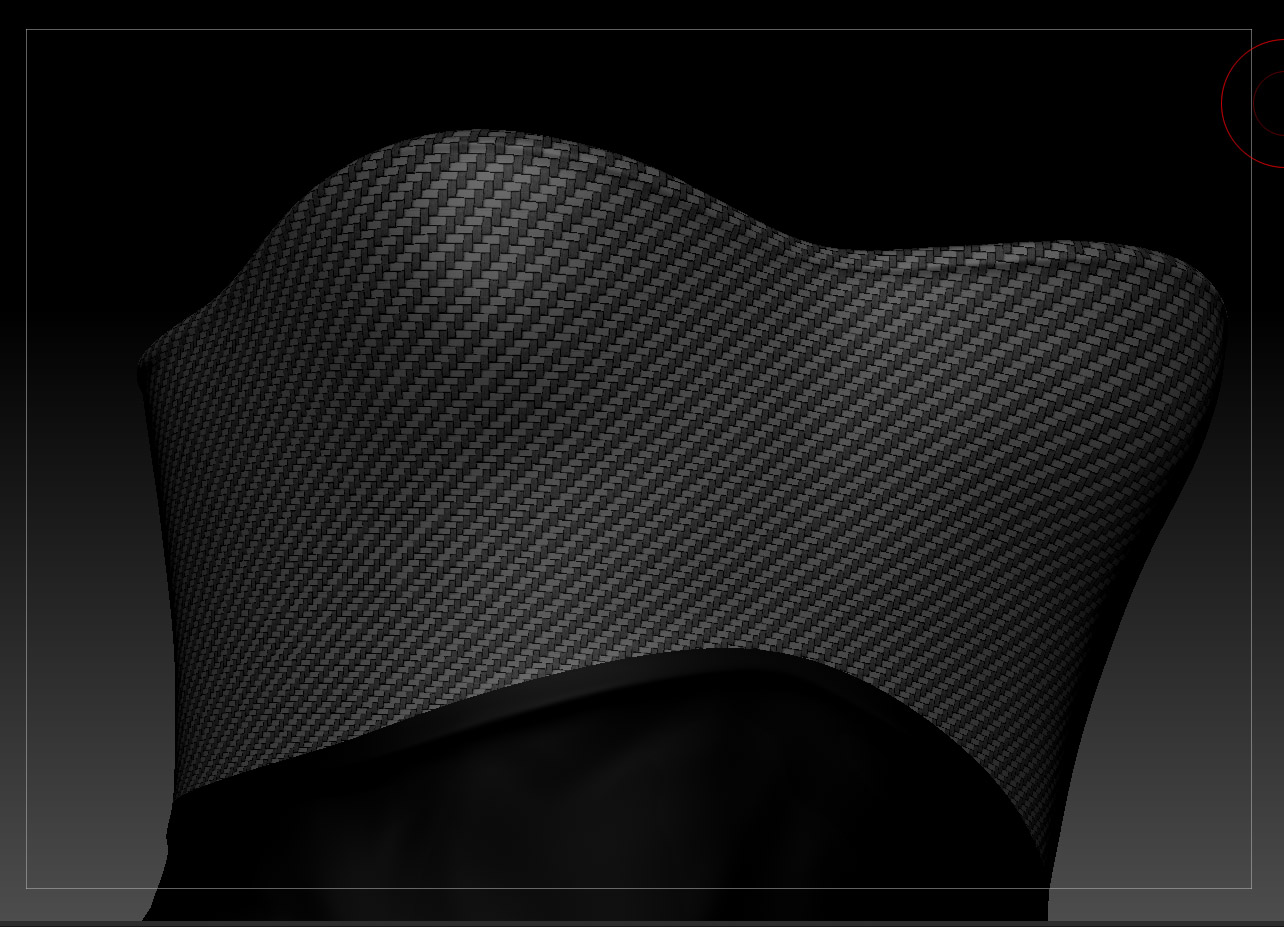
1 - this is attempt no1, I appended the mesh as a subtool and used the “Projectall” function in Z to transfer the details while dividing with the button “suv” on: result is very good to me, the diagonals are straight

project.jpg

… now I’m confused …

Attachments

morph.jpg