I want to texture an object with the projection master but I don’t know, what is wrong…
I load the tool. Go in the PM draw there the texture and when I pick it up the result doesn’t look as in the PM. What is wrong?
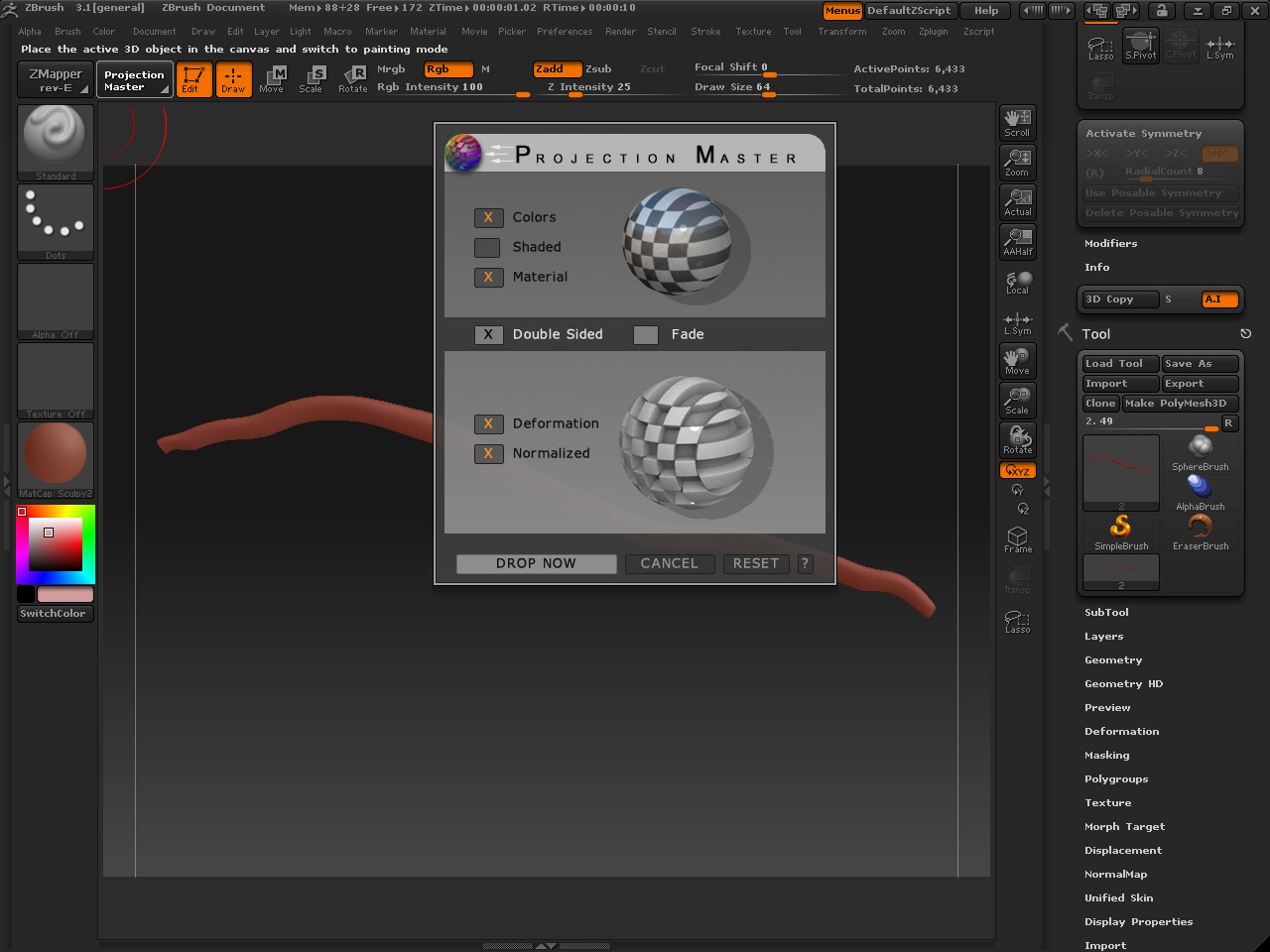
Can anyone help me?
Attachments
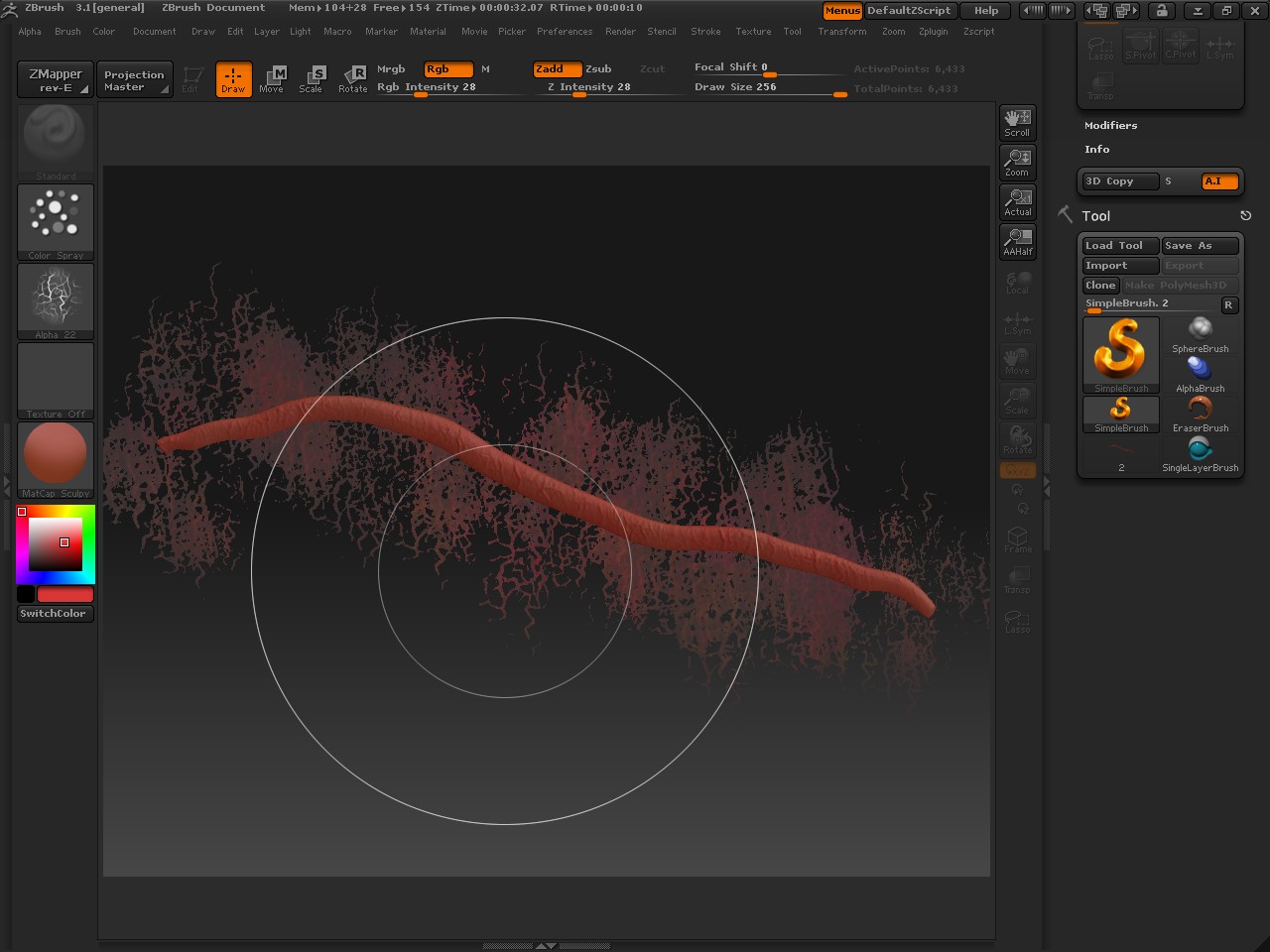
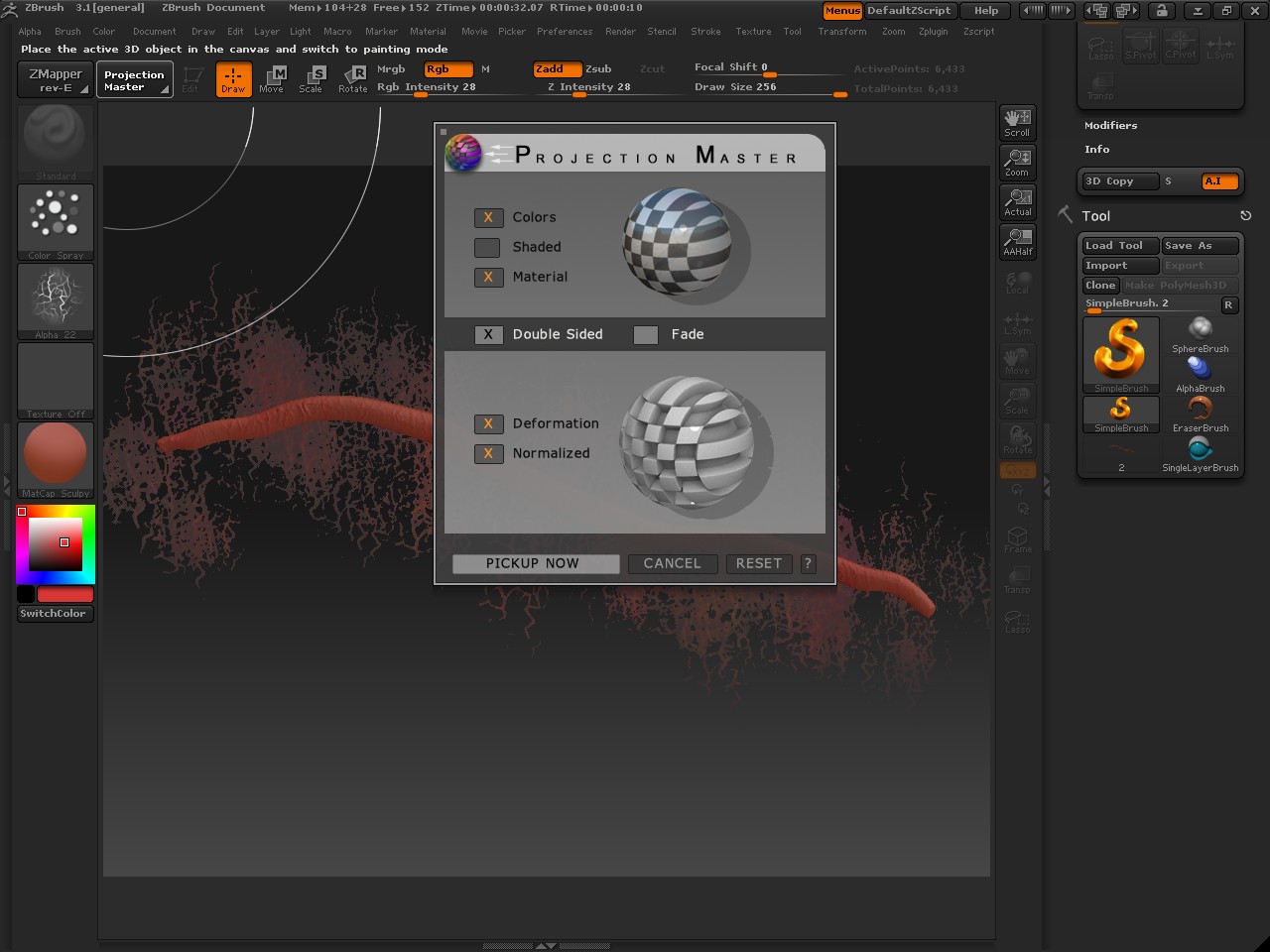
I want to texture an object with the projection master but I don’t know, what is wrong…
I load the tool. Go in the PM draw there the texture and when I pick it up the result doesn’t look as in the PM. What is wrong?
Can anyone help me?
Sorry for the double post.
But please! Can anyone help me?
If you just want texture (paint) the you should make shure that on ly color is ticked in the PM popup. when you have deformation ticked it will kind of… deform…
I want it to deform. It should be kind of a gullet…
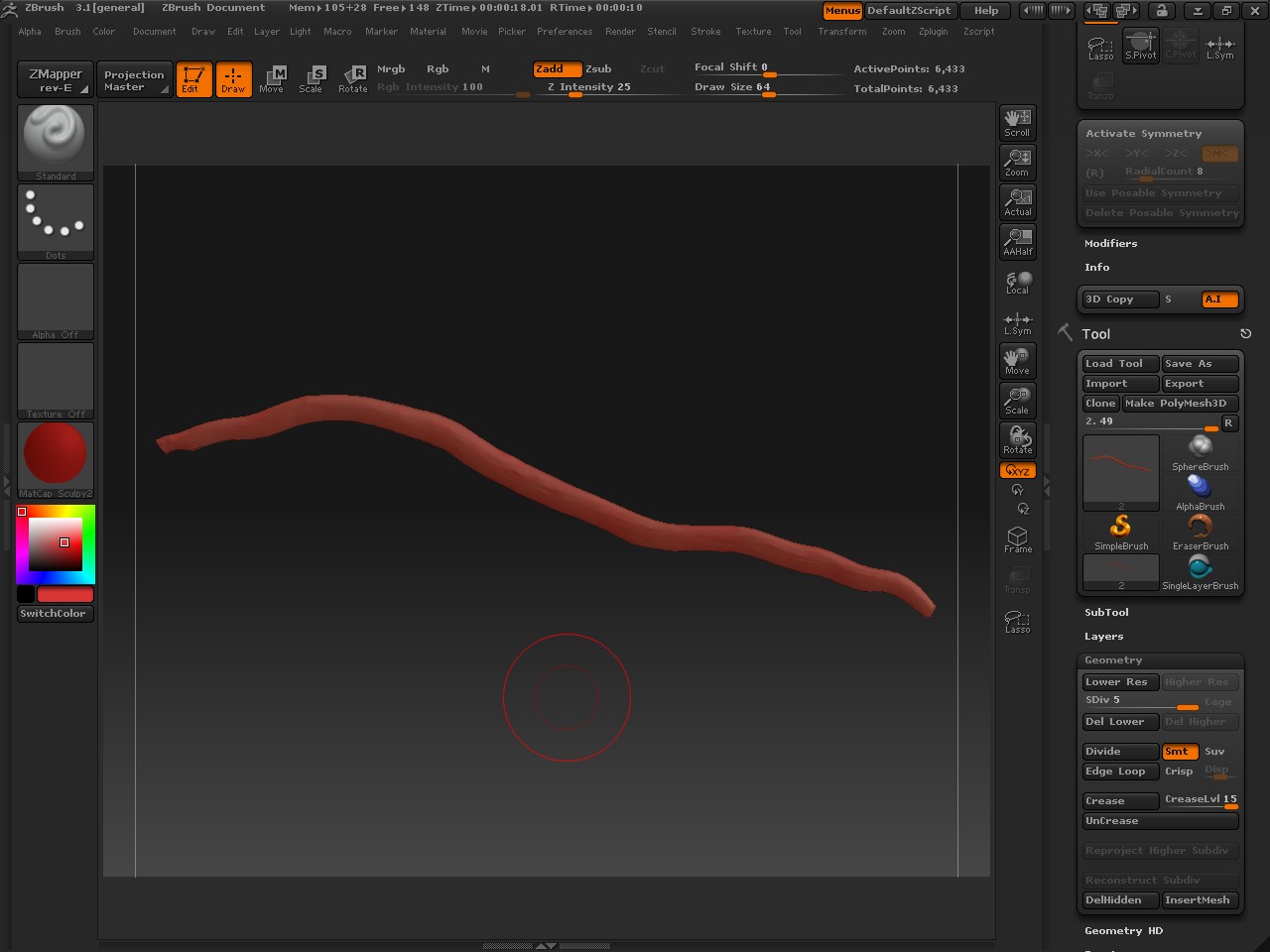
and in the PM it looks exactly the way I want it to. But if I pick it up. it is not so defined… it’s just a lump -.-
Just from the looks of the UI, you dont have enough divisions on the object to support that level of detail. You have 5 subdivs, but only about 6k points. Divide it until ZBrush says you cant divide anymore and try projection master again. Depending on your system of course, you should be able to get at least a couple million points which will help you support the level of detail you are trying to achieve.