ZBrushCentral

Help with texturing

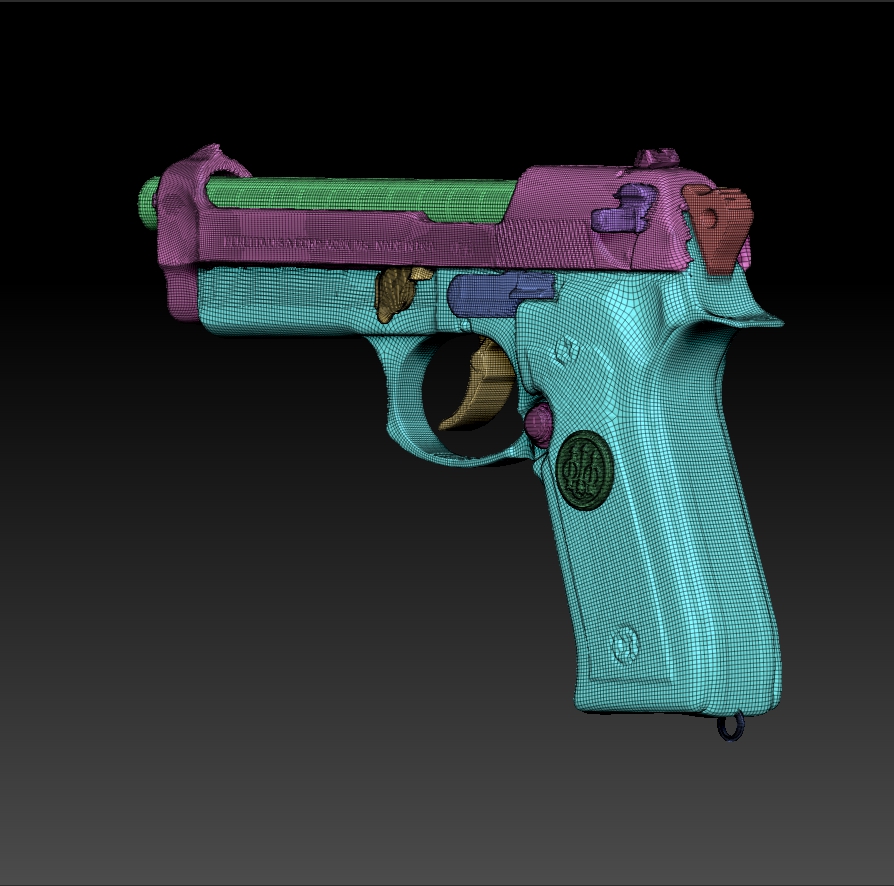
When i have subtool and i texture on it from spodlight how can i extract textures ? i mean something like that image i put down here …because i want to put textures into gta san andreas and i dont know how other peoples do that i downloaded a one of models for gta san andreas and in txd file was the textures for model but how i adujust precisely to set on my model ?
my models work in game but how to put textures into my model who knows that please helpp!! :((

Attachments
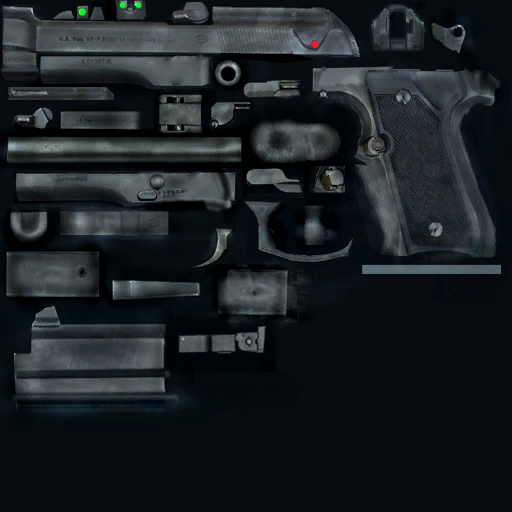
M9black.jpg

1) Your model must have UV mapping. If it doesn’t have mapping, go to level 1 and apply UV’s. You can do this via UV Master, one of the default UV Map types like PUV Tiles, or by importing a version of the model that does have UV’s.

  1. Once your model has UV’s, go to the highest level where your details are clearest. In the Tool>UV Mapping sub-palette, choose the size of map that you want.

  2. In the Tool>Texture Map sub-palette, press “New From Polypaint”.

  3. Clone the resulting texture to the Texture palette.

  4. In the Texture palette, flip it vertically and then export it for use in your other program.

  5. If you had to apply UV mapping, return to level 1 and export that version of the model as well.

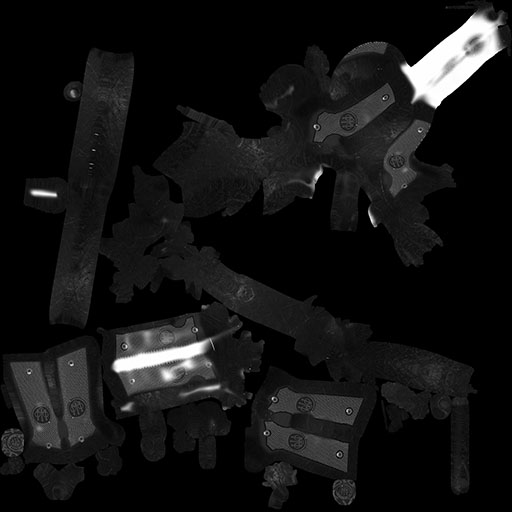
but how do i have to know what is wich part of weapon when its morped its look like this:

Attachments

morphed.jpg

this is before flatren

Attachments

unmorphed.jpg

The morph animation itself can help you pinpoint what portion of the model corresponds to a UV island. This can be slowed down for a better glimpse using Preferences: Interface: Morph UV Timer, or you could just morph back and forth repeatidly.

Personally, I prefer to use checker textures like this and these to help me align things. You can even find some included with Zbrush in your ZStartup\ZPlugs\UVMaster_checkers directory.

It also becomes a big help if you have any additional maps baked such as an Ambient Occlusion map, or a normal map. These maps usually contain details that can serve as excellent visual guides to help when texturing. And finally, because zbrush lets you paint directly on the model and convert the result to a texture, there are times when you don’t even have to worry about painting in 2d, the computer will translate the information for you.

okej thank you so much :slight_smile:

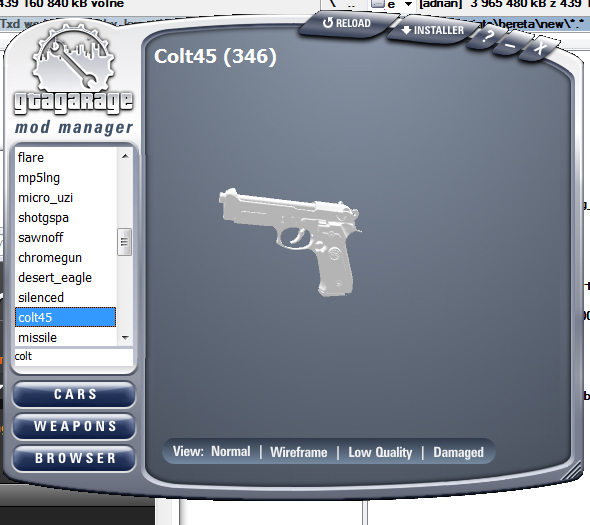
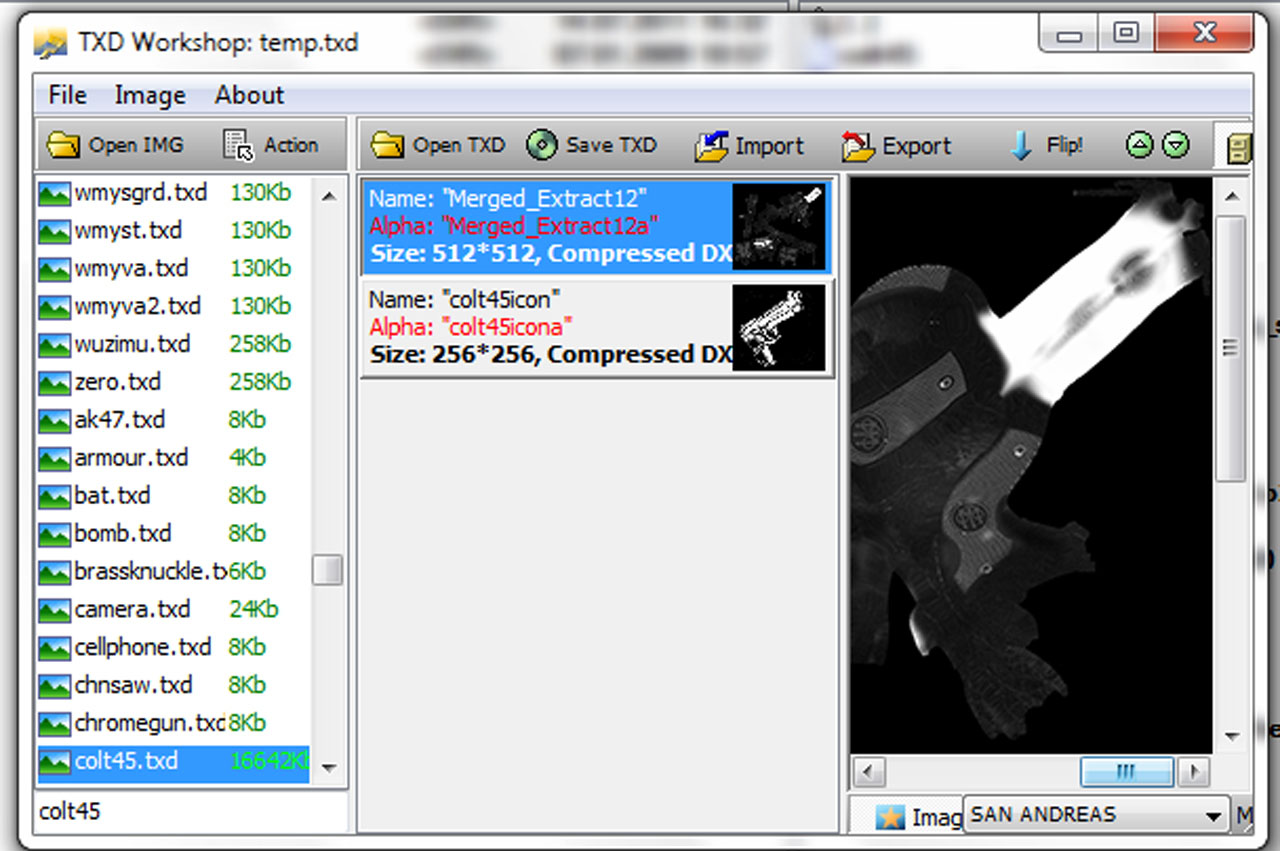
hi again i have a problem with texture again i do this:on my beretta model in zbrush i do an unwrap with polygroups then i go to textures and hit new texture then turn off the textures and in spotlight i texture my model then hit texture from polypaint and now it extract my textures i hit copy and export it when i put my model into gta the model is working but when i replace the colt45 textures in colt.txd it doesnt work why? this is the pic of my textures and the my model textures not working… but before i import my model into gta i export it from zbrush and do this : http://www.gtaforums.com/index.php?showtopic=454846

Attachments

third.jpg

one.jpg

second.jpg

textures.jpg

Hello again,

Getting the texture exported correctly is one thing, getting it to work in a specific engine is a completely different beast. I’m not sure to what extent anyone on this community has any experience with when it comes to modding GTA specifically, so at this point you might have to start asking a community that specializes more on such things. ModDB might be a place to start, or the GTA forums.

On a side note: That model is looking extremely heavy to throw into game engines, especially older ones. If you were to severely lower the polycount on it, you would have an easier time unwrapping it, getting a better texture out of it, and running it in a game. You may want to look into some of zbrush’s retopology tools that are available for such a task, or check out a tutorial such as http://www.youtube.com/playlist?list=PL925958D31D8D30C7