ZBrushCentral

Help with rendering.

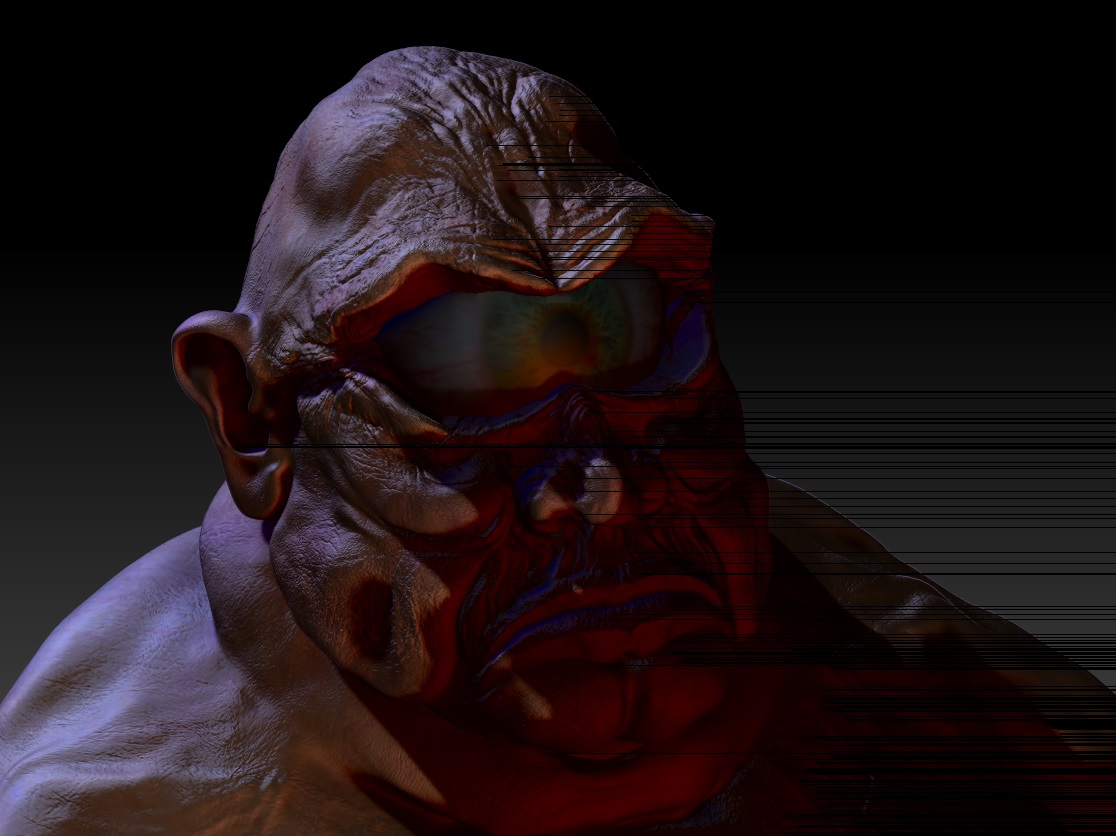
I need some help with the renderer. I don’t know what I did but for the life of me I can’t figure out what’s going on, but each and every time I go to render the scene, my image turns out like this. It doesn’t matter how I change the lighting and how things look in the preview window, it keeps coming out as below. Not to mention that black line across. What did I do??? (new to zbrush yfi)

Thanks for any point in the right direction.

Attachments
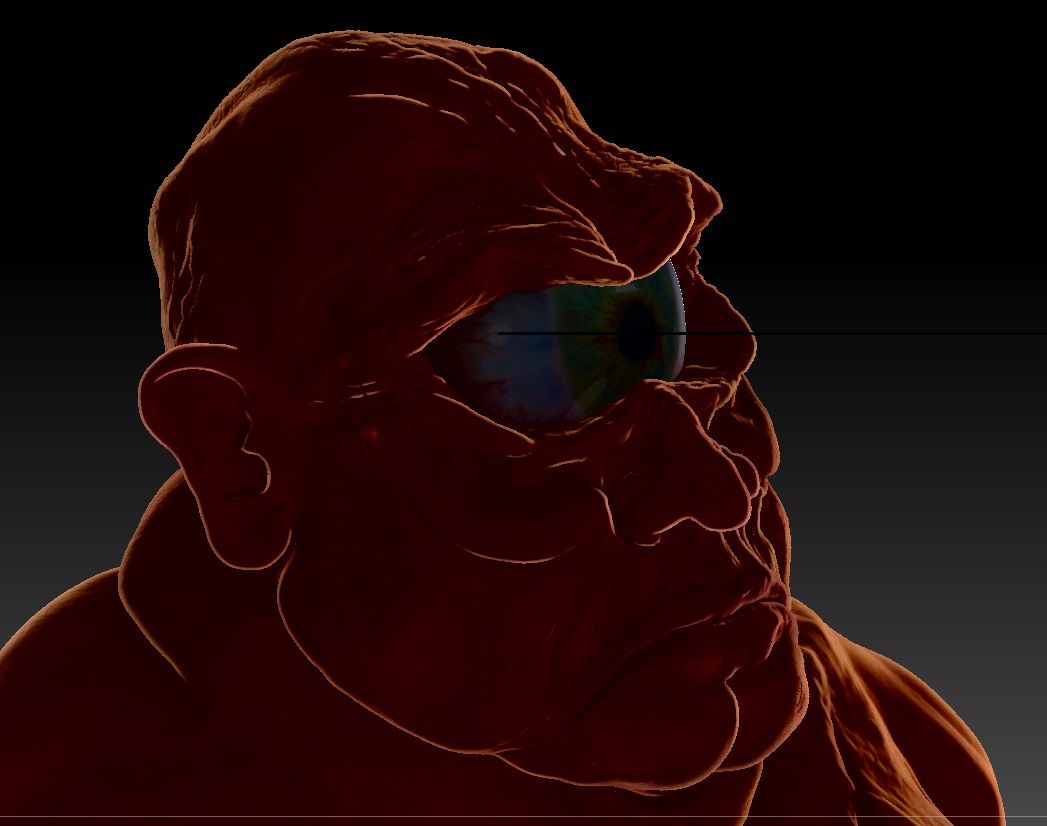
Bad Render.jpg

OK, I saved the model as a tool, reloaded zbrush then created a new project with the tool. Rendering at default setting worked fine. I then went and redid the lighting in LightCap to see what would happen, and this is my result: it appears to be a problem with the shadow map? I dunno, but the shadows seem to get that weird red tinge, never mind the black artifacting…
Bad Render_02.jpg

Bump

I’m guessing i need to reinstall?


  • What version of zbrush are you using
  • What operating system
  • What do your material settings look like
  • Are you using basic materials or matcaps
  • What do your full light / render settings look like
  • Does this happen to any tool in any project, or just this particular one
  • Does this happen to the same tool in a new project
  • If its only isolated to the tool regardless of the project, does it happen if you export the model as an obj and reimport it into a new project