Hey,
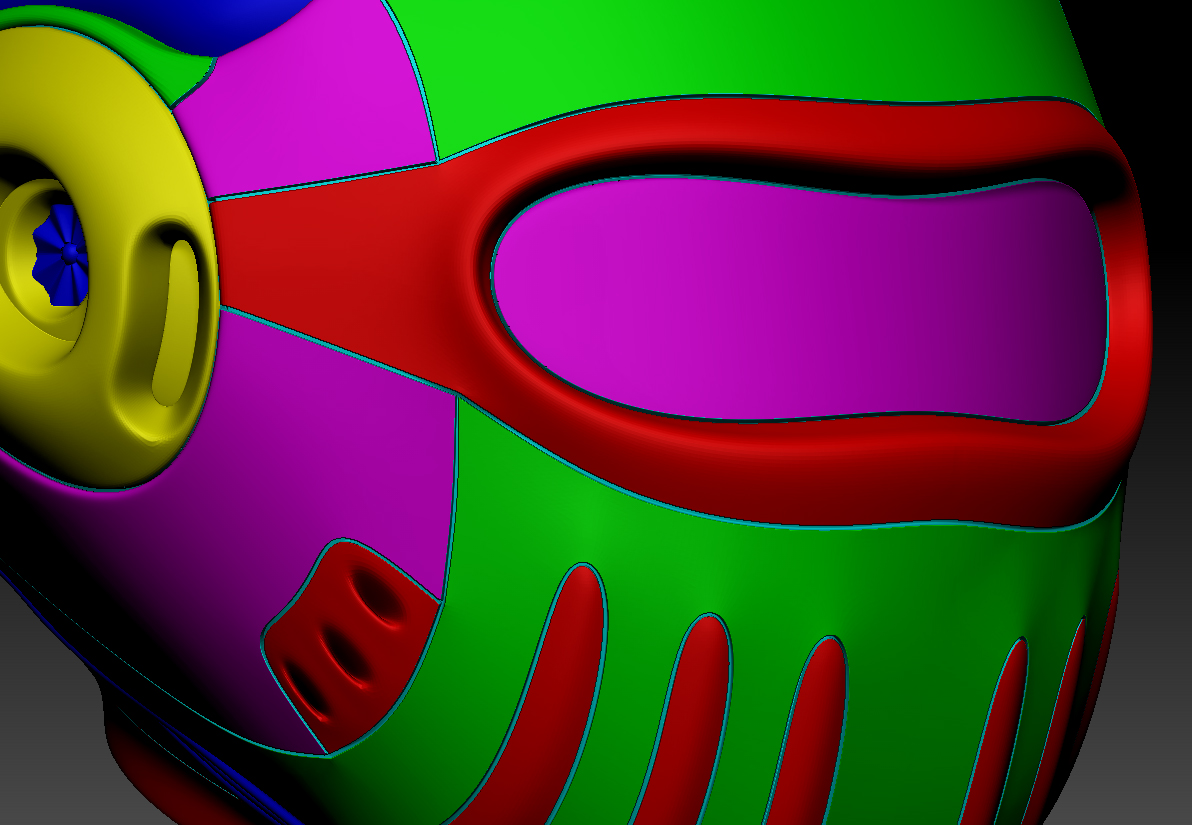
I’m currently learning a new work flow using ZBrush and have my mesh to the stage where I want to add details like rivets and screws etc. I plan on having different sections of my mesh as well as the rivets and screws etc coloured differently using polypaint.
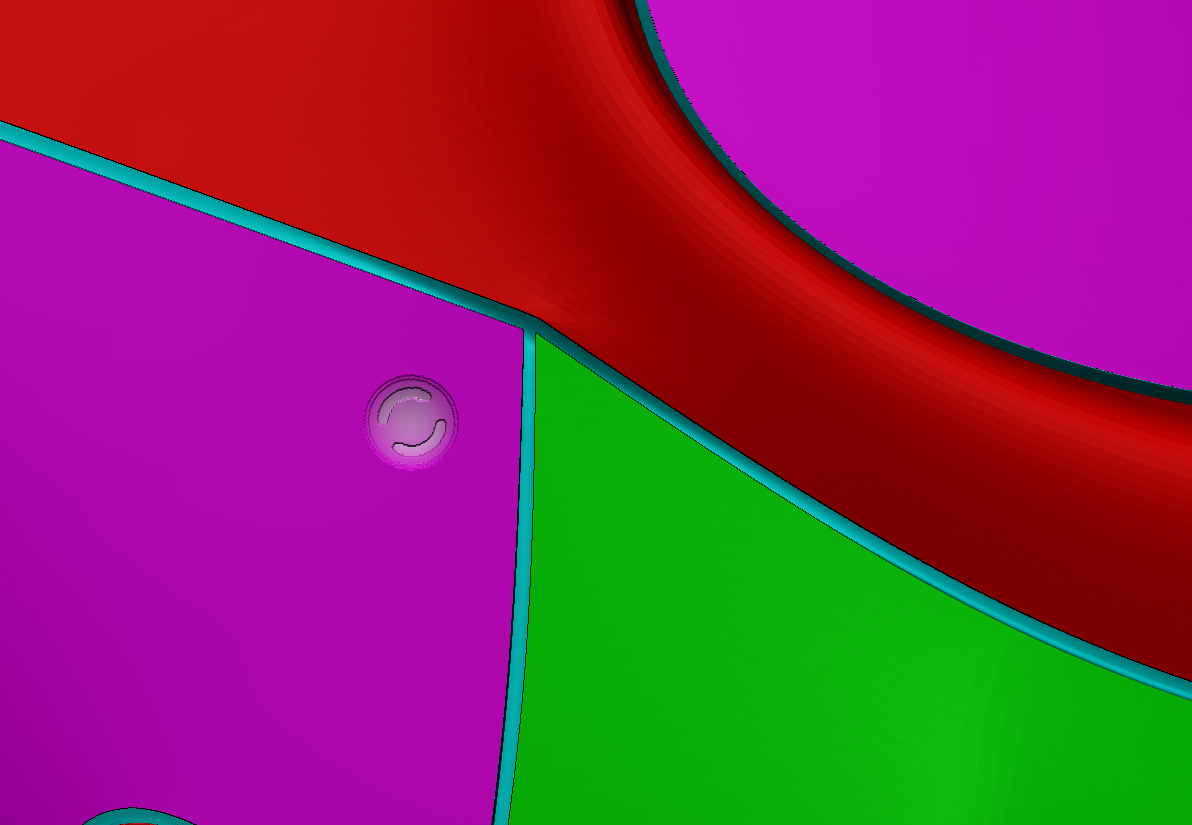
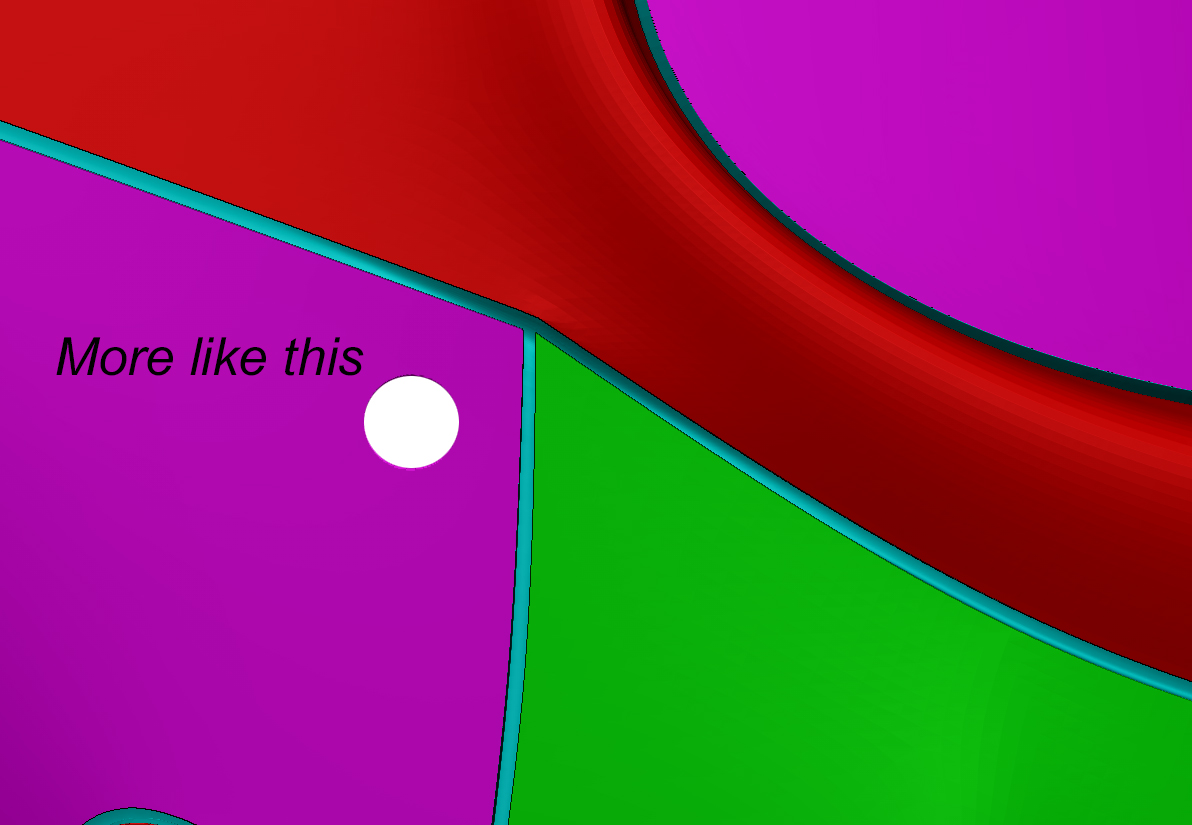
When it comes to texturing I can easily mask off sections. I have split my mesh into different colours to start with, when I start to place the rivets & screws etc I am trying to set a different colour but it is not saturated enough to work for me. I have attached images to better explain my issue.
If anyone can help get the polypaint information more “saturated” then please let me know. I am using a Wacom Cintiq 13HD and did wonder if it’s the pen pressure causing this issue but I’m sure it’s something I’m over looking.
Thanks in advanced!
Chris
Attachments