When I use it, I can get nice crisps panels that look great. Is it possible to have the thickness if the inanely such that it extrudes out and inwards at the same time. In other words so that the panel intersects the original Surface?
Did a quick diagram in case my explanation wasn’t clear.
The images shows the panel I want to create. I can’t move it once it’s created, as I’m doing multiple panels around the hull of a space ship. I need them to intersect the original mesh however

I don’t think that’s possible directly. The Elevation slider determines whether the panels go up or down but you can’t have both together.
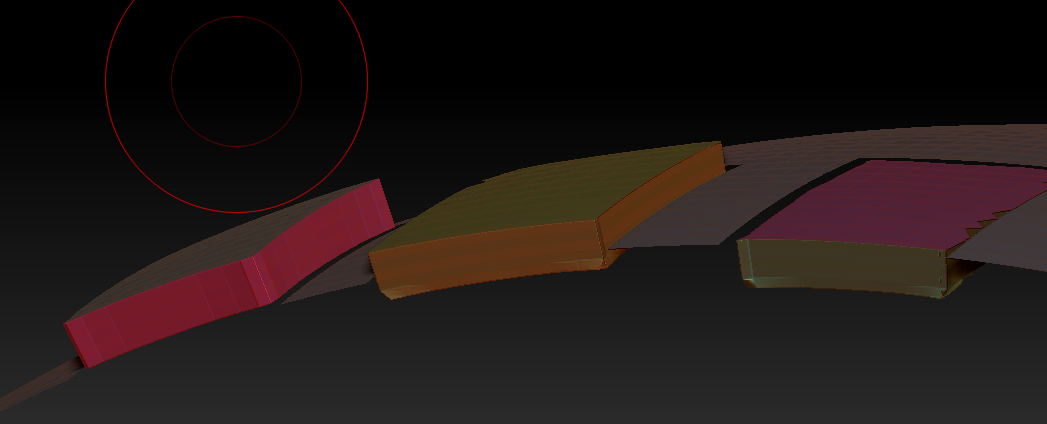
Actual the Elevation slider is exactly what I needed. Set to 100, the panel rises out from the starting point. Set to -100 it goes in the way (not in the same way that inner does). But set to 0 it does exactly what I wanted.
See imaged with elevation settings of 100, 0 and -100
Of course it does! I’m an idiot. 