ZBrushCentral

help with funny pinching on mesh.

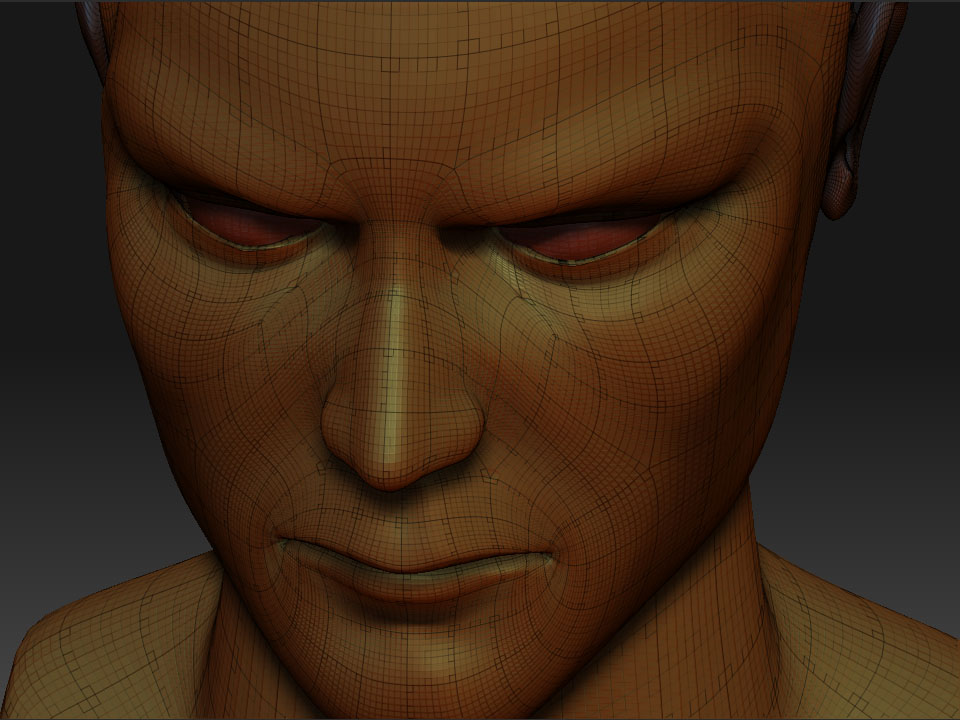
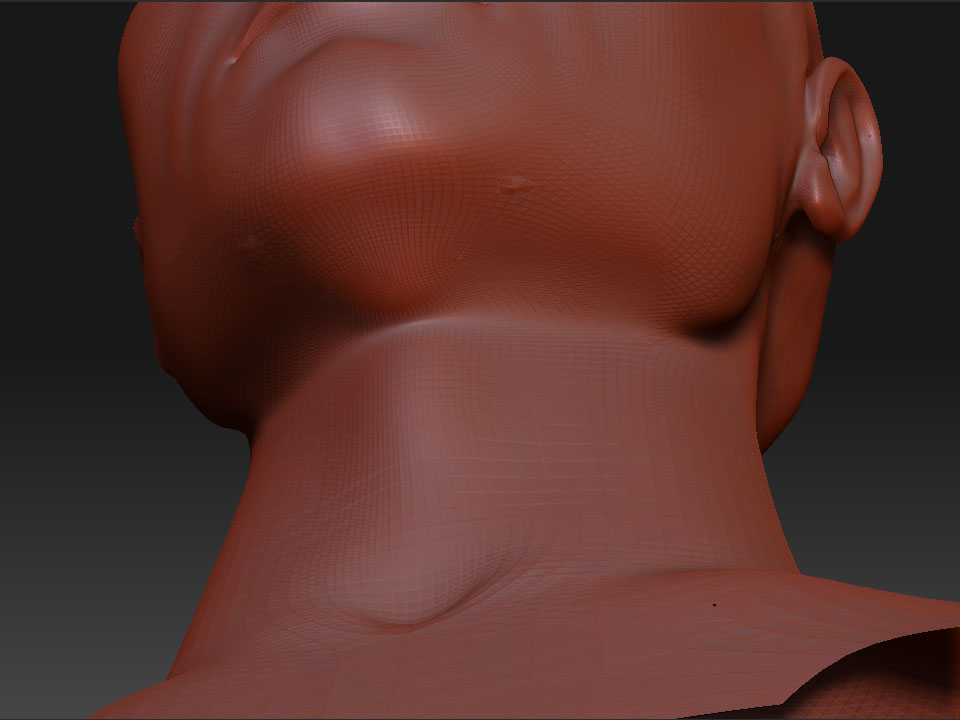
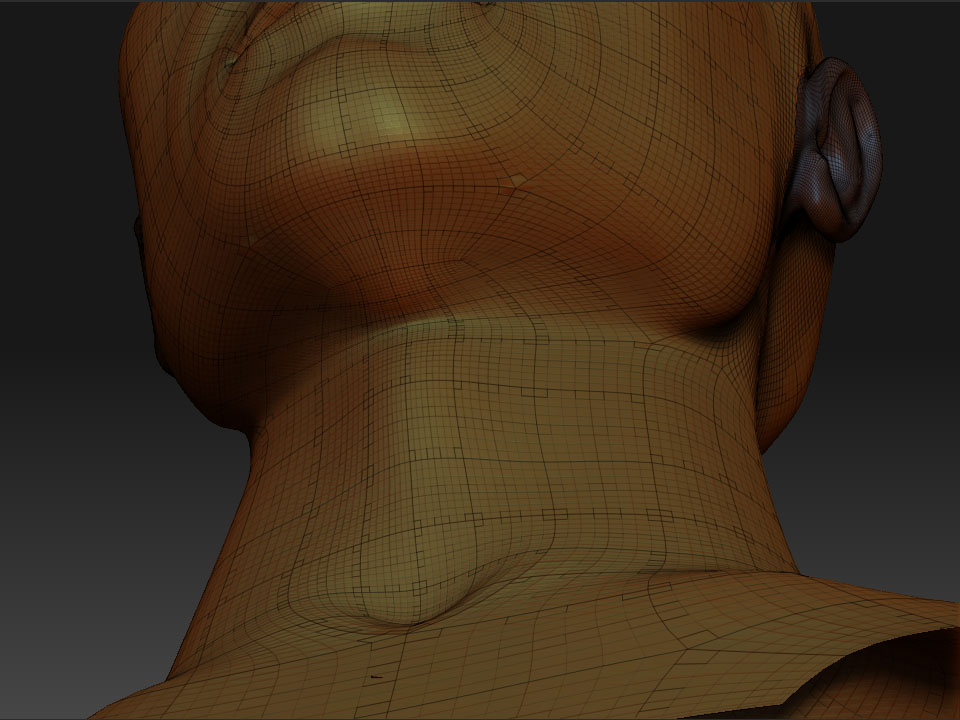
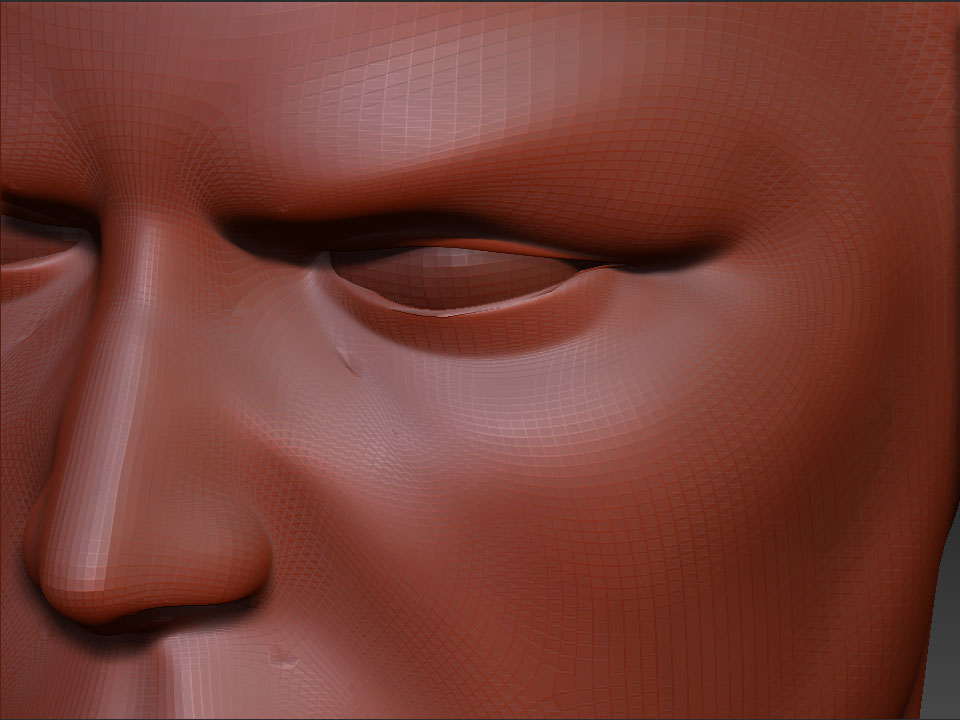
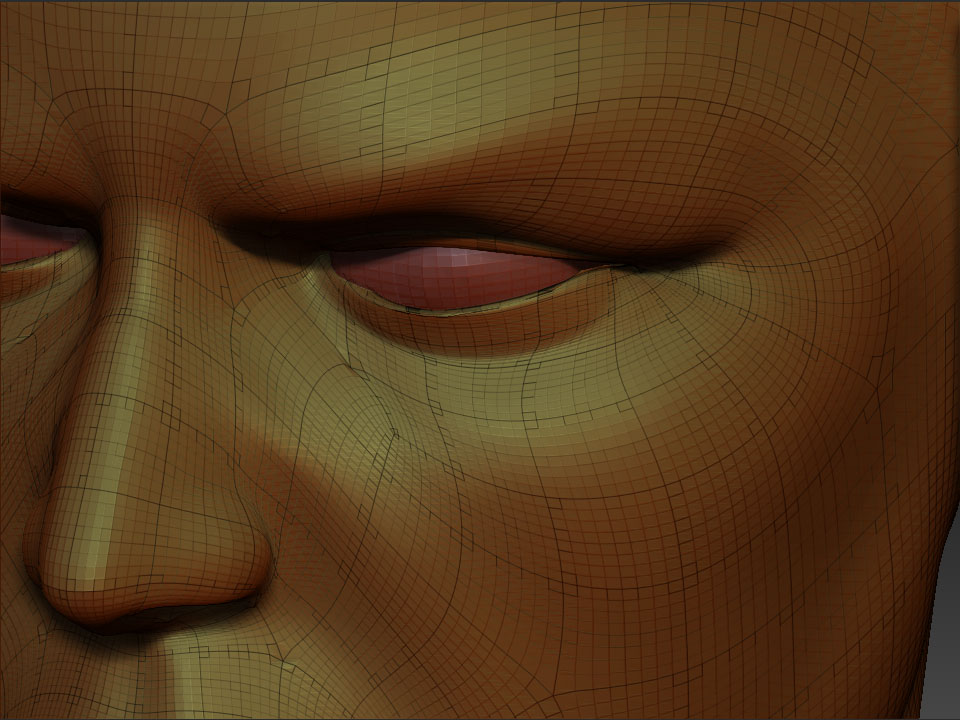
hi, i subdivided and started smoothing out the mesh but a few small areas remainded unaffected by the smoothing brush. does anybody know what might be causing this?

cheers.1.jpg](http://javascript%3cb%3e%3c/b%3E:zb_insimg(‘84135’,‘6.jpg’,1,0))

Attachments

2.jpg

3.jpg

4.jpg

5.jpg

6.jpg

This thread may need to be moved but here is why your getting pinching.

Its the formation of the topology. When there is a direction change when a polygon gets added in between the natural flow which creates a diamond shape polygon. This means you have several polygons sharing the same vert. This creates a pinch when smoothed at high poly levels. Ways to avoid it is choose carfully where you have these direction change polys, keep them to flat areas of the mesh, and dont smooth over these when in high poly counts.

PINCH.jpg

Yes the direction change of poly flow is why. You seem to have a lot of unnecessary direction changes in your model. Try looking for examples of good facial poly flow.

I’d try subdividing it once in another package before importing it into Zbrush and see if it doesnt help. For what I can see the topology is actually following the underlying forms well at one level.

I find the divits disturbing. Perhaps there is something else going on here. topology like that works just fine at render time in mental ray using the approximation editor, I dont know why it should edit strangely in Zbrush.

It would certainly be unthinkable that nurb like rules should be needed in a package like zbrush.

Rich

To further elaborate. Topology that follows the flow of the underlying forms is critical in how well a model will deform when rigged for reasons that are too high to get into here.

NURBS restrictions have often resulted in terrible topolgies for riggers resulting in poor animation(deformation), and rigging times that are way too costly. Production costs can balloon out of control. Polygon smoothing and subdivision surfaces have altered the playing field allowing for more efficient design based on what works best for deformation.

The problem, pure and simple, is the “stars” in your model. Any time you have a model where five polygons connecting to a single point, you’re going to run into trouble. That trouble will not just be in ZBrush.

In many cases, it’s impossible to avoid those spots entirely. But with good planning you can greatly minimize them and hide the ones you can’t get rid of.

As was recommended, you should look at other models that have really good topology. This will help you learn how to avoid these five-poly intersections.
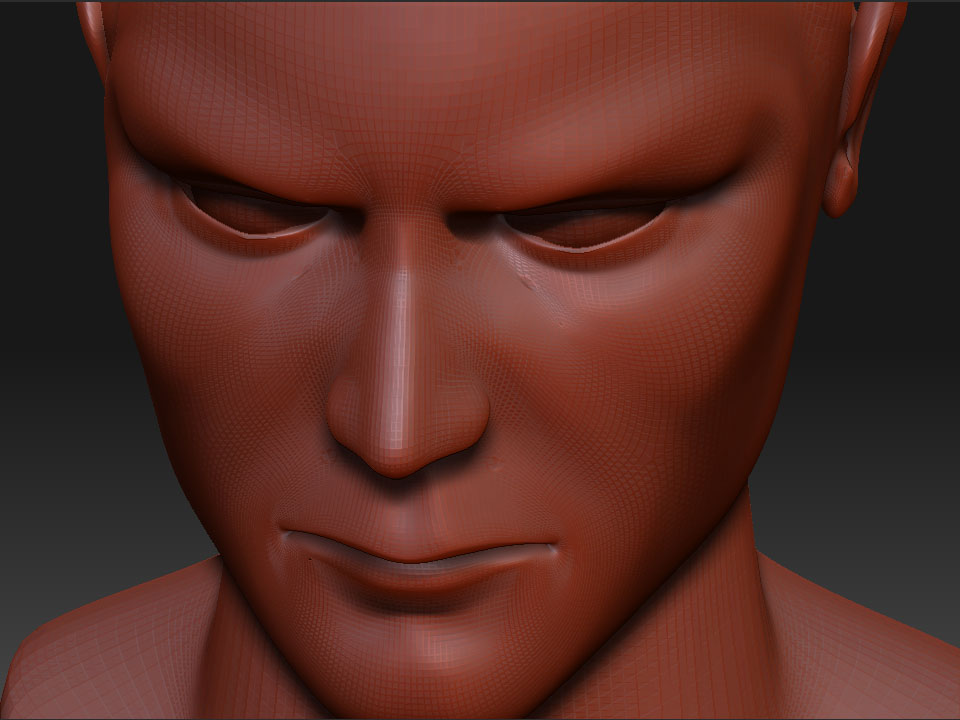
looking at the “stars” It appears that they are not given propper weighting at subdivision time. the central vertex seems to have too much space alocated to its faces.

For further note: With SubD or with poly smoothing in Maya you will not see such a distribution. I point this out because I suspect it has something to do with the editing process more than the subdivision itself. I havn’t observed this pinching on my models in Z-brush though I definately have 5 polar edges where topology changes need to occur.

Also just for a note: any box modeling techniques (which by the way z spheres use) will result in “stars” at every corner of an extrude.

Here are two different topology routes I normal take. All my meshes always has the redirected polys to form a star but will remain without a problem if I dont smooth over the mesh.

head practice2.jpg

tez, how are you not running into a problem with that 6pole star at the brow?

rsuchy, have you tried to look at a model in maya without any sort of normal smoothing?

The blue mesh was one I did the night before so havent worked with it for long. I have it very smooth without no pinching. If I where to run the smooth brush over it then one would apear. I loaded up a poser head and that looks smooth untill I use the smooth brush. Normaly I would not put one on the brow but pick and flat and non detailed area.

Tez that topology needs serious reworking, and is not an example of good topology, especially if animated.

Hello Jesse, I wasnt giving it as a exsample as good topology, it was given as a exsample that if I dont smooth the mesh I have no problems with pinching. That blue mash was done in about 10 min as a test. I have the books from ballistic publishing, Essence the face and character modling, they show some nice exsamples of topology that work fine with the stars in place.

Here modeled by Hong Suck Suh is his topology from this book back cover, this guy works on the PS3 cinematics. The mesh wasnt intended for animation, but as you can see there is more than enougth stars to pinch.

face topop.jpg