hola a todos !!
tengo un problema para hacer el tangent map en zbrush 4
en las imagenes se muestra el ejemplo
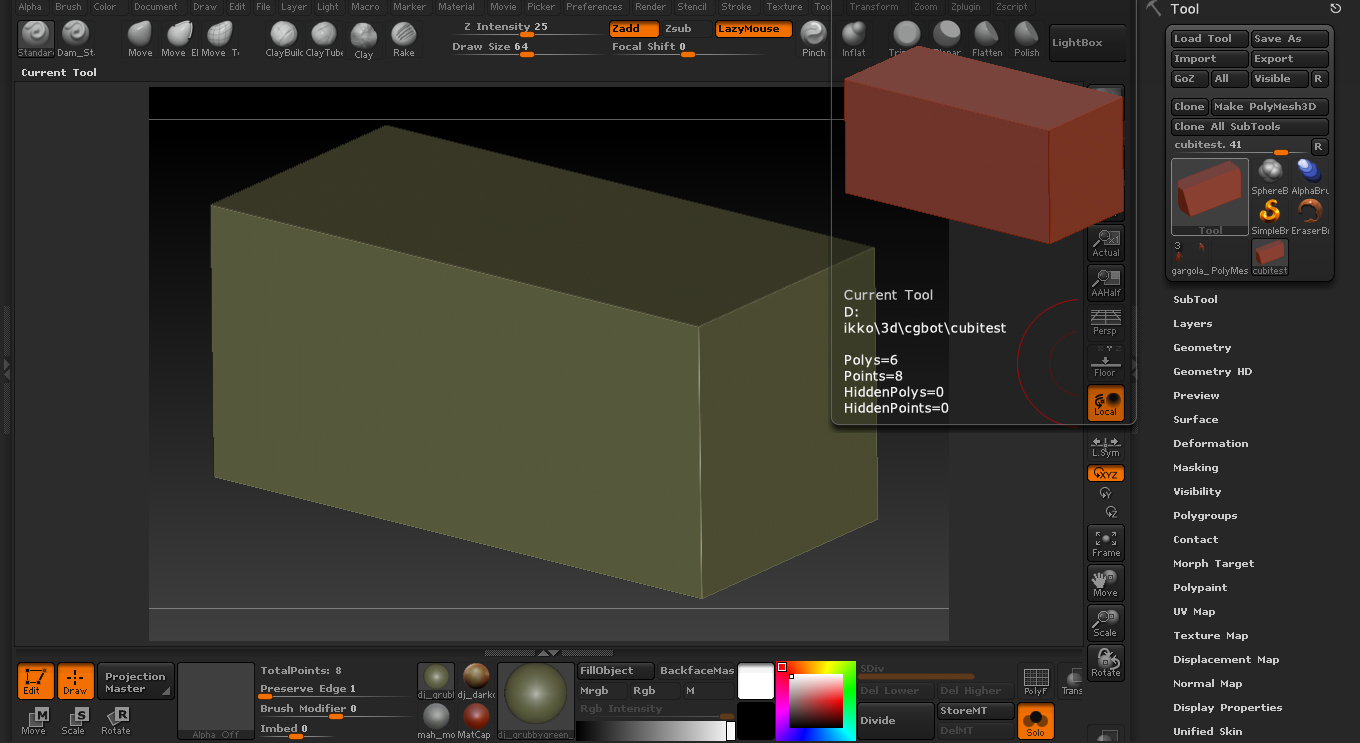
en la imagen Cubo_1 esta el cubo en baja resolucion
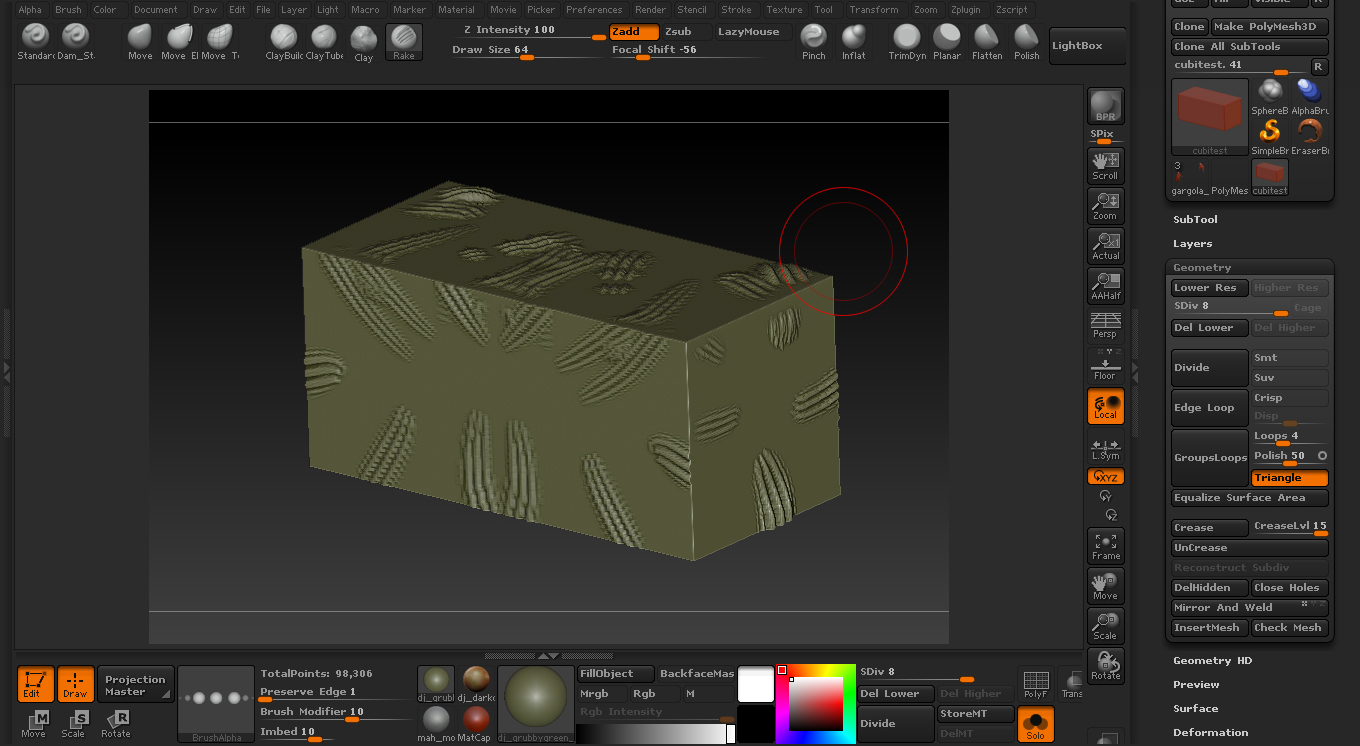
en la imagen Cubo_2 esta en alta resolucion con detalles para el bump
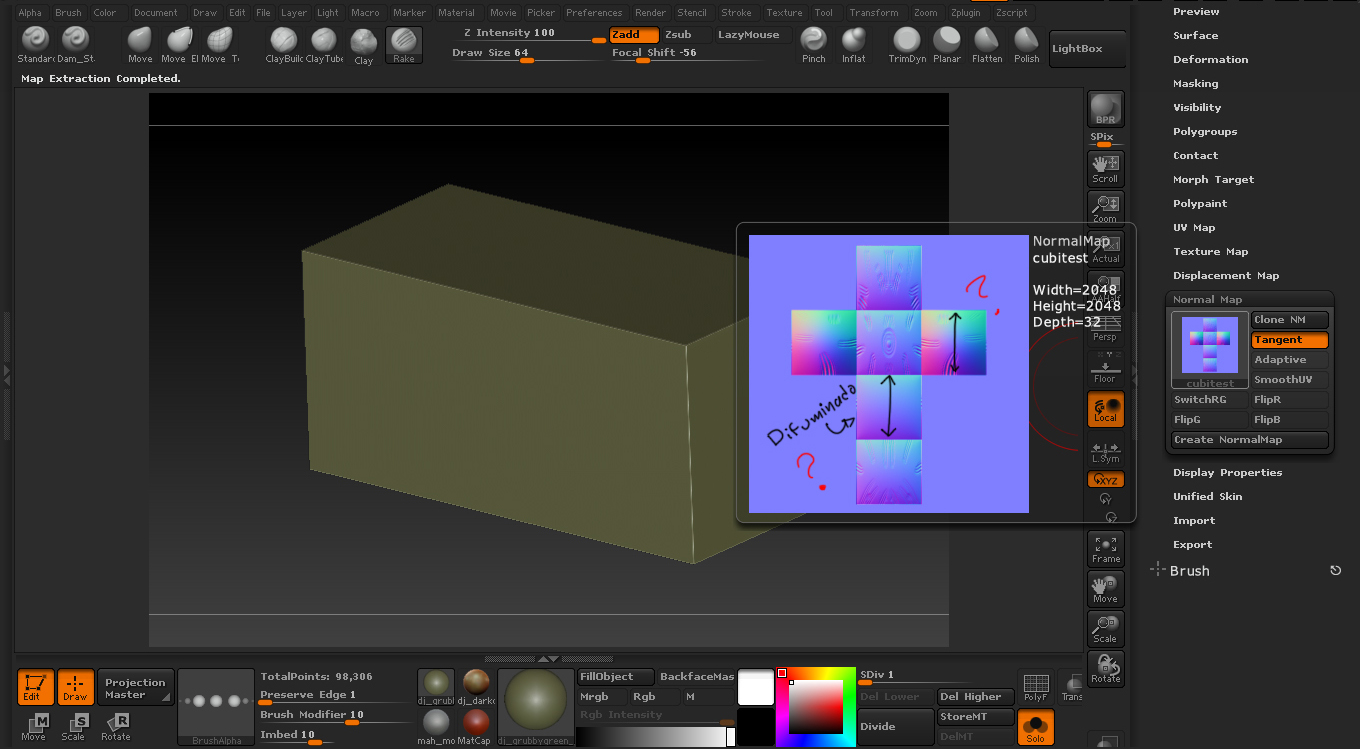
en la imagen Cubo_3 saque el tangent map pero me muestra un difuminado de color que no deberia porque las caras de el cubo siguen siendo planas
habra manera de arreglar esto???
gracias.
translate by google…
hi all!
I have a problem making the tangent map in zbrush 4
images shown in the example
Cubo_1 the image is the low resolution cube
Cubo_2 this image in high resolution with details for the bump
Cubo_3 image in the tangent map but did show me a blur of color that should not because the faces of the cube remain flat
will be no way to fix this??
thanks
Attachments

 I’m very new to zbrush and I’m still unsure what you mean.
 I’m very new to zbrush and I’m still unsure what you mean.