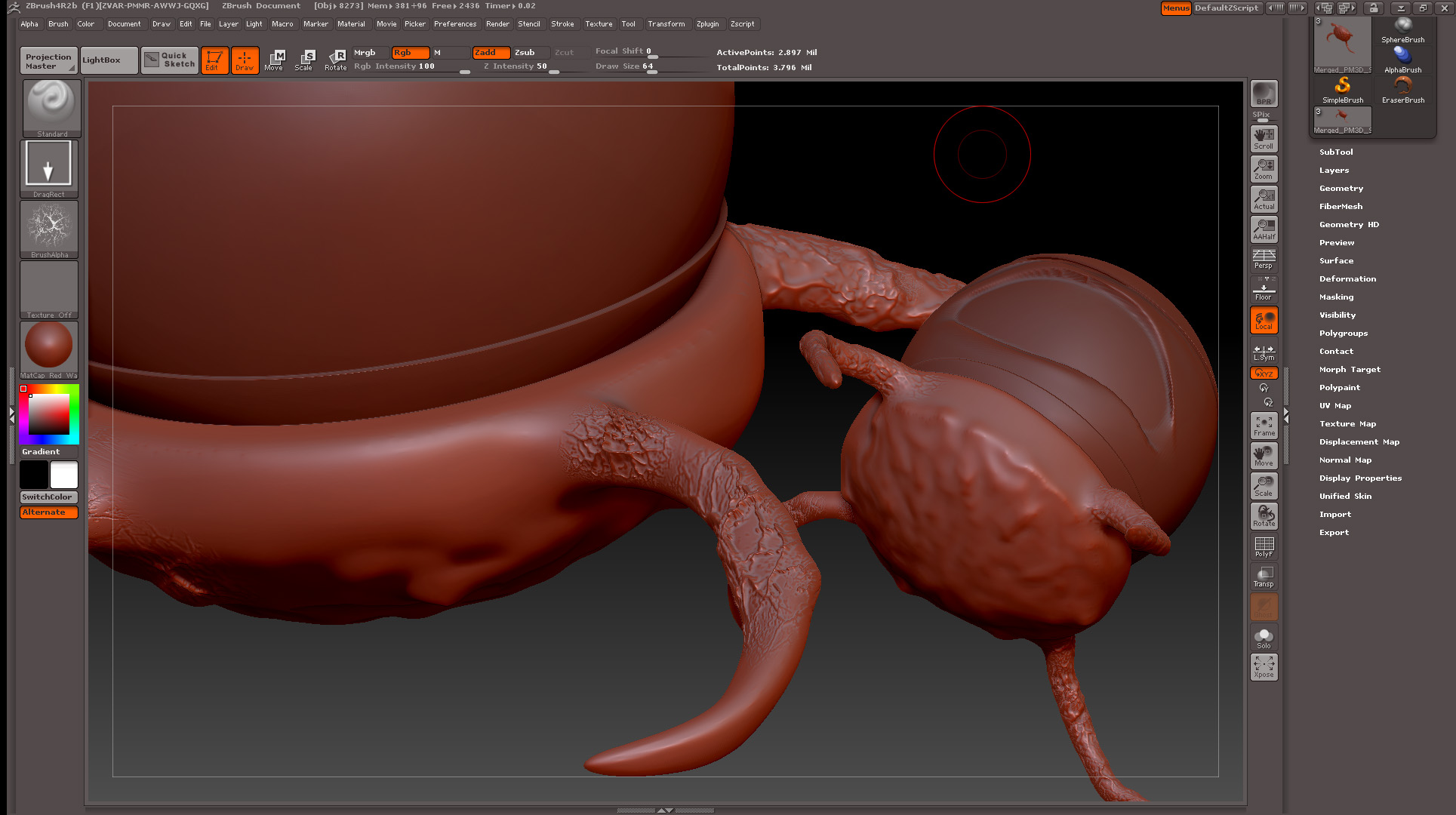
I am having a strange Duping issue when SMoothing. I am using a Wacom Intous 4 Tablet. I have set the pen key to shift and also have set the tablet first key to shift. When I am Smoothing my model, at random times Zbrush appears to Duplicate my scene and I can’t figure out how to remove the Duplication. Its as if it creates a copy and pastes it to the canvas as if I’m working in 2.5D mode. I am not, though. my model is a polimesh 3d, and in edit mode.
What am I doing wrong to cause this to happen? is there some odd button combination that is causing this to happen? I have Int Zbrush after this happens and I have even rebooted Zbrush to clear a possible memory glitch, But it dose not seem to help.
Attachments