Hello all,
I’m in the process of learning Zbrush and working on my first model. Love the program so far, even though it’s been a bit confusing at times.
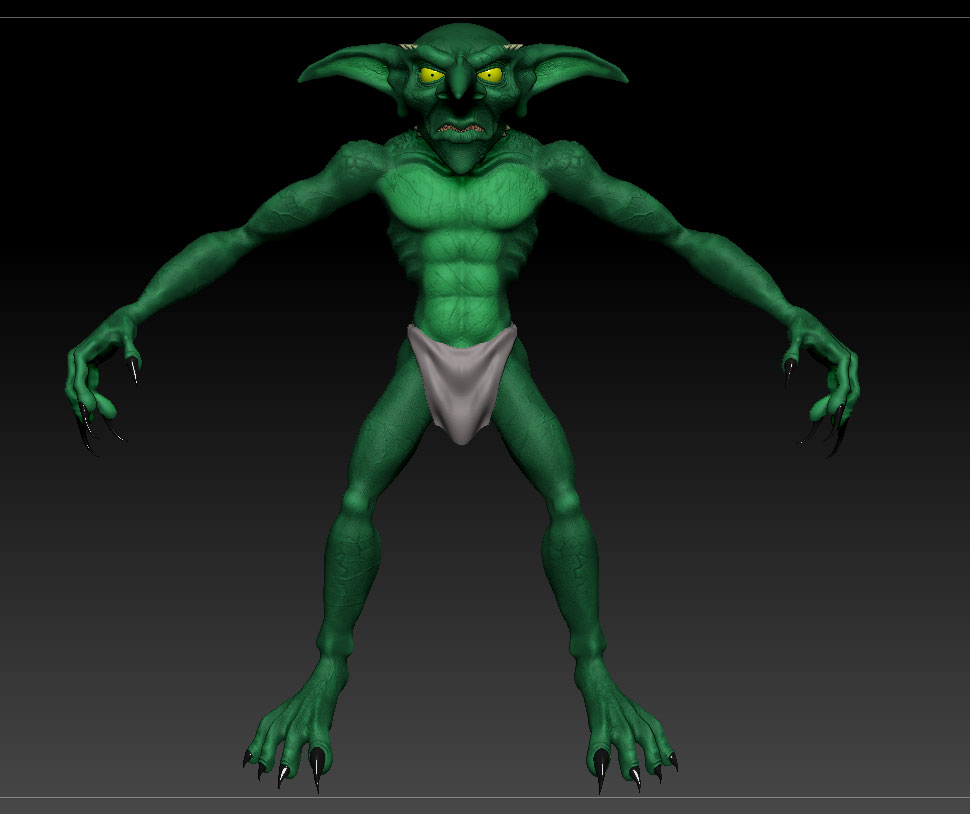
I decided to create a model, not really knowing what I was doing and I’ve got stuck on a few problems. So here’s my model so far:
It’s probably a bit rubbish to the experts here but I’d like to save it if possible. The problem I’m having is now that I’m essentially happy with it I want to export the skin as a normal map, and reduce the polycount of the model.
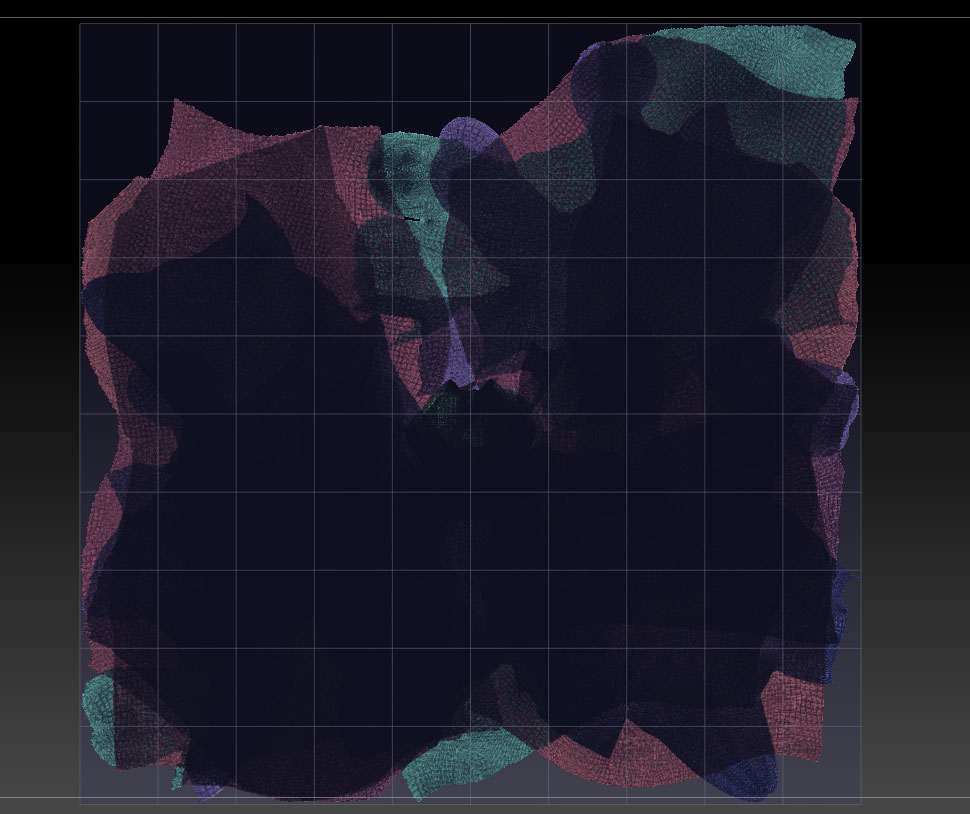
I tried unwrapping it but my computer said “That’s not happening” and ran out of memory (there’s no subdivision levels), so I split it into subtools and unwrapped the seperate parts with UV master, then re-merged the subtools, but the UV map is a mess:
But at least it’s unwrapped, I just have no idea how to lay the islands out better - at the moment. So that’s where I am now.
Another problem is that I tried creating the normal map but it said “not available on highest subdivision level”, so obviously I tried reconstructing the subdivision levels, but apparently there’s triangles so Zbrush won’t let me. Tried “merge triangles” which didn’t work either.
It’d make life most easy if I could just reconstruct the subdivision levels then follow a tutorial, but that doesn’t look like it’s happening, so I think my only option is to lay out these uv maps in proportion and not overlapping, then export the normal and colour maps before remeshing the model to be lower poly, then hopefully applying the maps to the model in maya.
So, if anyone has any advice, or something I’ve missed I’d appreciate the input.
I’ve gone about this completely the wrong way I know, I should have walked before I ran, but I’d like to salvage the model if possible.
Attachments