As my pics, i done a hi-detail first. then go to re-topoloty the model, i got the new mesh in low-poly, how can i maintain the hi-detail in the new model?
Stupid Quiz…
Attachments
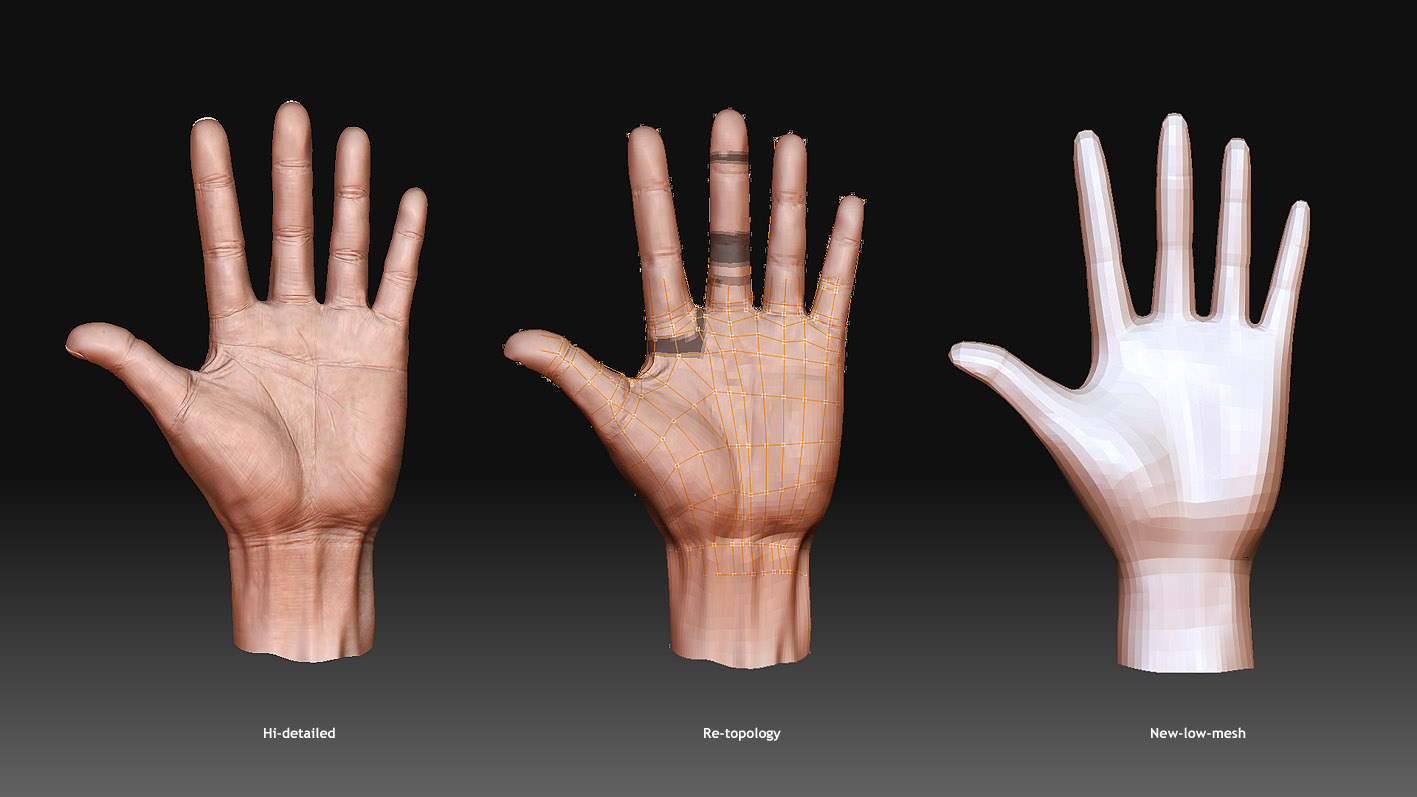
As my pics, i done a hi-detail first. then go to re-topoloty the model, i got the new mesh in low-poly, how can i maintain the hi-detail in the new model?
Stupid Quiz…
While doing retopology you can turn on Projection.
If your new mesh is no longer connected to the ZSpheres (or if you retopologized by some other method) then you can append the new model to the original as a SubTool and use Tool>SubTool>Project All to copy the detail across. You can then clean this up if needed with the sculpting brushes, including the ZProject brush.
THanks Aurick
Always help in good
;)
As my pic showed…
i can updated the mesh without problem… but i just can’t use Zmapper so far…
and no idea why the un-group can’t be used…
Help~~~ small_orange_diamondsmall_orange_diamondsmall_orange_diamondsmall_orange_diamond
After using the Tool>Polygroups>Uv Groups button you must then press Tool>SubTool>GrpSplit. Each SubTool must be a single UV region or you won’t be able to use ZMapper.
