Hi!
I’ve created a model of a man in Zbrush. I started with ZSpheres, sculped it and after I retopoliced it. So I’ve got my base-mesh.
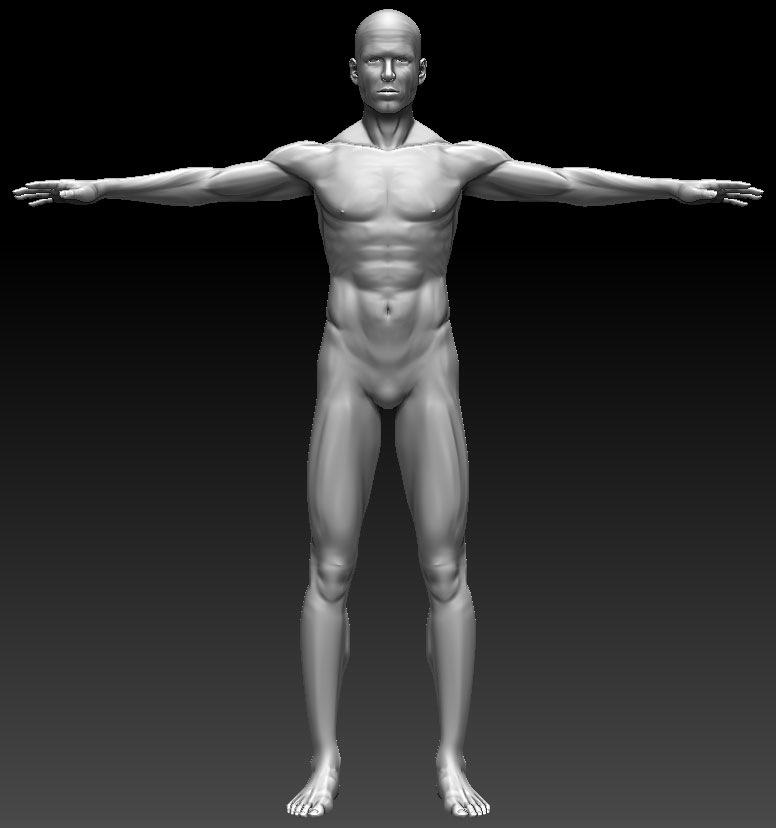
Is there an other way to fix this problem?
I use ZBrush 3.5 PC.
Many thanks forwards.
robert k.
Attachments
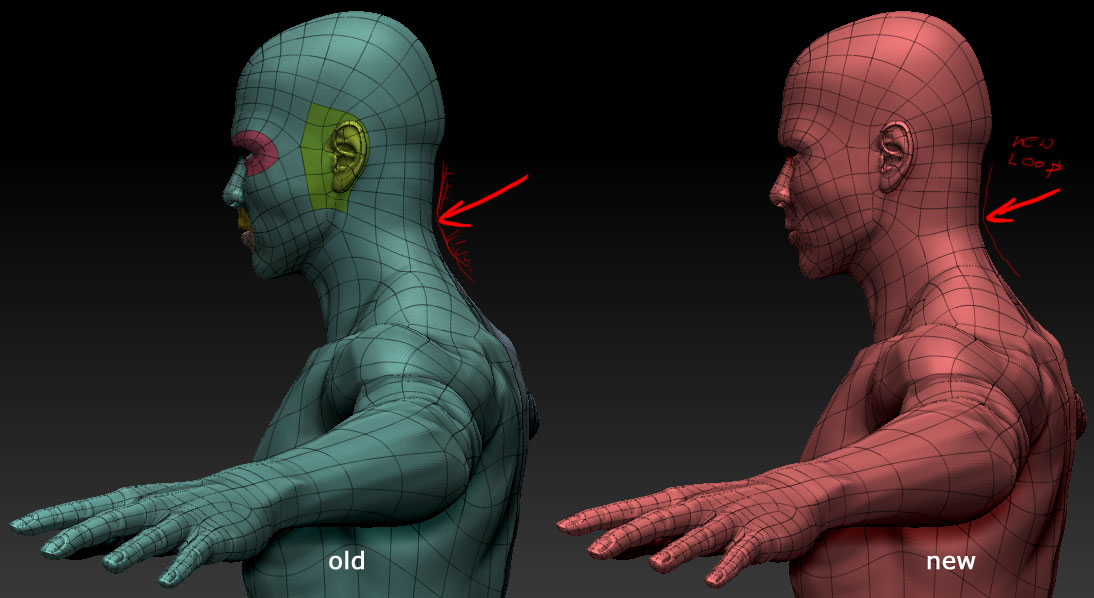
Hi!
I’ve created a model of a man in Zbrush. I started with ZSpheres, sculped it and after I retopoliced it. So I’ve got my base-mesh.
Is there an other way to fix this problem?
I use ZBrush 3.5 PC.
Many thanks forwards.
robert k.
hey robert,
you have 2 options, either you press the button project all, while your new basemesh is selected and the old one is visible (this can cause in some cases artifacts and small explosions which could be cleaned up with a bit of patience)
or since your using the new zbrush 3.5 is it the r3 version?! if yes just import it over your old base mesh, cause then it rep;aces it automatically and projects the details aswell.
hope that will help
daniel
Thanks for your answer. I will test it.
I’ve only to open my old zbrush file and import the new basemesh?
Hi Lunatic!
Many thanks for your answer. I’ve import the new mesh over the old one and the result lucks perfect. This workaround is really simple - thanks pixologic for that.
robert