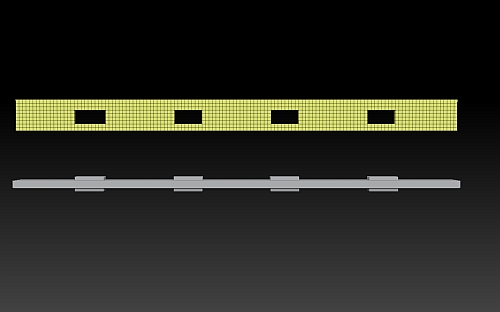
What about using an alpha map with shadow box? That might work, though the poly count could be a problem. If you’re rendering outside of Zbrush and trying to keep the count as low as possible, a 2d plane with an alpha+bump map applied is the easiest means to accomplish what you want (looks like that is what your example is). You can find pre-made alphas out there, or make your own in whichever painting/drawing app you prefer to use. I like to use 3ds Max to create mine, which I then make tileable using Photoshop.
Edit: I just realized that I forgot to mention you can apply opacity maps to tools in Zbrush too. Just import the map, apply it via the Tool:Texture Map menu, then turn the transparency option on.