ZBrushCentral

Help a noob!!

Just started working on this wonderful software. Liking it so far. I have imported a model from Maya and working on it for a while.
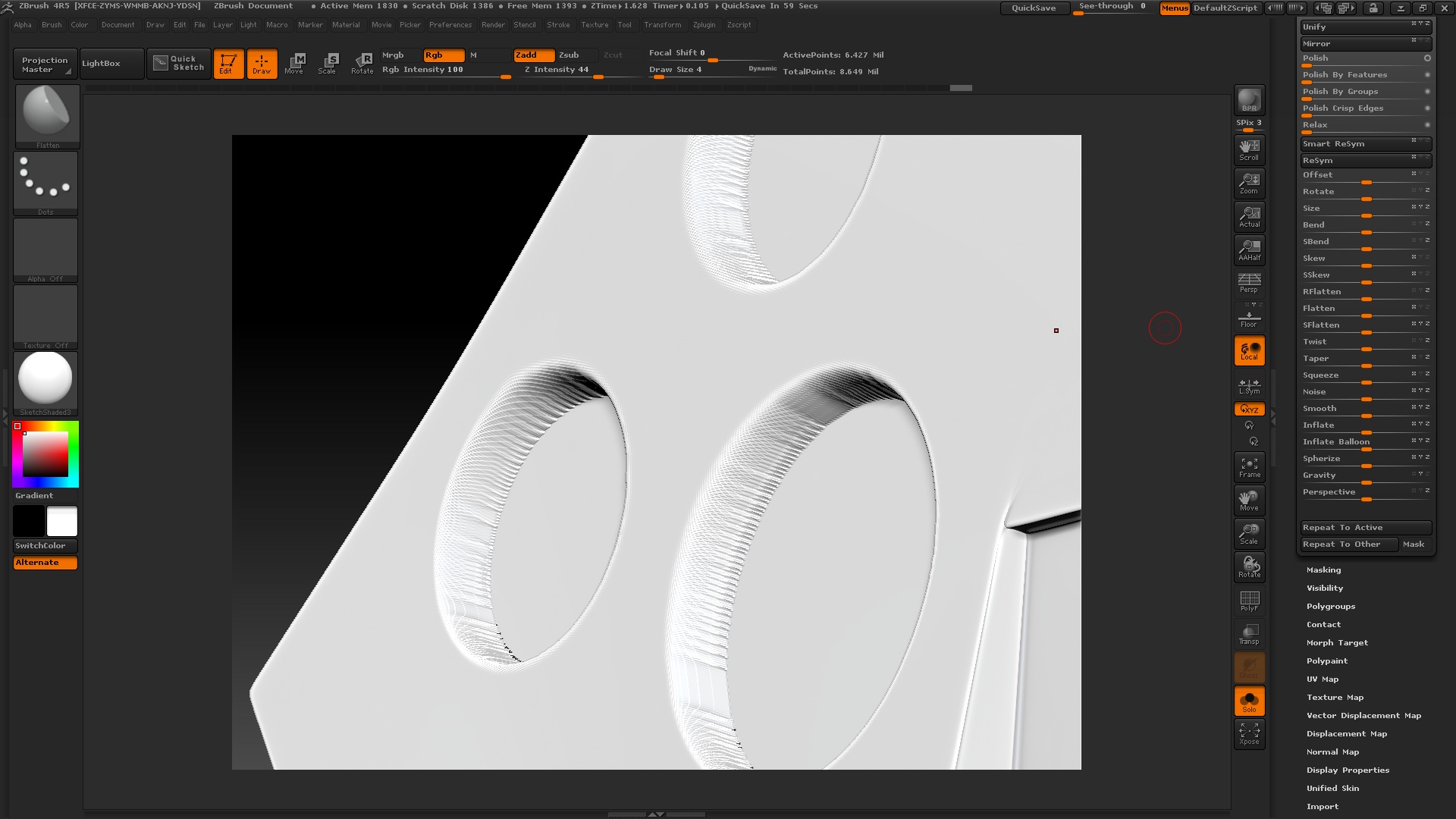
Now, when i try to make some holes, it appears rugged and i cannot seem to smooth it.
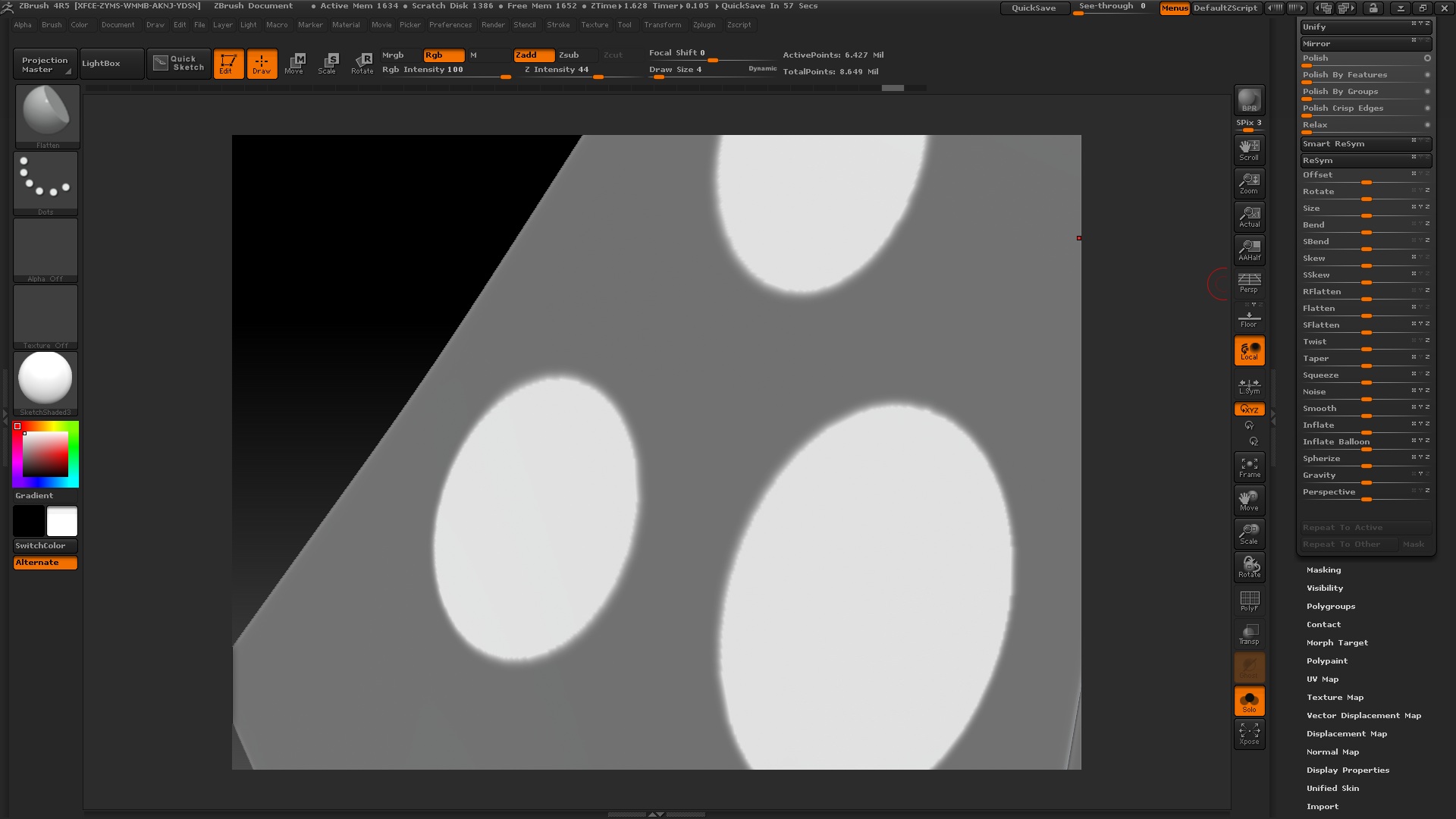
I have attached both the screenshots, before and after i apply deformation on my masks. Any way to fix this. And the object is hard surface, so i need a proper punching hole technique.

Attachments
1.jpg

2.jpg

Have you tried using DynaMesh Subtract ?Checkout zclassroom Military Assets , good luck.

do an edge loop mask border- clear mask then group loops - ctrl shft click on circle group ( easier to see groups in poly frame) inverse mask
cntrl shft click in work space then inverse mask again then deformations offset

Thanks a lot man. This is a really great technique and i came to know about from you. But there are certain questions i wanna ask.

1.While clicking on Edge loop masked border, zbrush tells me that i need to clear subdivision history. So, i had to clear everything and so cannot get back low subdivision info.
2. There are still slight edges inside the ring, how to efficiently clean that up?

#1 - use freeze sud div levels before and after both group loops and edge loops to retain sub d levels
#2 - just did a test the edges tho minor depends on the poly level when you create them ? experiment with smooth - clay polish
cleans that up a bit , i kinda like them looks like tool marks giving a steel milled surface look sometimes !! have fun !!

I have finished the project. The problem is, the piece which underwent the process, has freeze subdivisions enabled on it. When i click it to turn it off, its giving me the original shape with a lot of rough scratches and the holes i made are gone. I dont get this. Even, when i try to export the texture map out, im seeing that the UV map has been disabled. I need to turn off the ‘Freeze Subdivisions’.
Whats the solution?