ZBrushCentral

Help a noob with recreating topology?:(

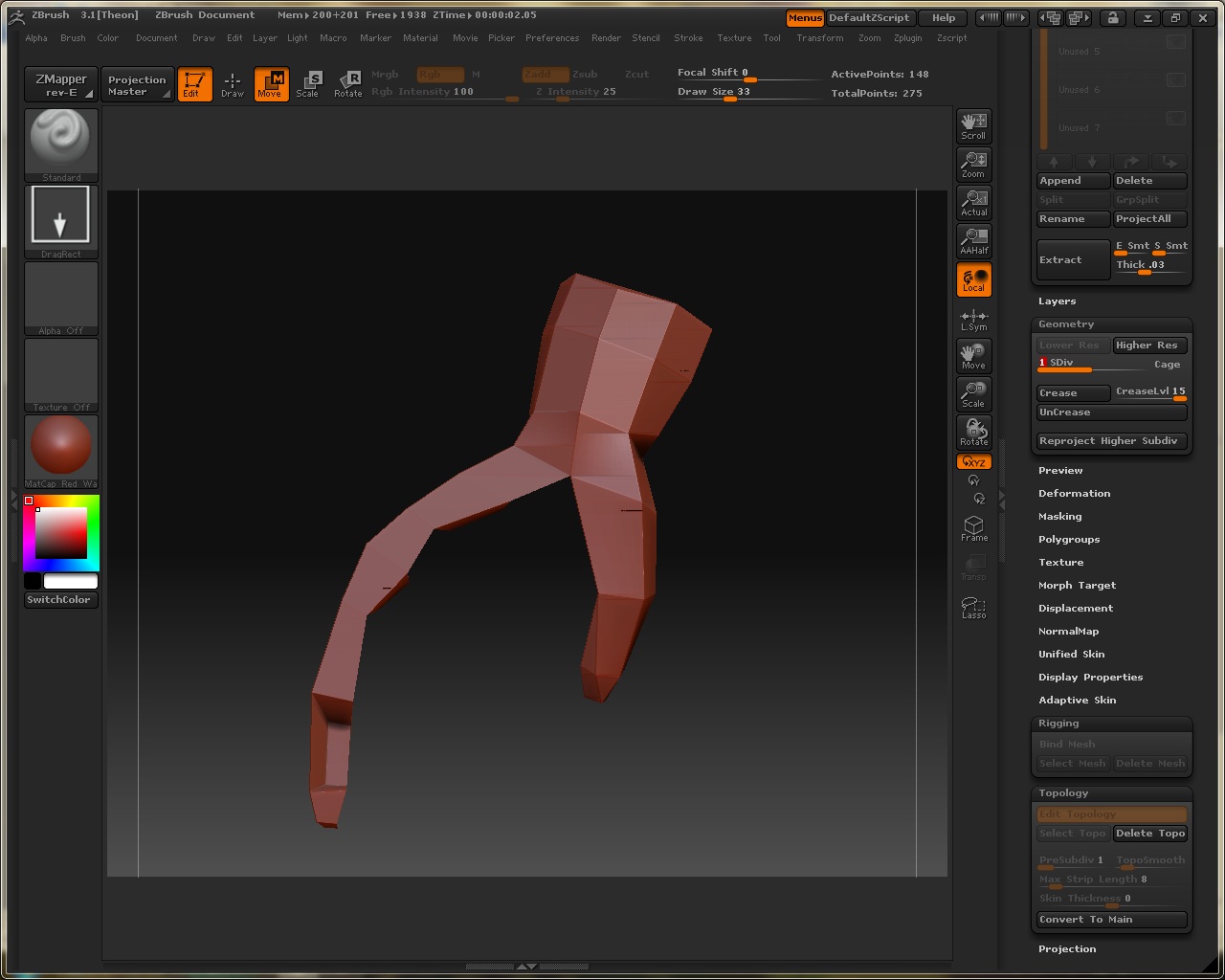
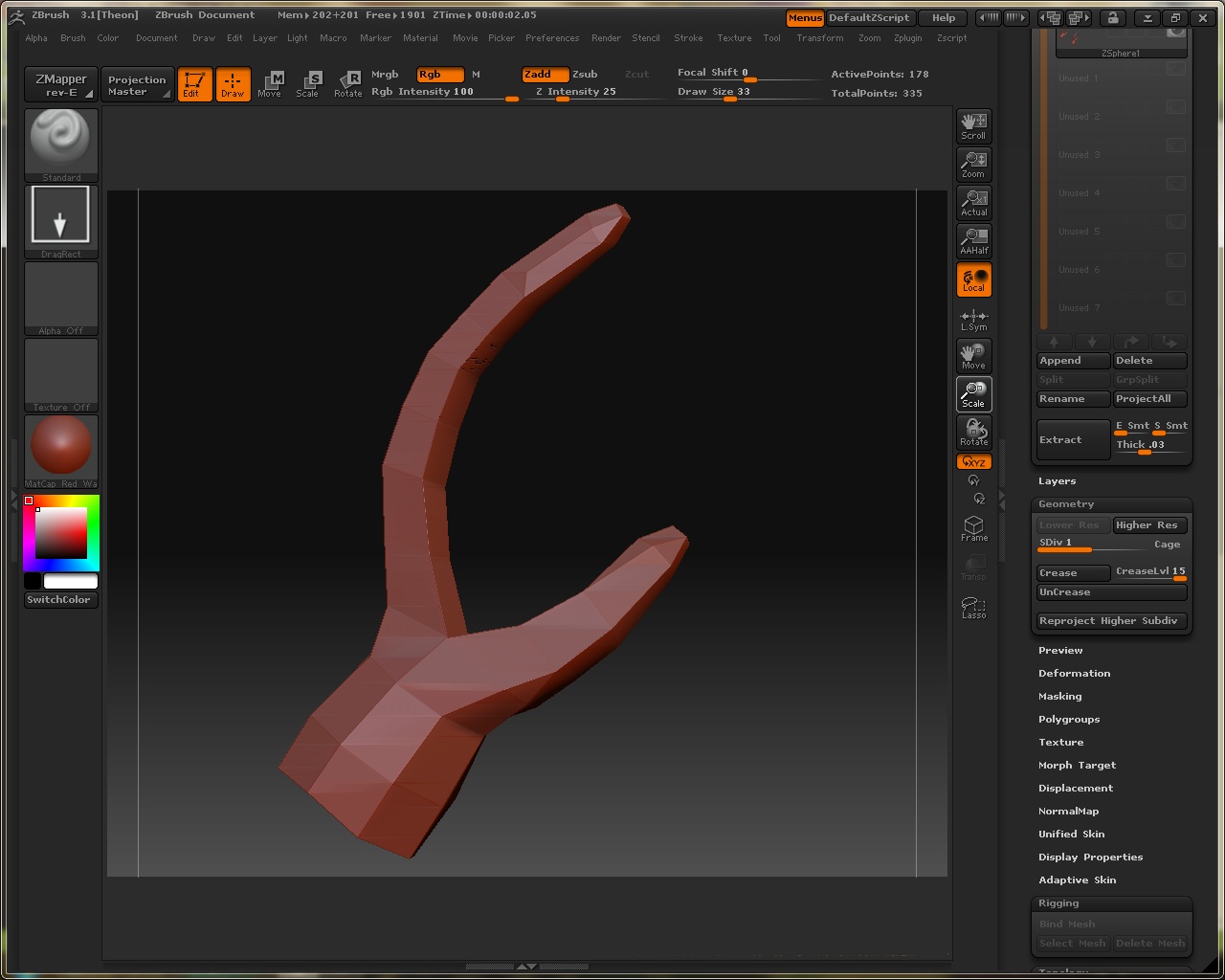
Hello, I’m a total beginner at Zbrush, and I’m wanting to redo some topology on the hands (/claws) of a creature I sculpted, because they looked awful and used up more than a third of the entire model’s poly. -I followed some instructions and dotted the new points on the model, where I wanted it; though, as you can see…the results are horrible (pressing A to preview).
How is this done, exactly? -And is there possibly a way to simply delete points without having to trace everything around the area you want to edit??

-And, of course, how is this applied to the full sculpt?

Any help is greatly appreciated!

Attachments
topo-fix.jpg

topo-fix3.jpg

Hey Theon, I think that your points are not 100% connected, try deleting one of the point around a trouble area. If all the lines up to it disappear, then the the points are 100% connected, if not then you properly got to points that are just extremely close to each other, which causes the problem.

Hope it made sense :wink:

Thanks for the reply, although it doesn’t seem to be the problem…
It was what first occured to me when I saw the preview, but no; I can’t find any points without connections or with faulty connections.
I find this really strange…

Wow, this is strange…
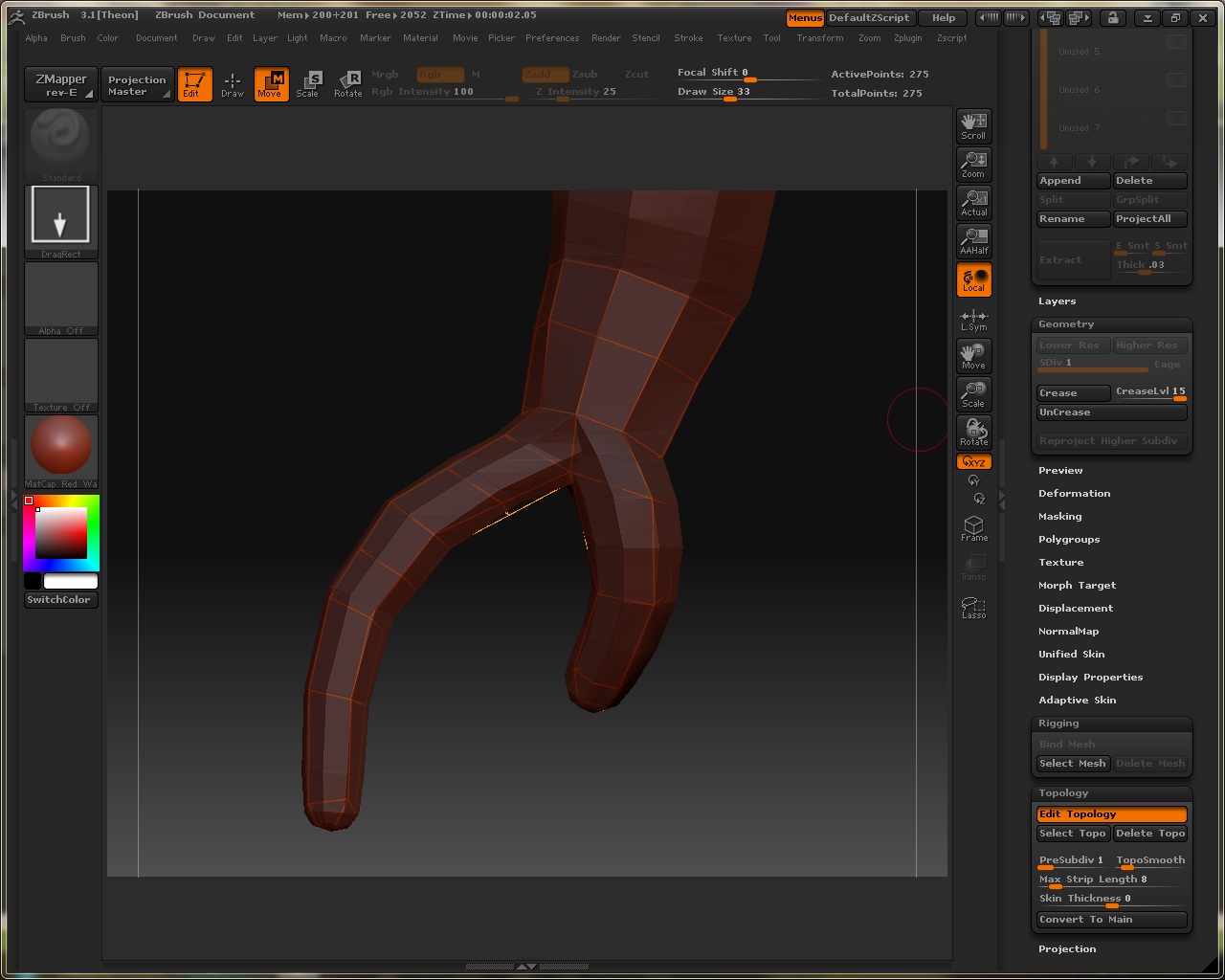
I tried to randomly apply more points to the areas which seemed to have “holes” in the preview, and it worked! :S It made the topology-grid look a bit more messy, and I got a higher poly-count, but…well, it worked^_^;

And then…how do I apply this to the original sculpt? Ehe…

Attachments

topo-fixedkinda.jpg

i see your using 3.1 so…

theres a way you project the sculpt mesh onto the retop’ed mesh using Zmapper. Im not sure exactly how cuz ive only messed with that in 3.5 so far.

try to follow this tho,

http://www.pixologic.com/docs/index.php/ZMapper_Projection

if you get yourself 3.5 then you have to add the high rez mesh as a subtool to the retop’ed mesh, and click project all and the retop’ed mesh will have the same details as the sculpt, but usually there are some fixes here and there.

Thanks! I’ll see what I can do! ^_^;

Do upgrade to 3.5R3. As a semi-newbie myself, I used to have tons of retopologisation problems in Zbrush 3.1, mostly due to crashing, but after 3.5, retopo became a real breeze. Seriously. I actually like retopo now, instead of dreading it back when 3.1 was all we had.