ZBrushCentral

Hello

10712_4c3e3c92ad1ae.jpg

Hi, I am new to Zbrush and even newer to this forum, so please forgive me if I have posted this in the wrong place.

Just a bit of background about me. I have been learning 3ds max for the last 5 years and on Saturday I obtained Zbrush under recommendation.
My area of interest is concept animation.

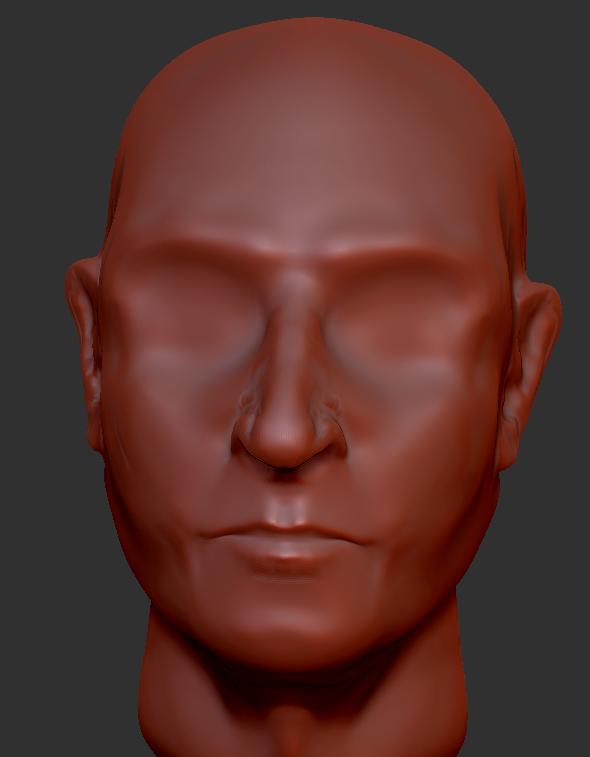
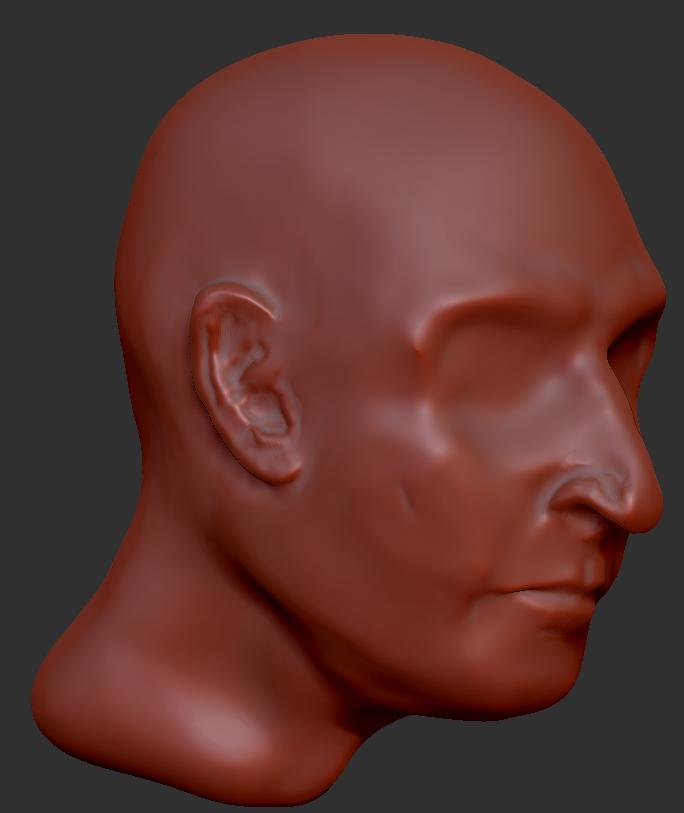
After just 1 tutorial on the basic functions and 40 minutes I had created a reasonable representation of a human head (my head) from a sphere. A task that in 3ds max would have taken about 2 weeks.

Now that I have discovered Zbrush, I want to know more, but for now all I need to know is how do you put a viewport background image in the scene, so that I can use it as a reference for my model creation?

Many thanks

Phil
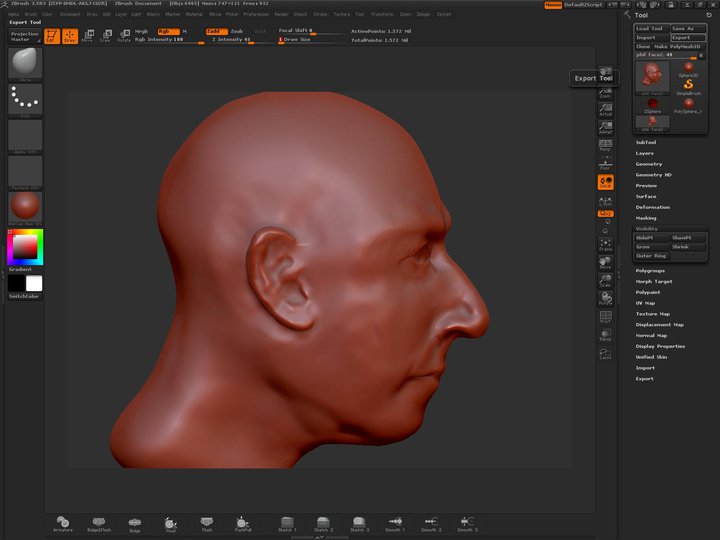
here are a few images of my head that I created in just under 40 minutes.
I will continue tonight and try to get the features correct. Then I will probably be relying on this forum and you guys for help with texturing and materials.

38146_443316713791_565188791_6064414_2423721_n.jpg

Attachments

10712_4c3e3c92ad1ae.jpg

10712_4c3e3c80cd37e.jpg

well Phil welcome to z brush central…i don’t understand why did it take so long for you to turning to zbrush? and coz everyone here was once a beginner like you so dont think that you are at wrong place and …now about your head model…it is more than better ( at a beginner level),overall it looks like a good WIP …you just need to do some work on facial anatomy

and now your image plane problem,
you can import both front and side views of the face,just match the two images in photoshop and save the psd file.go to z brush and click on load tool .load the imageplane x.ztl and go to perspective view(hotkey P),now go to textures pallete and import the psd file by clicking import at bottom of the pallete,and you are done…and best of luck with z brush

Thanks, I will give that a go this evening.

I am used to working with clay, and I am aware of all the errors in positioning of the chin, ears, eye sockets… etc. but the nose, unfortunately is accurate and mine.!!

As stated, I have only been working with Zbrush since Saturday and have figured out how to use three of the brushes so far. One buldges things out, one, allows you to drag bits and the other smooths. I need to know how to shift large bits of “wax” about and add lumps.

Give me a couple of months and some good tutorials.

Having the reference image overlap the model will help a lot with teh accuracy.

Thanks for the tip, but my anatomy is fine. The model is out of wack because I have not got to grips with the tool and I am used to working with overlayed reference images. Once I get the pictures up on the screen, I will line up the neck ears, eyes and chin.
:wink: