ZBrushCentral

HD Geometry Help?

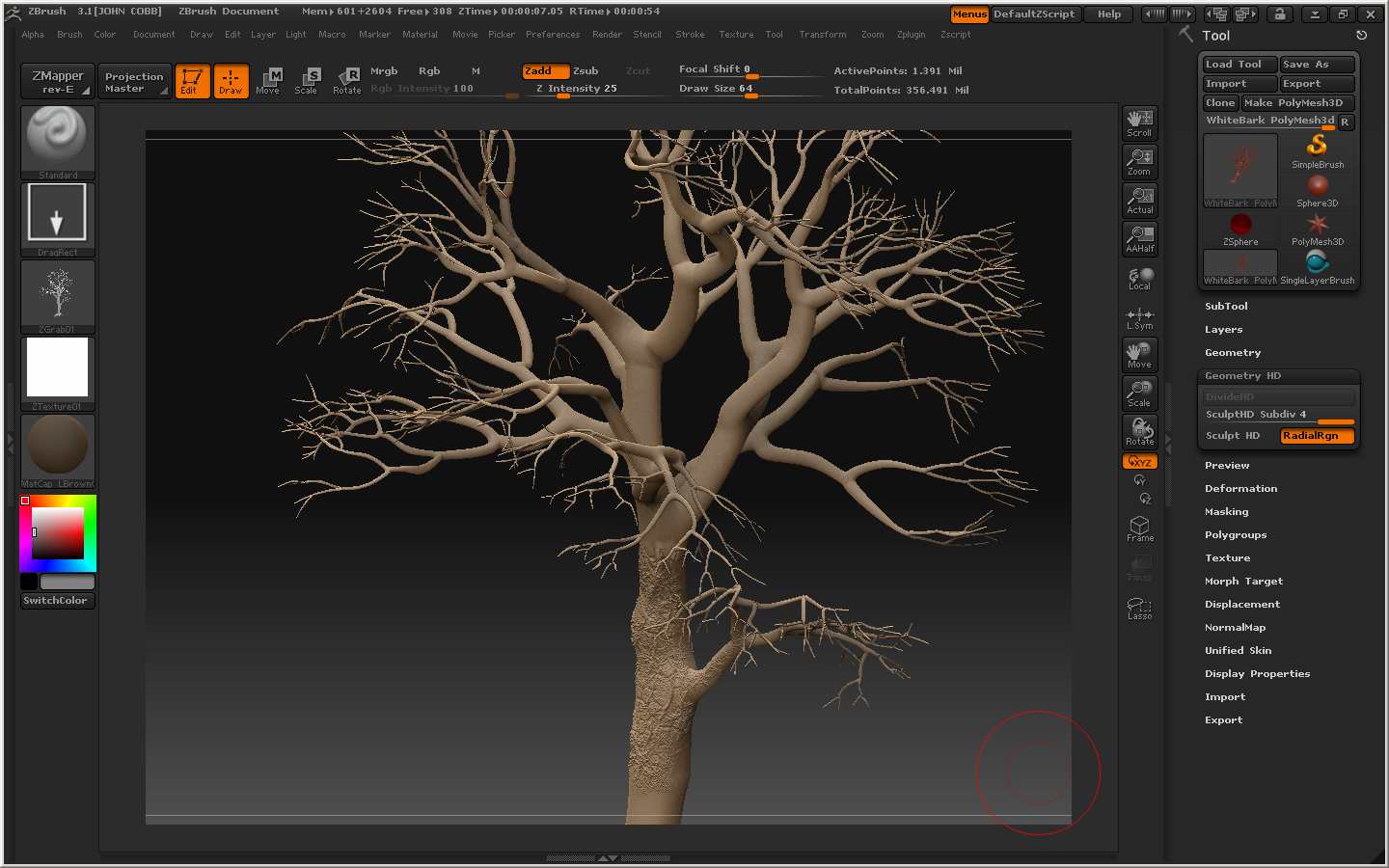
Image 4 shows detials added using HD Geometry - Getting HD Geometry to work by not going to much over 200,000 polys as more my 1.5gigs ram does not seem to like as zbrush crashes.

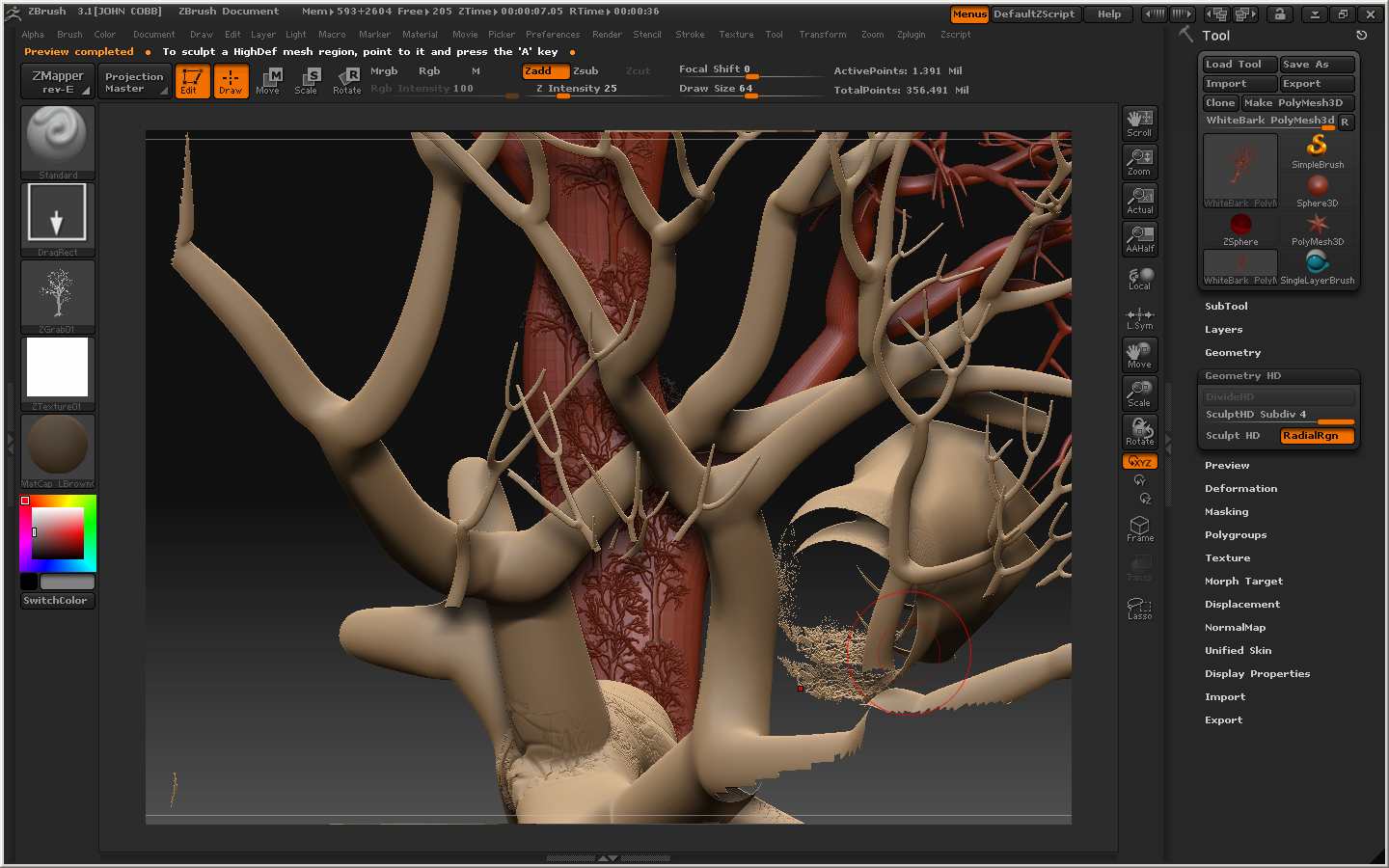
Image 5 shows I am not shure what. What I did was change the material and then HD Sculpt. This time Zbrush did not crash and I got ride of the what ever it was by layers > clear. What did I do wrong for that to happen.

Image 10 shows that aruick’s tip in another thread to use subtools master plugin works real good. As I saved the HD as a ztool reloaded it and placed it onto the canvas and did HD Sculpt which is shown in image 10.

Any help with what to do about what is showing in image 5.

TIA

Attachments
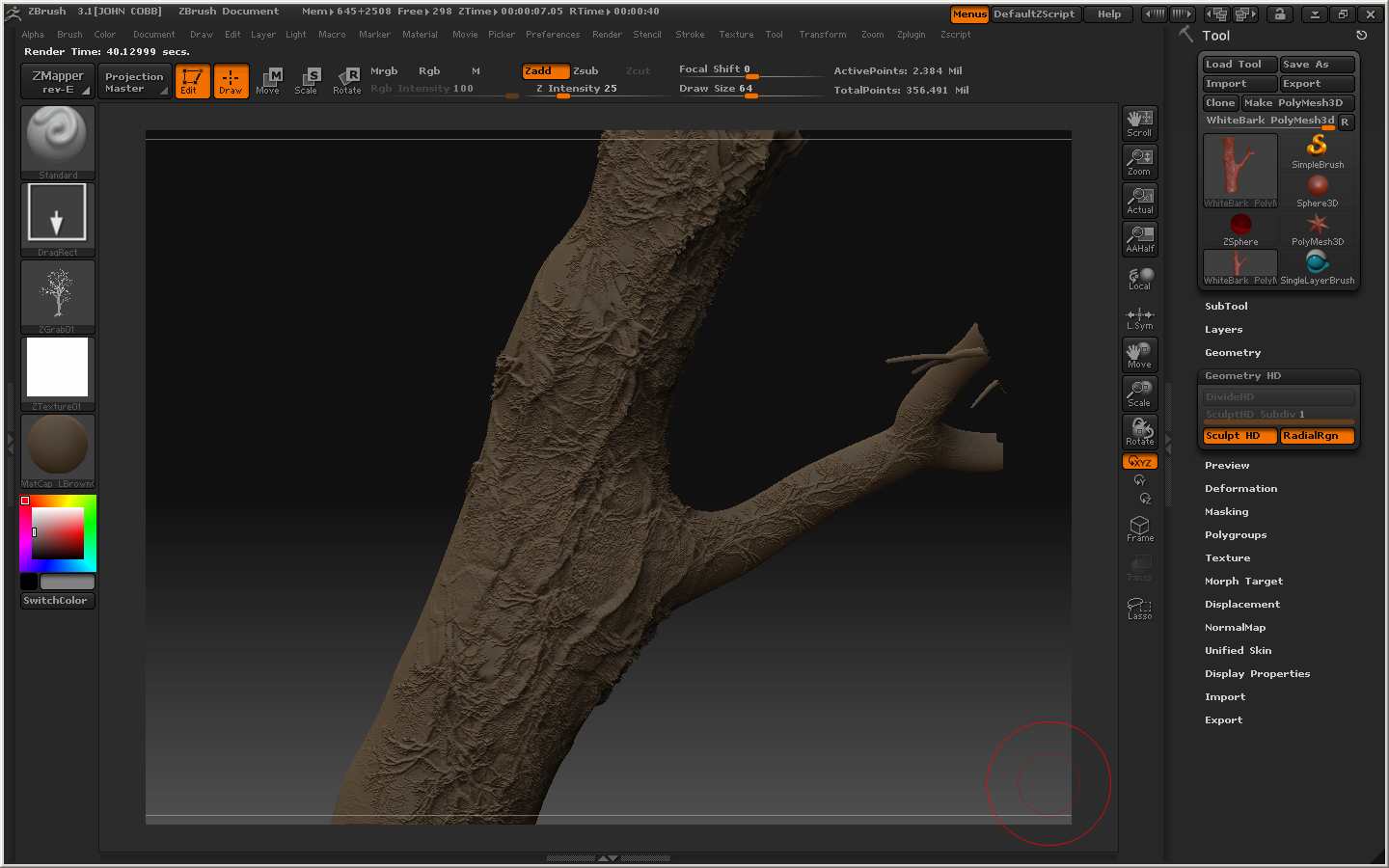
Image4.jpg

Image5.jpg

Image10.jpg

bump

even with that little bit of ram(unless you’re running vista) you should be able to do 200000 polys in realtime just fine, my last pc did that easily and i was able to get mesh’s up to 2mil.
Image5 looks like you just dropped your model to the canvas, hence why clearing layers fixed it. just make sure you enter Edit mode next time.

“Image 10 shows that aruick’s tip in another thread to use subtools master plugin works real good. As I saved the HD as a ztool reloaded it and placed it onto the canvas and did HD Sculpt which is shown in image 10.” is this a question or a statement?

next time try labeling the pics in order that you post them, you have 3 pics so say pic 1,2,3. easier on everyone, also do a draw over with a pointer or something pointing at the issue.

Thanks for the image tips:cool:

I re-did the work and made sure it was in edit mode before I switched to another mat - worked fine thanks for the tip.