ZBrushCentral

HARDSUIT - Need some advice!

Hi there,

Am only learning, but am at the point where I need some advice and help from you guys!

I’ve got my rough block in of the suit in dynamesh. To get more detail on it, I would usually just dynamesh it at higher res? Or should I up the sub division and work in sub divisions rather than dynamesh?

It will be made out of different parts like a deep sea NEWT suit, so I’m wondering how best to progress… should I chop each bit up as different groups or subtools (arms, chest, legs etc) and detail them individually, or should I just carry on detailing on this pose, and then repose it at the end.

The end goal is to get this into either keyshot or octane for c4d and render a few poses out. My workflow is based on trying to get something into a 3d painting/matte painting etc quick and dirty -ish as fast as possible.

I am also really keen to learn how to create a relatively nice hard surface model, however there are so many techniques now am struggling to find the easiest one for me, so any suggestions would be really appreciated.

Thanks for any help anyone can give me.

J.

Attachments
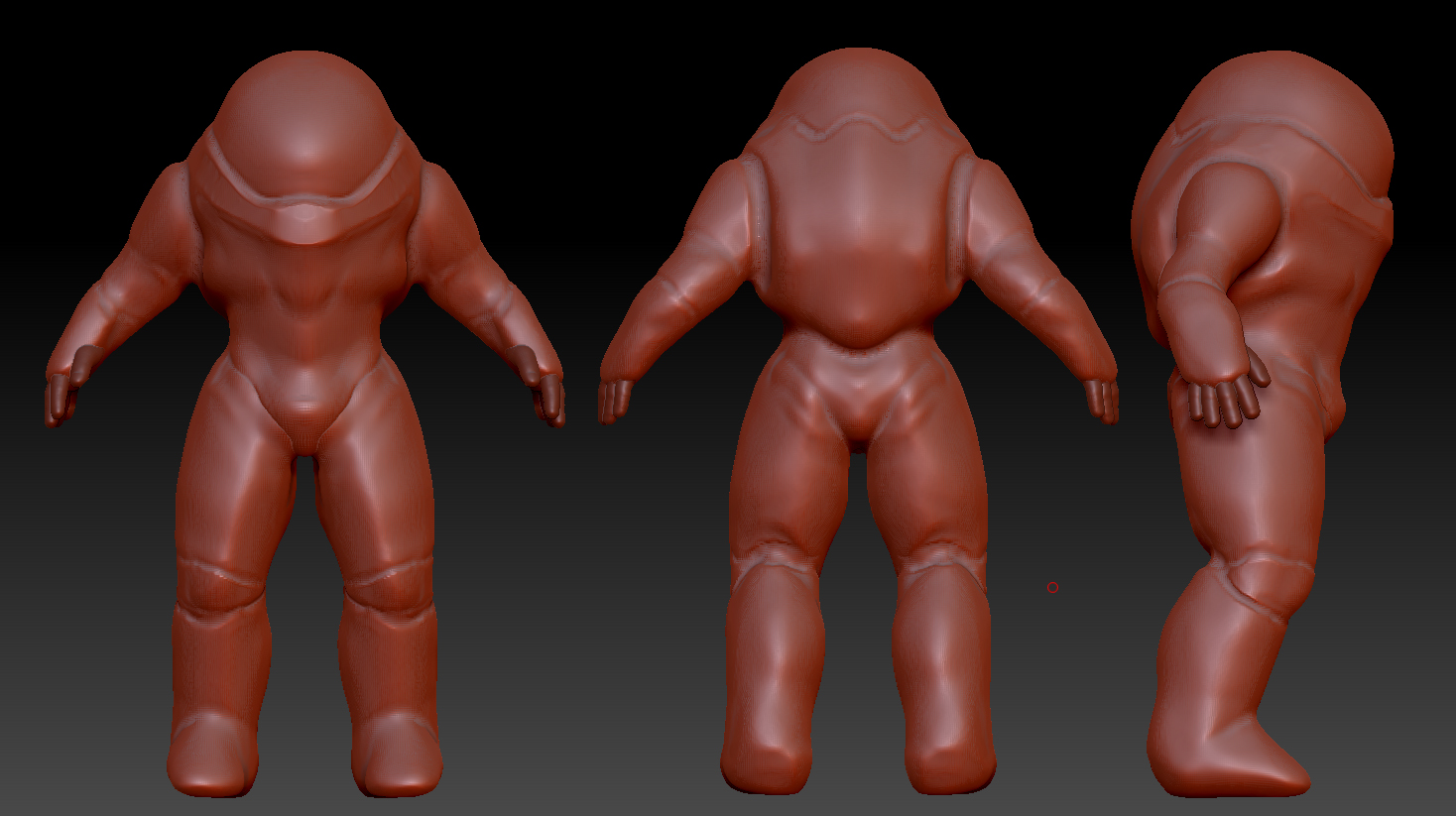
spacesuit_01.jpg

Dynamesh is for ensuring a uniform flow of polys while the form is established. Finer details are usually added after the Dynamesh stage.

Hi there,

Thanks for that, so technically it’s - Dynamesh - get your form as you’d like it > Subd… so the next stage as I mentioned above, should I chop it up first and then detail individual subtools or do you think I should carry on detailing as is, then pose it later?

Did have one more question, if I want to apply different materials to each part, i’d need to separate it all into different subtools won’t I? Just seems like there would be tons of subtools, is that a normal workflow as I don’t tend to see people scrolling through lists of subtools? (again looking at the easiest way to do this)

Thanks again for the advice!

Anybody else able to help me with a bit of advice?

Much depends on how you plan on approaching the hard surface aspects of the figure.

If you plan on continuing to mostly sculpt the figure in organic fashion, the next step would be to establish a traditional multi-subdivision version of the figure with a low poly base level to allow you the freedom to sculpt the figure at low or high rez as the situation calls for. This can be accomplished by using Zremesher to create a new low poly version, and subdivide up from there. Projection can be used here to recapture any lost detail, but at this point it doesn’t look like there’s anything to really worry about losing.

If you want the hard surface parts of the suit to look “machine perfect”, you probably need to create some of them as separate objects and work on them individually, at least at first, using one of the two main approaches to hardsurface work in Zbrush: Low poly HS (Zmodeler box modeling with controlled topology) or High Poly HS (topology independent,frequent remeshing via Dynamesh, used in conjunction with clip, trim, and slice brushes, transpose extrusion and manipulation, and possibly Live Booleans). While shaping these objects they would mostly be at a single level of subdivision, so they must be separate from any multi-resolution subtools.

The topology brush, subtool extracts, and the retopology tools can all be used to create new simple geometry on top of existing geo, that can then be shaped individually. The Gizmo can be used to quickly create and position primitive geometry that can shaped as necessary.

All of these things are complex subjects in their own right, so if you don’t understand something I’ve said here, you need to research that aspect of the program.

Good luck!

Hi Spyndel,

Thanks so much for the detailed info, I am exploring a zbrush workflow, purely from a speed to artwork pipeline. I am from a 2d/matte/concept background so always felt a little restricted by assets, so why not create my own. Having never been very technical (or had the time to be so patient as to box model) I looked to zbrush as a tool to get ideas out of my head into 3d as quick as poss.

I would probably go for a high poly HS approach, as I have already started down that road. I love the zmodeler tools, but slightly different thinking for me, but again will use that for more machined areas.

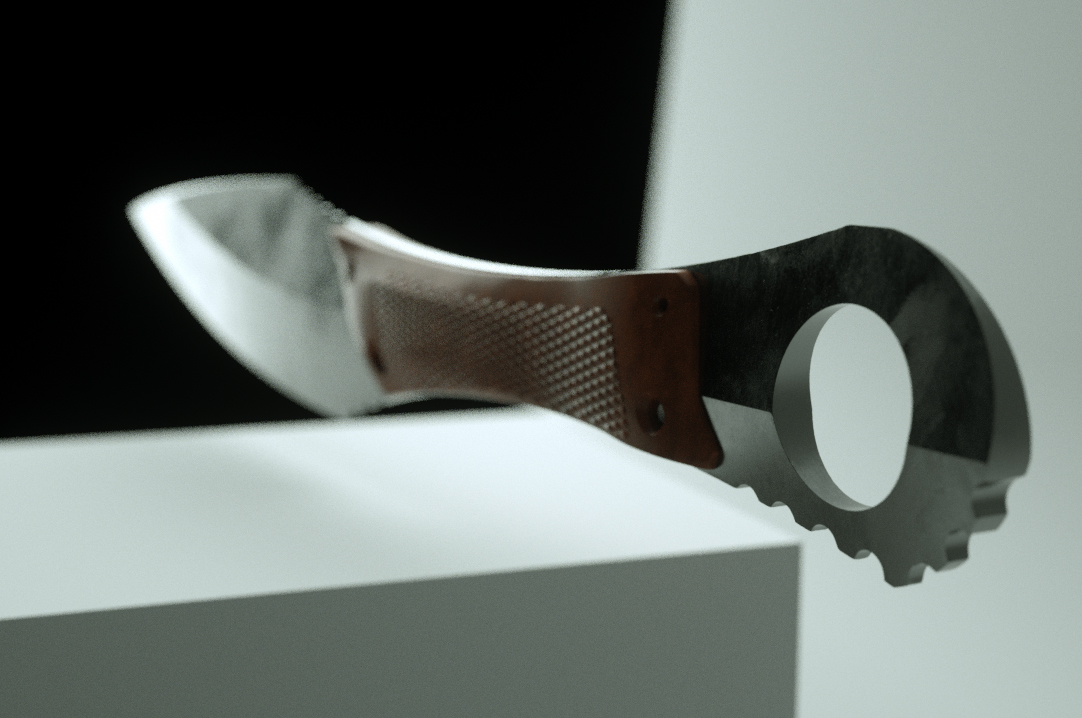
I realised that I always go for something stupidly complex so have pulled back and followed a tutorial on a knife for example that gave me huge insight into the zmodeler worflow and how useful it is for clean edges etc. My meshes at this stage in my development can be a little lumpy, however using the clay polish and polish I was amazed at how clean a result I could get.

Here was my result after that, just using the sculpting, dynamesh and polish tools:

Bunny_01.jpgI was really happy with how clean it came out, as whenever i’d render it would appear clean but still have imperfections.
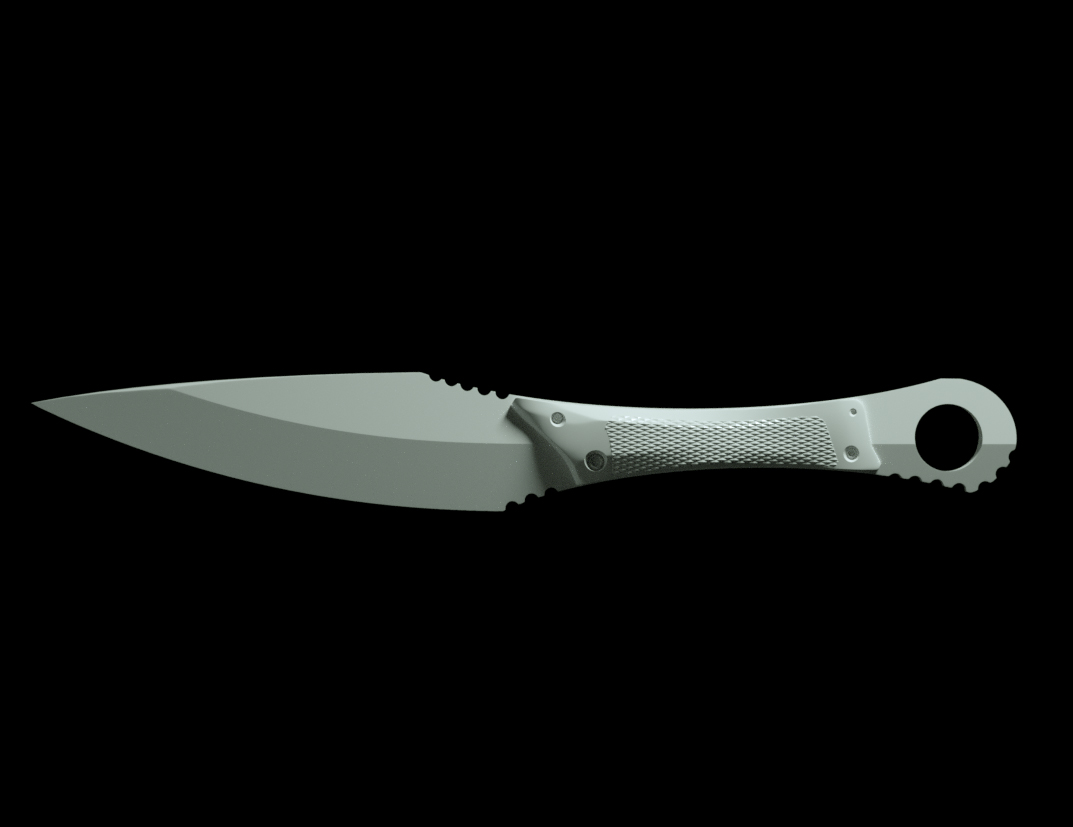
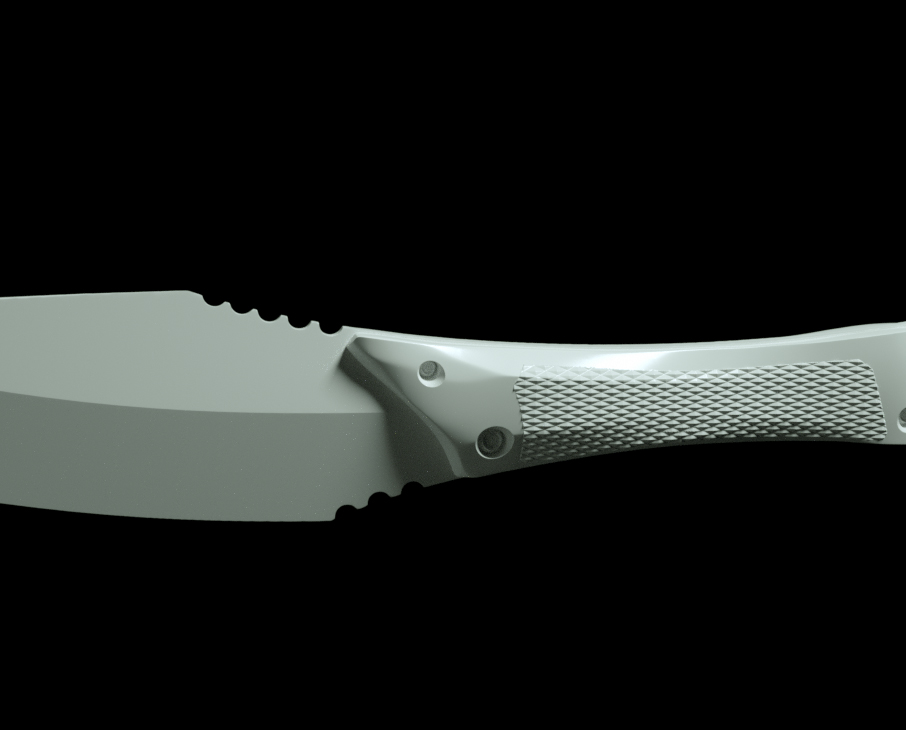
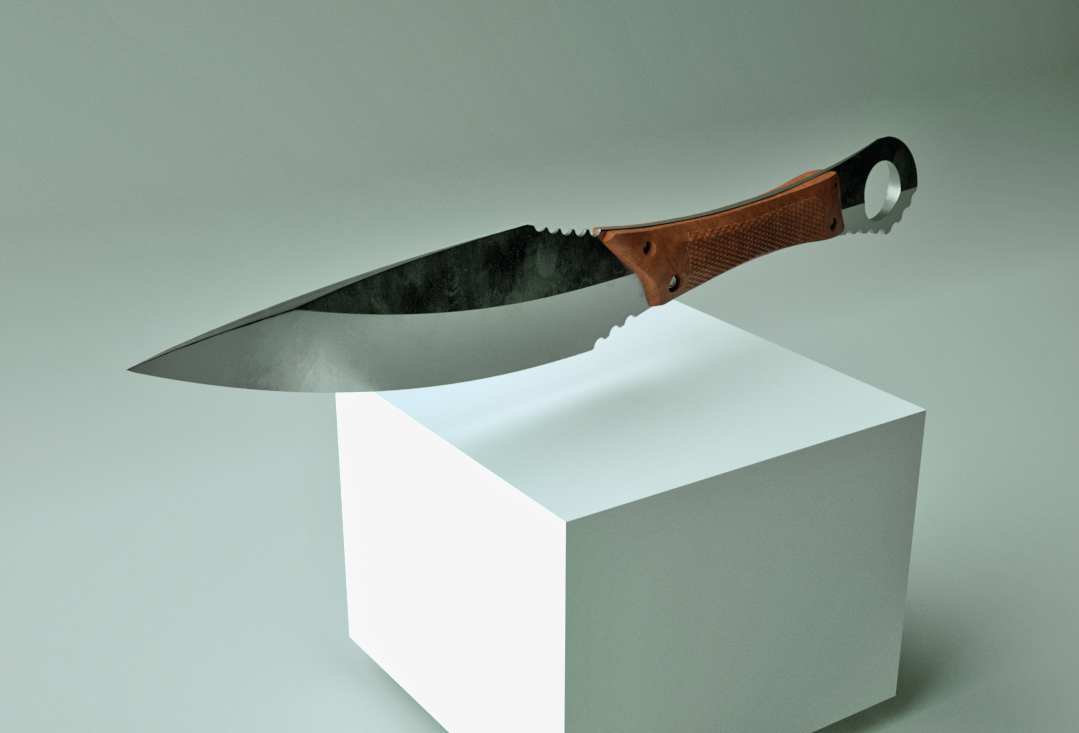
This was the knife btw:

knife_01.jpgknife_02.jpgknife_03.jpgknife_04.jpg

I am going to start a new post with the bunny as I feel that has taught me quite a lot, I may very well just try and get smaller wins here and there to build ot my larger project. Thanks again for the advice!!

Hey guys, sorry if this is the wrong forum to post in… all the work is so stellar here I feel it must be! If anyone can give me any advice where there may be more people at my level that I can chat progress through with would be incredible! Thanks again! :wink: