Lately I’ve been trying to mess around with some hard surface designs in Zbrush and its been a real pain to keep my poly-count at a reasonable level.
This is how I’ve been going about it:Basically make a portion of my model (like the head) using dynamesh, clipping, inserting meshes, extracting and all that jazz, but each sub-tool ends up being around 200k (give or take depending on the size of the mesh). After I’m satisfied with it I’ll decimate it and move onto another part, say… the torso and do the same thing. Even with decimation the poly-count goes up pretty quick and I feel limited to what I can create. My computers not the best either, and it seems like dynamesh is extra harsh on my machine.
Anyway, my question to all of you is: Is there a better way to go about hard surface modeling in zbrush where I can still keep a good amount of detail and clean lines and have a lower polygon count, or do I have to settle for a detailed hard surface sculp in the tens of millions of poly-gons because that’s just how zbrush rolls? Just curious what other people do to make some of the great hard surface models I’ve seen on this site. I’d prefer to stay within zbrush as it’s currently the only software I have available.
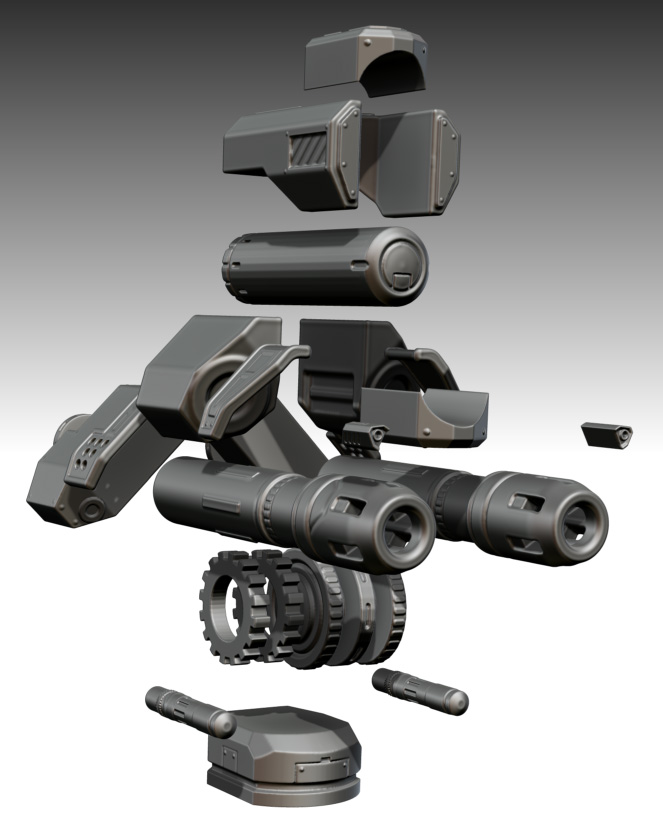
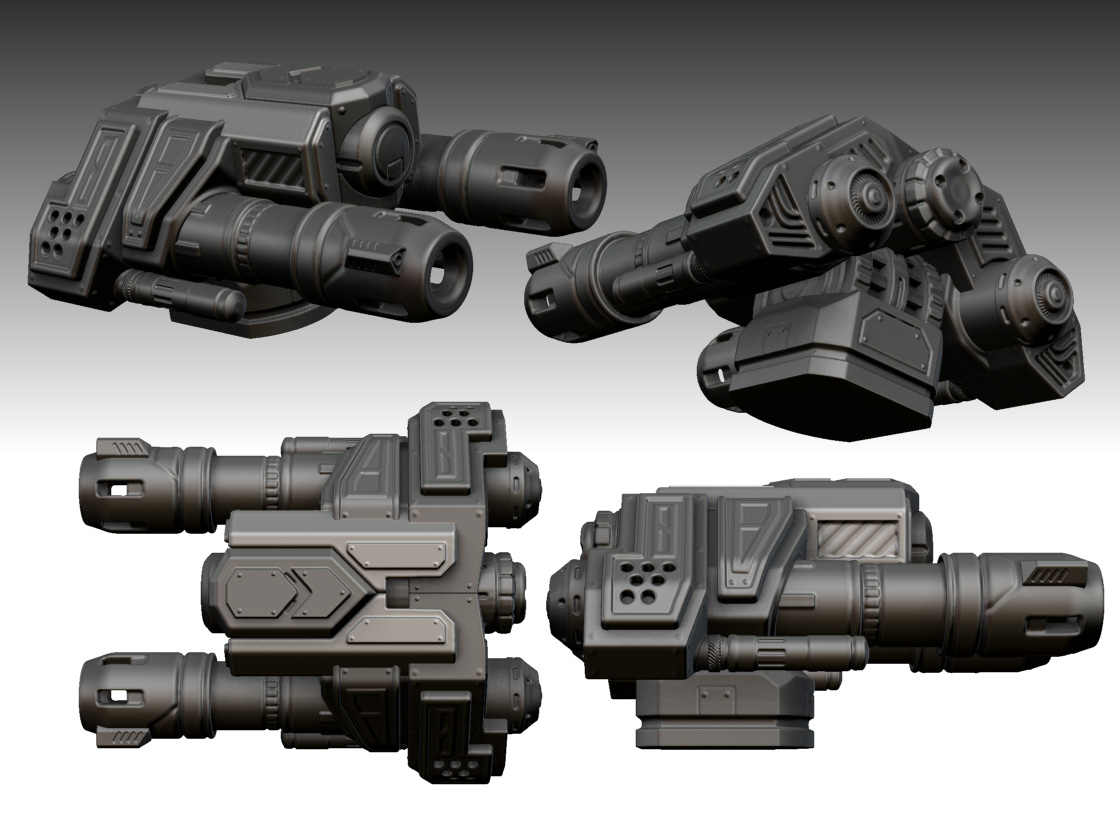
Just a simple example. ~3mil polys with 15 sub-tools, decimated it still ends up being over half a mil and this cannon was meant to be a small portion of my overall model. I haven’t tried to retopo it, something about freehand retopo tools that worry me when it comes to clean hard surfaces. Again, just curious if there’s a better way in zbrush, because this cannon in another 3d software program could probably end up being several thousand polygons rather than 3mil. Though it looks good, my machine will just hate me if I take this where I want it to go 
Attachments