ZBrushCentral

Hard edge model with displacement map ?

Hi,everyone!

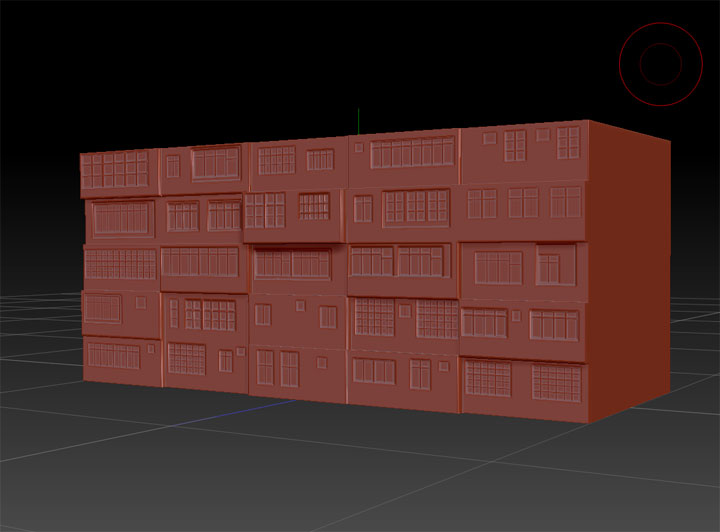
I try to make a building model,simple polygons with displacement map.

In ZB,everything seems fine.

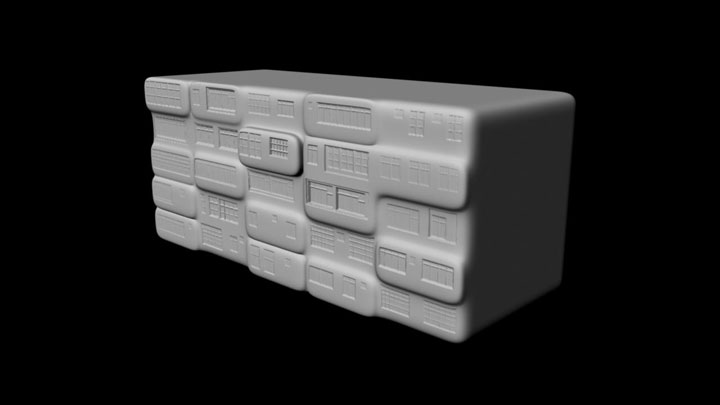
But when I rendered it in Maya2009(renderer:Mental Ray),I lost the hard edges.
I’ve tried several methods but still had problem.

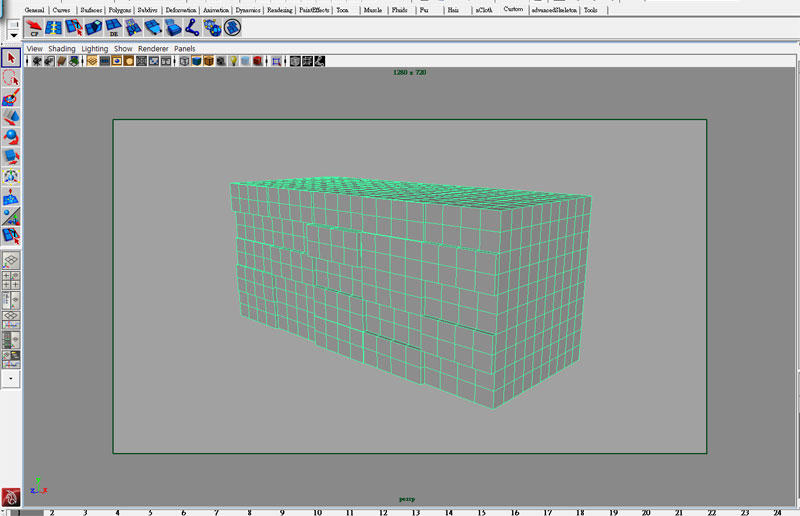
This is the base mesh.
<img src=“http://www.zbrushcentral.com/pixo/atn.gif”>

Sculpting in ZB4.
<img src=“http://www.zbrushcentral.com/pixo/atn.gif”>

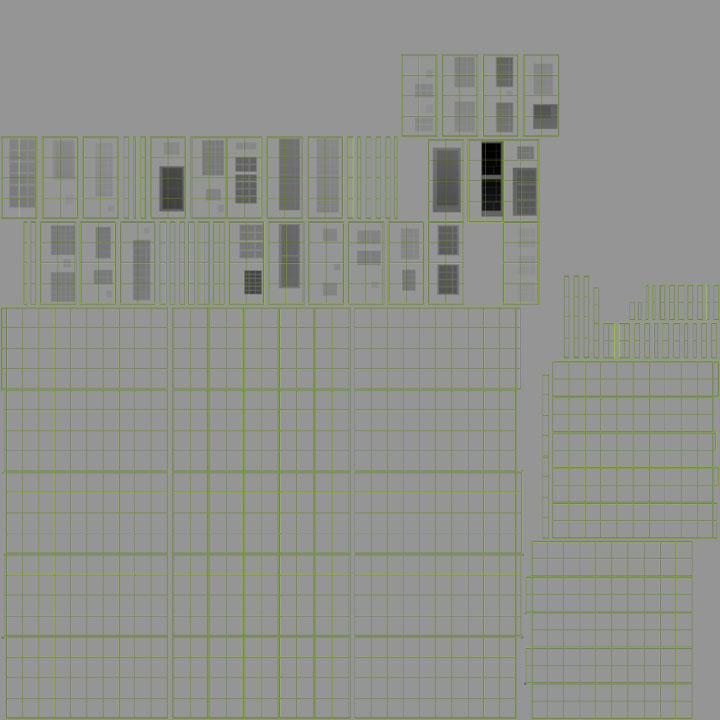
I use GUVtile.
Morph target & shift +click crease to metain the shape.
and then I generate the displacement map.
<img src=“http://www.zbrushcentral.com/pixo/atn.gif”>

I use Mental ray for Maya2009.
With the mentalrayDisplaceApprox &mentalraySubdivApprox nodes,
I tried some different settings.
And tried to add lines near the corner.
But still get same result:
<img src=“http://www.zbrushcentral.com/pixo/atn.gif”>

Hope someone can help me with the problem.
Thanks a lot.

Attachments
bdRobotToso001_uv.jpg

dispZB.jpg

maya09disp.jpg

model.jpg

I have the same problem with the following workflow (ZB4)

1- create a mesh in lightwave
2- import this mesh in Zbrush
3- subdivide enought to sculpt (with no crease)
4- sculpt (with a lot of hard edge)
5- générate displacement map
6- export level 1 to be my new base mesh in Lightwave
7- import the mesh in the lightwave layout
8- subdivide the mesh to have enought polygons to support détails (with the same method I use to subdivide in ZB, ie : no crease, no subpatch weight map)
9- apply displacement. Hard edge is OK on the internal polygon, but external edges stay round : same as picts show by Asulifaye

I have try other methods (with creases on ZB and LW, with creases on ZB but not in LW…). No success.

Any idea on what’s going wrong ?

I’m still searching for the solution(through the internet).

I guess the problem caused by the “normal”.
But the soften & hard normal command can’t fix that.

These ways I tried:

1.Adding lines near the corner edge very closely can make the edges not so round,but still not sharp enough.

2.In ZB,before generate displacement map,shift + crease button at lowest level.
That generate the right map,but no influence with the round edges problem.

Thanks for sharing your investigations.

Hope something from Pixologic could give an answer.