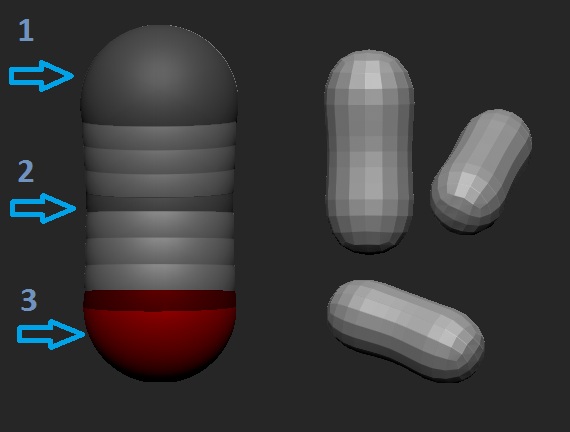
Well this is really easy to fix, you just need to add more ZSpheres! into each other, like this:
[
And you’re gonna have something like this kind of peanut shape :lol:, to start with, and then you can continue adding more and more ZSpheres to create whatever you want!, and yeah just like Shockblade say, you need to turn on the X Symmetry, pressing the letter X on the keyboard, it’s very important that you always work with symmetry ON when you use ZSpheres, and well that’s all.
Attachments