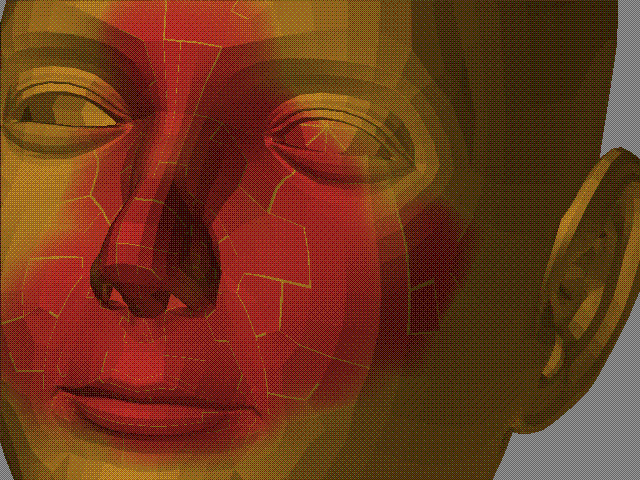
I just can’t get this to work. Double checking the manual and this forum but couldn’t find the answer.
I create a power of 2 texture, then apply GUV or AUV tiles. The tiles never cover the whole mesh, they always leave large gaps unmapped. I tried every UV option, none of them seem to fix the problem. The Fix seams button makes the seams disappear, but as soon as I start painting on the model the seams are evidently still there.
Sorry to have to ask this…I should be able to figure it out and I feel like an idiot!
edit: ok, I think I figured it out…I just ignore the lines and press fix when I need them to go away.
Attachments