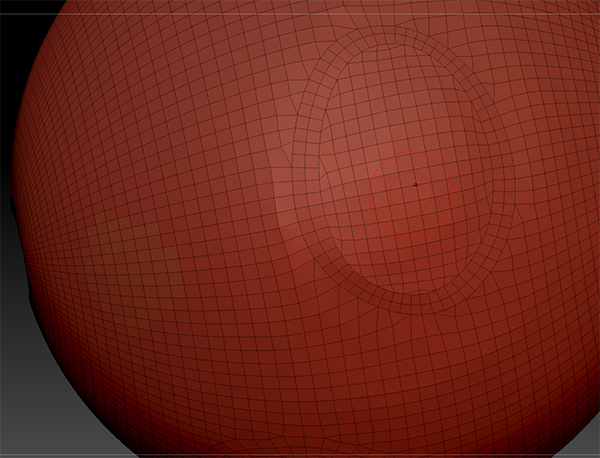
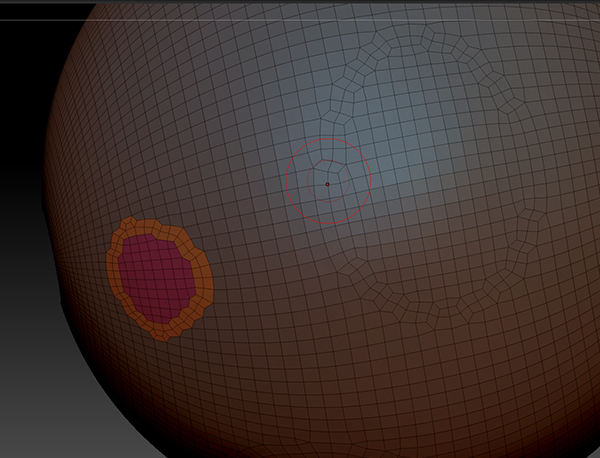
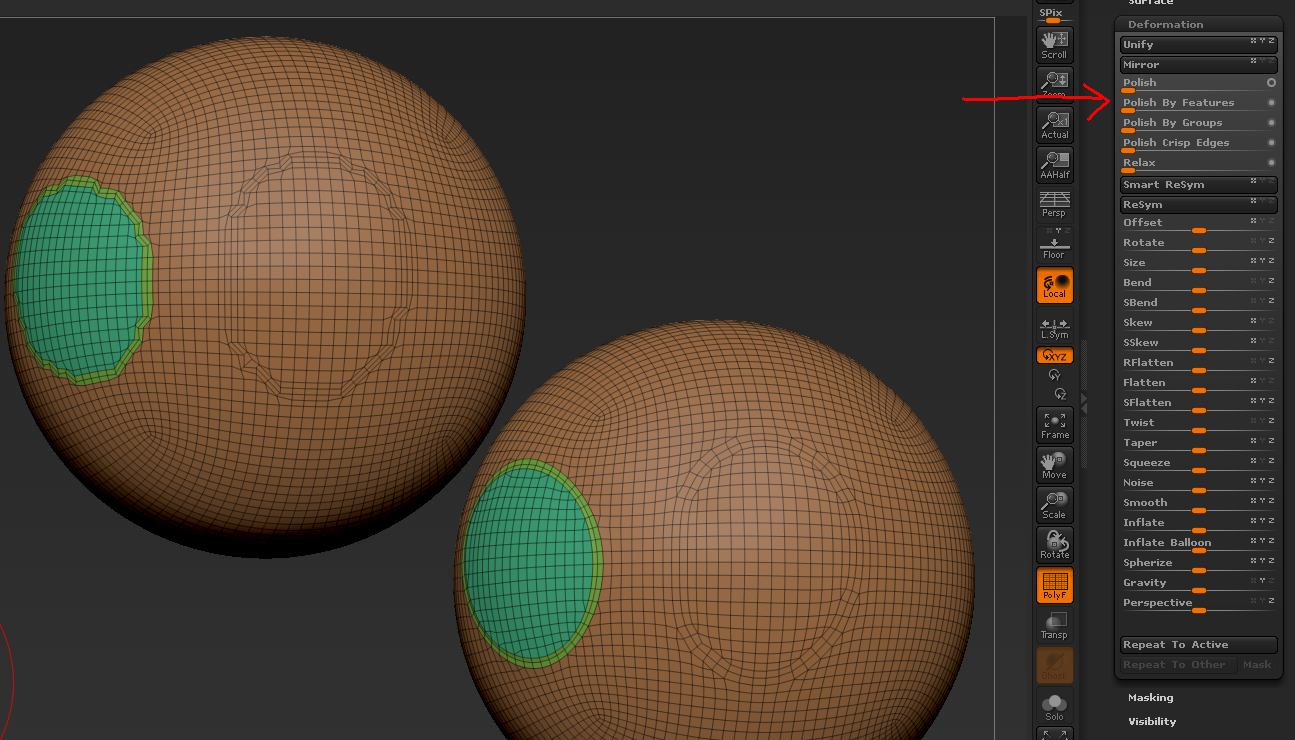
In search of an intuitive way to continually add loops around areas of a model based on groups.
Currently, I have run into an issue that once I have smoothed out a group of loops with the Smooth Group tool, and then cleared out those groups to make a new group to loop, it destroys the smoothing on the original loop when I choose Group Loop again. If I leave the group in of course, it will loop the group again which I don’t want. Group Loop does not seem to obey masking so that is out. And hiding parts of the mesh creates a new loop around the area clipped. So that is out too.
Any ideas?
Attachments