ZBrushCentral

Grid-Feature - centered Ref-Images how? (Answered)

Hi All,
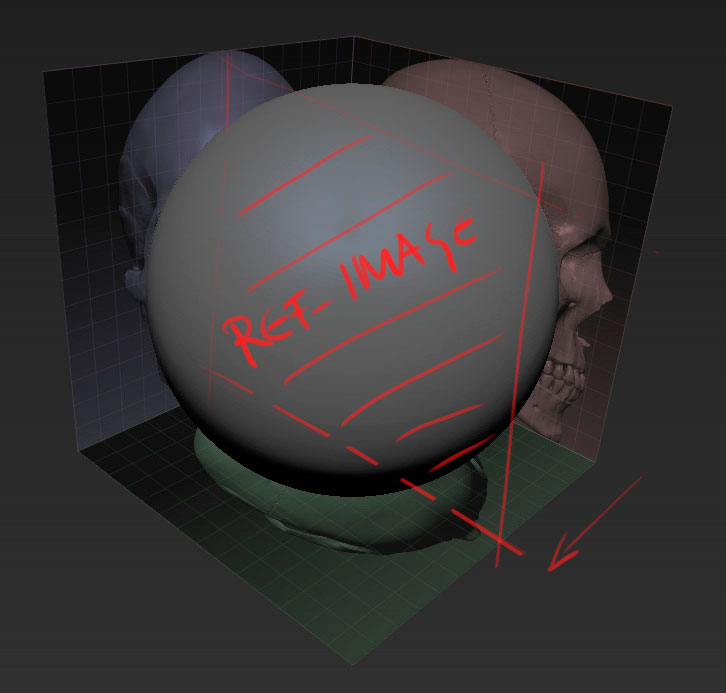
I can not set up reference-images the way it makes sense to me. While the added features in R4.4 look awesome, images are always put to borders of the grid. What do I have to do that they get placed on the zx, xy and yz planes instead?
Thanks!

Attachments
screenshot_832.jpg

There may be many other ways to do it but personally Id just unwrap the Grid, morph UV to flatten it and then using Lightbox Id RGB paint it onto the correct sides where I want them and then UV Morph back to get your 3 side guide box.

Hi Adam,
thanks for your reply. However, what you suggest seems not to be what I am after. I don’t want to swap views.
I prefer another image-alignment in space and I wonder how to set this up:
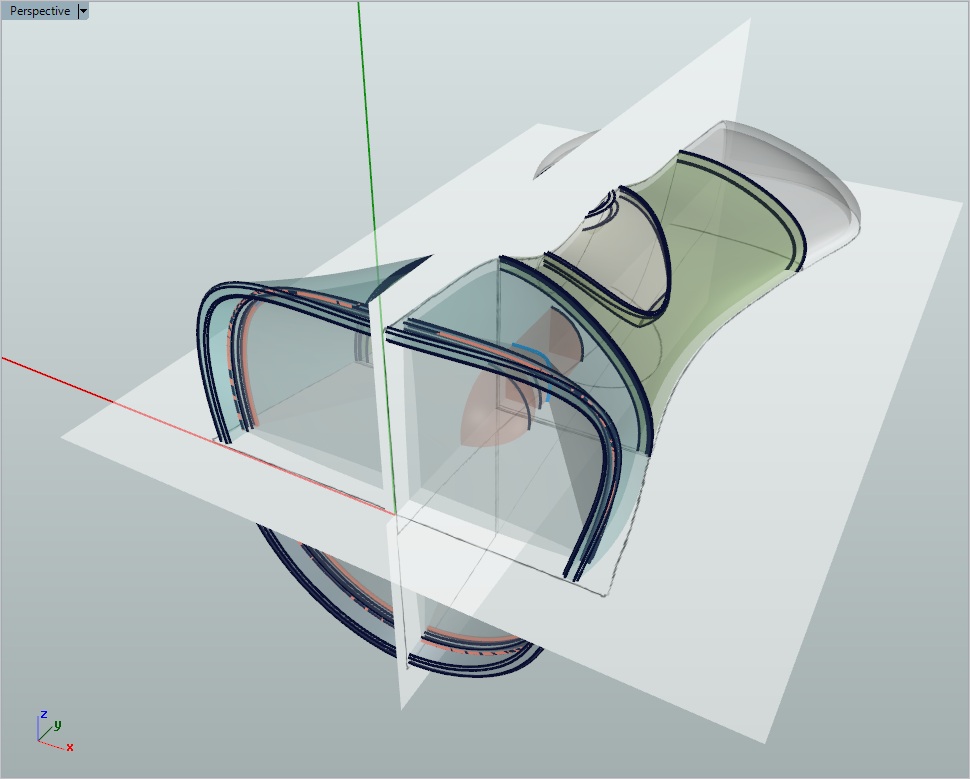
Not as a 3 sided box outside of the model but as up to three intersecting planes centered around the origin (see attached).

Attachments

screenshot_834.jpg

Same method will work polyxo, just open lightbox, import your ref image as a texture, add it to lightbox and then paint it onto your plane. Repeat for other planes/guide. Make sure you have enough Divs on planes to get the image resolution looking how you want it.

Thanks Adam,
this method would probably do as a workaround.
I however referred to the 4.4 addition in the Draw-Menu which allows for more convenient reference-placement as well as appearance-finetuning.

Simply set the ‘Elv’ (Grid Elevation) in the Draw palette to zero.

Ah right thanks, wasn’t a feature Id gotten to use yet but now I’ve seen it its most welcome, cheers noth of you.

That is simple enough. Many thanks!
One might add a note on this in the Help-Documents.