moin,
Attachments
moin,
I’m afraid you’ll probably need to re-read the instrctions in the thread on posting images, so we can get a look at your problem.
thats right…
now you can see all pic´s!
an idea?
thx
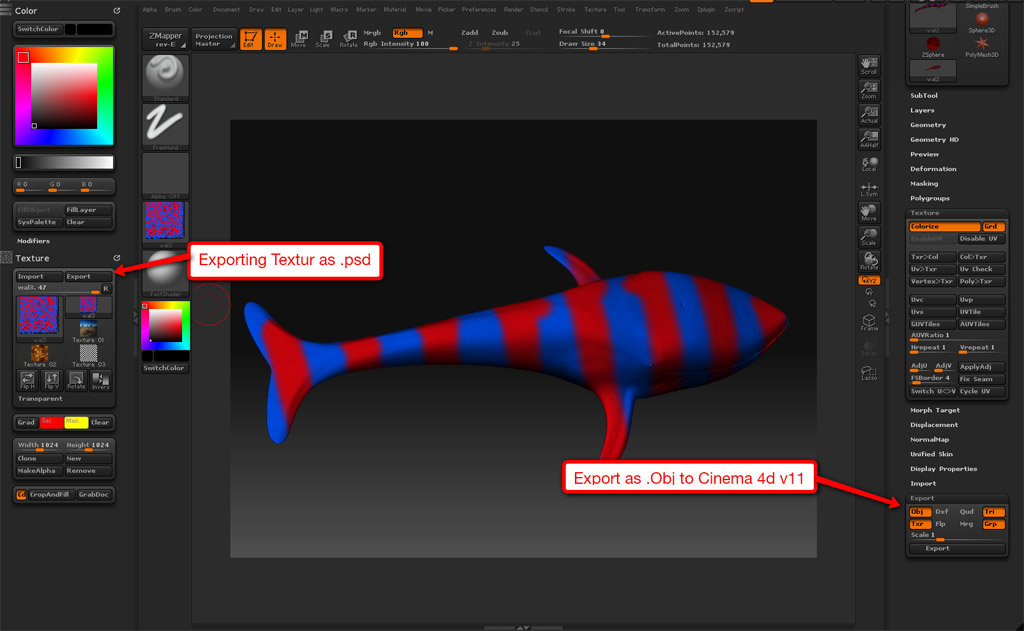
Try flipping you texture vertically (FlipV in the texture palette) before you export it.
Richard
it doesn´t work better…
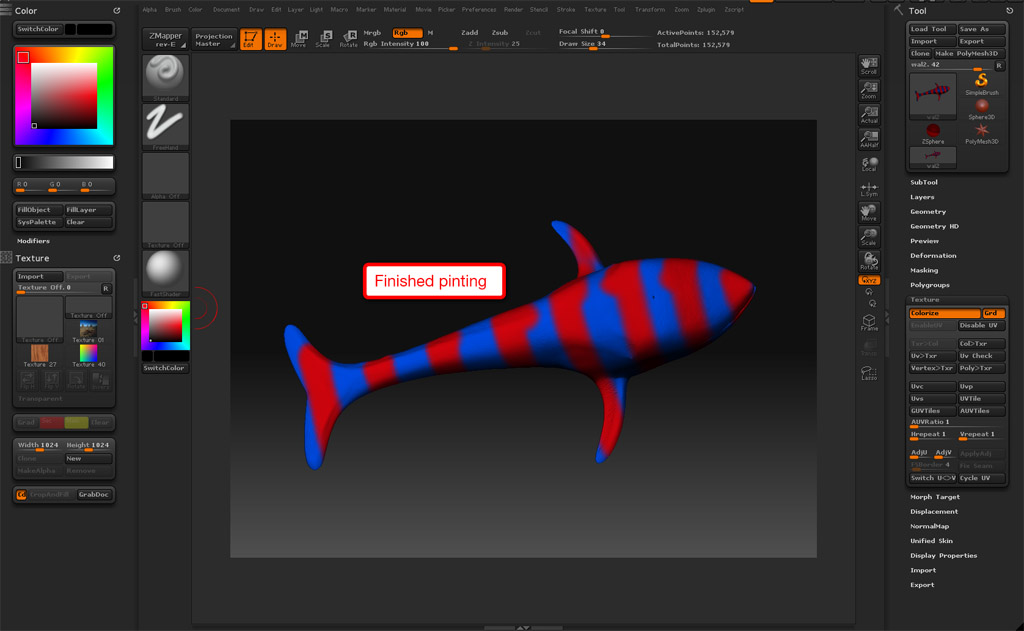
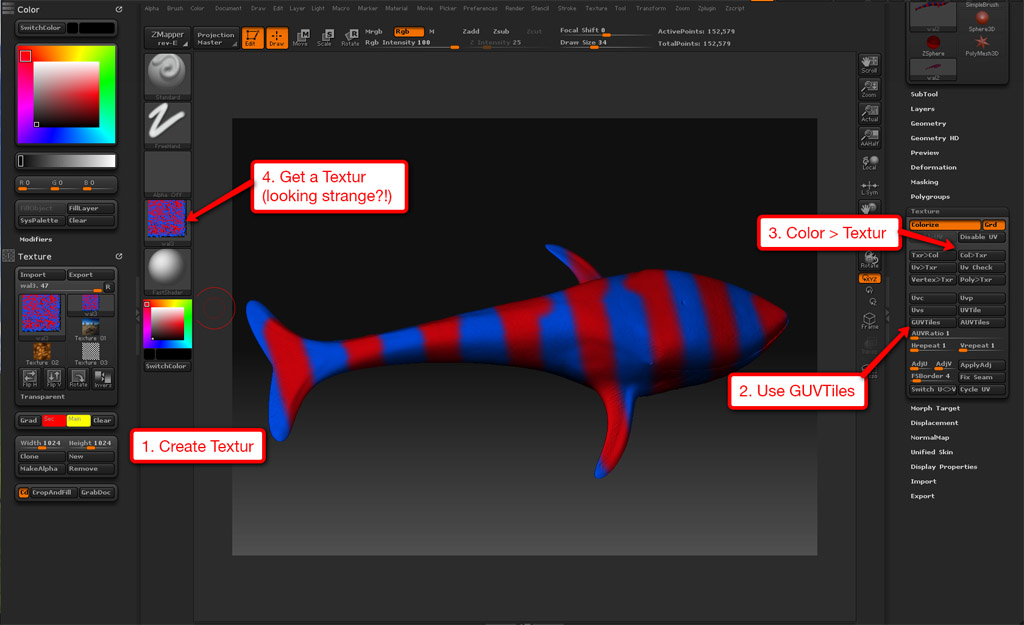
its normal that zbrush create a very strange Textur after clicking on “col>tex” ? zbrush create a chaos of red and blue points?
i am accustomed that the textur nearly looking like the mode in 2d?!
thx
dravus
The texture is correct, it is the UVs you used (GUVTiles) that give the strange appearance. If you want the more conventional ‘human readable’ UVs that look like the object, you’ll have to create them outside of zbrush.
Richard
You`ll need to learn the basic of UV layout
The texture was generated that way because your mesh`s UV was lay out that way.
You can export the lowres mesh, UV it in other app, then import it back in to get the right UV.
Also, ZBrush interpret UV texture coord differently than most other app.
While up is up in others, its down in ZBrush, and vice versa. Youll have to flip the texture image vertically in order for it to display properly