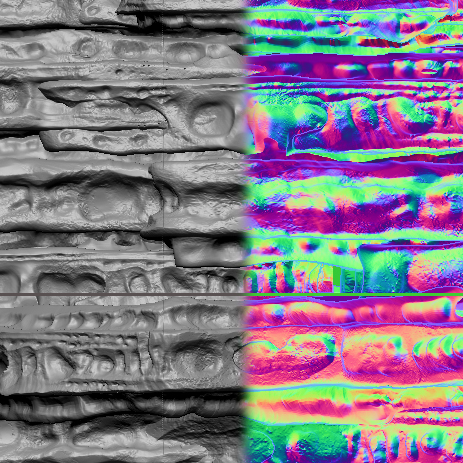
The document size is set to 1024x1024. There is no seam when I tilda-scroll around the image. But when I export it and offset it in Photoshop I get this seam. What am I missing?
[ ]
]
The document size is set to 1024x1024. There is no seam when I tilda-scroll around the image. But when I export it and offset it in Photoshop I get this seam. What am I missing?
[]
make the image 1025x1025 then export.
remove the extra pixel where the seam is appearing. That should remove it and everything should be good again. You also probably have a seam at the top as well (there is always a small 1 pixel border that appears on the top and right for some reason.)
Actually, that line you see through the middle is more like 4 or 5 pixels, and it’s from the top/bottom. I just offset the image. But your trick will probably still work as long as I get the number right. Thanks!