Let me elaborate on the problem:
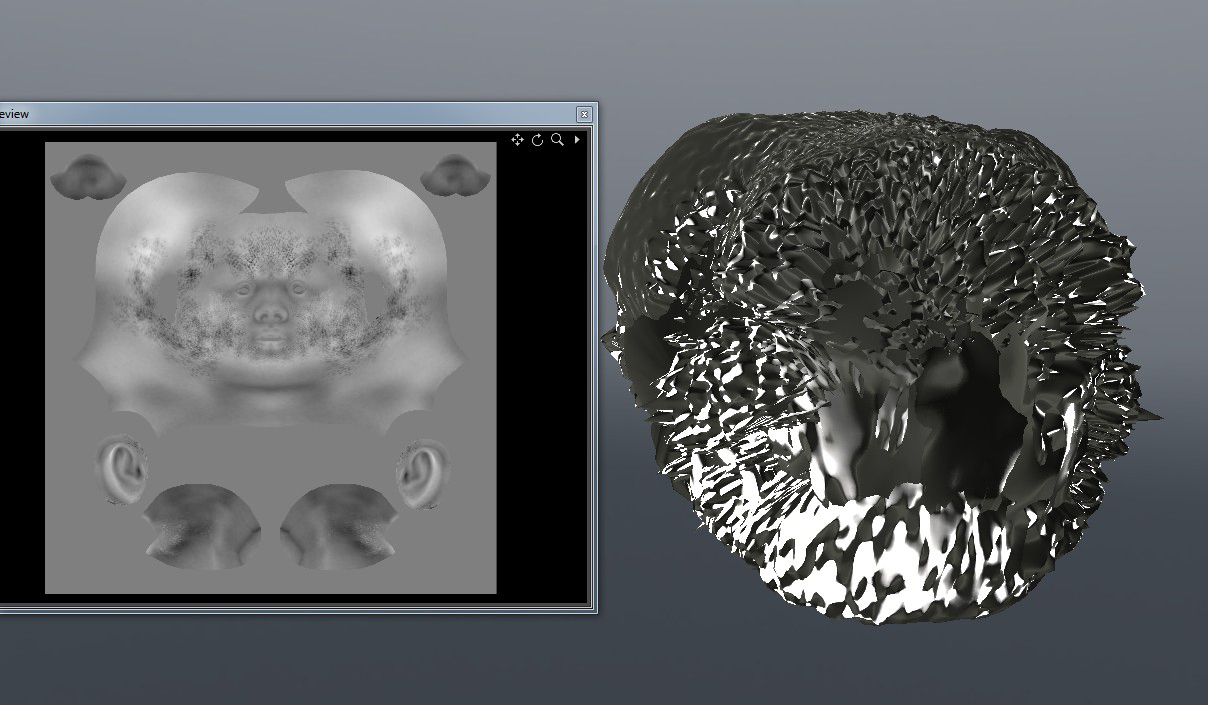
I made a model in modo and GoZ-ed it over to Zbrush. The model already had uvs’ so that was fixed. I then made some details on it and made a displacement map which I saved to file. This was to test it manually without GoZ. I then set up the scene in modo. I added a new material to the model, I imported the displ map and I set the displacement distance to 500 mm, the same as GoZ sets it to. Of course, the model exploded, as you would expect. There is just NO way you can displace a 25 cm tall model 50 cm and expect good results. This was as expected.
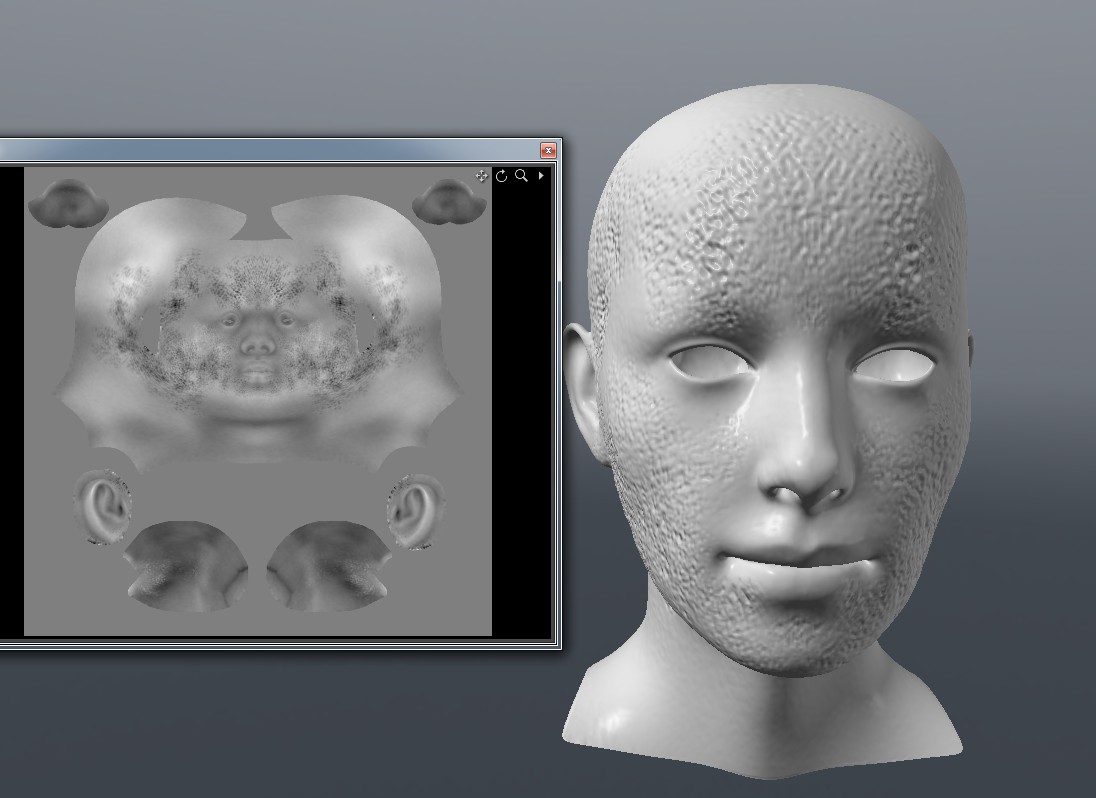
So far I know 100 percent why it exploded and why it didnt work. Reducing the displc distance will work. However, this is where GOZ is messing with my head. I made a new displacement map of the exact same model and GoZ-ed it over. This time the shader and model was set up automatically and it worked perfectly. However, it SHOULD NOT WORK. The displc distance is set to 50 cm, which SHOULD blow the entire thing up. But it doesnt. You would then expect that the displc map has a waaaay lower intensity. It doesnt.
Here are two screemsjpts, one with manual set up and one with GoZ. As you can see, the dicpl maps are identical (except for some tweeks I did to speed the last one up). How come GoZ can set up a mat which works perfectly, but if we try to replicate it, it screws completely up?
Here’s the model with the displacement distance set manually to 50 cm.
EDIT:
Okay, I understand it more now. I noticed that the high and low value on the displc map has been set to -0.3888 % and 0.3888 %. Then comes the question. How on earth do you know what value is the correct one? Why 0.388?
Attachments