Hi,
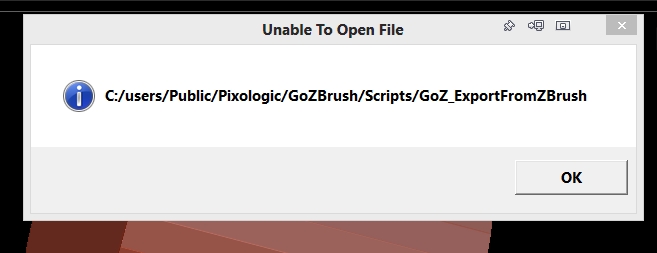
This is very strange. I’ve been using GoZ to and from DAZ Studio for a long time now. I went to use it just now and it’s telling me that there is a some information missing so can’t. DAZ Studio can’t connect from it’s end either. Here is the message I got.
Unable to Open File: C:user/Public/Pixologic/GoZBrush/Scripts/GoZ_ExportFromZBrush
Well there is no Scripts folder within the GoZBrush folder so I’m confused as to what could have happened. I’ve tried forcing a reinstallation and tried reinstalling the plugin from DAZ Studio as well. Nothing is working. I made sure the paths were all confirmed and they are via ZBrush.
I sure hope that I don’t need to reinstall ZBrush. Using the most current version of both ZBrush and DAZ Studio.
I did recently upgrade to Windows 8 but everything is working fine so far… only had to update one driver for my Wacom tablet.
Thanks for the help.
Richard :o
Attachments