ZBrushCentral

Geometry HD quality degrading

Hi!

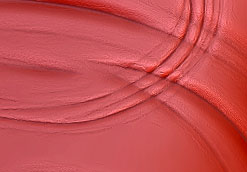
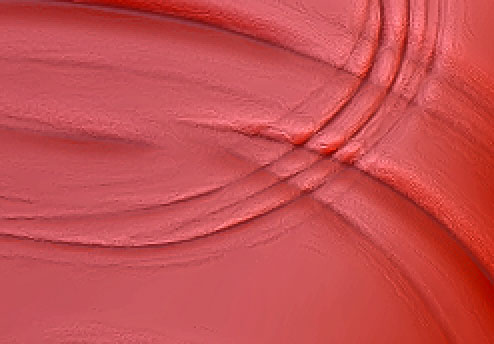
I noticed the quality of the hd mesh goes down everytime when entering sculpt hd mode (artifacts appear, details get flattened):

first time entering HD sculpting mode:

third time (without doing anything else) it looks like this

Just posting so it might get some attention by devs/maybe get fixed in the future.

-sw

Attachments

hd1.jpg

hd3.jpg

hd1.jpg

hd3.jpg

It’s all about workflow. Not sure what you’re doing to need HD geometry. What is total point count on tool(or subtool)?

Painting skin detail on a full body human mesh. 3 million polygons is not enough for that, going to 12 mil gives me memory errors when generating displacement, so I need hd sculpting

I believe the quality should stay the same, with any workflow

What will be done with it, print, 3d print, render only? Can you break your model down into groups/subtools, rather than one piece?

No chance to split it into subtools, it’s one big mesh used for rendering.
So there’s little room for optimization I guess.
I’ll have to try to reduce the number of times I’ll go to HD.

http://www.zbrushcentral.com/showthread.php?186388-Poly-Count-Too-Large-to-Merge-my-Sub-Tools&p=1085480&viewfull=1#post1085480

I’ll need that detail unfortunately. I’m using an 8K disp map (would even need to go higher to get all my polys individually displaced using 6 levels of subdivision) – but have to stop at some point :wink:

Thanks for your assistance - hoping this issue will be fixed at some point.

That looks a bit like fabric?, if your mesh has clothes on you should be able to split it up and then you’ll have more points to work with. Link I posted was from a similar discussion(I posted an image further up).