ZBrushCentral

Gaps in my texture and UVs

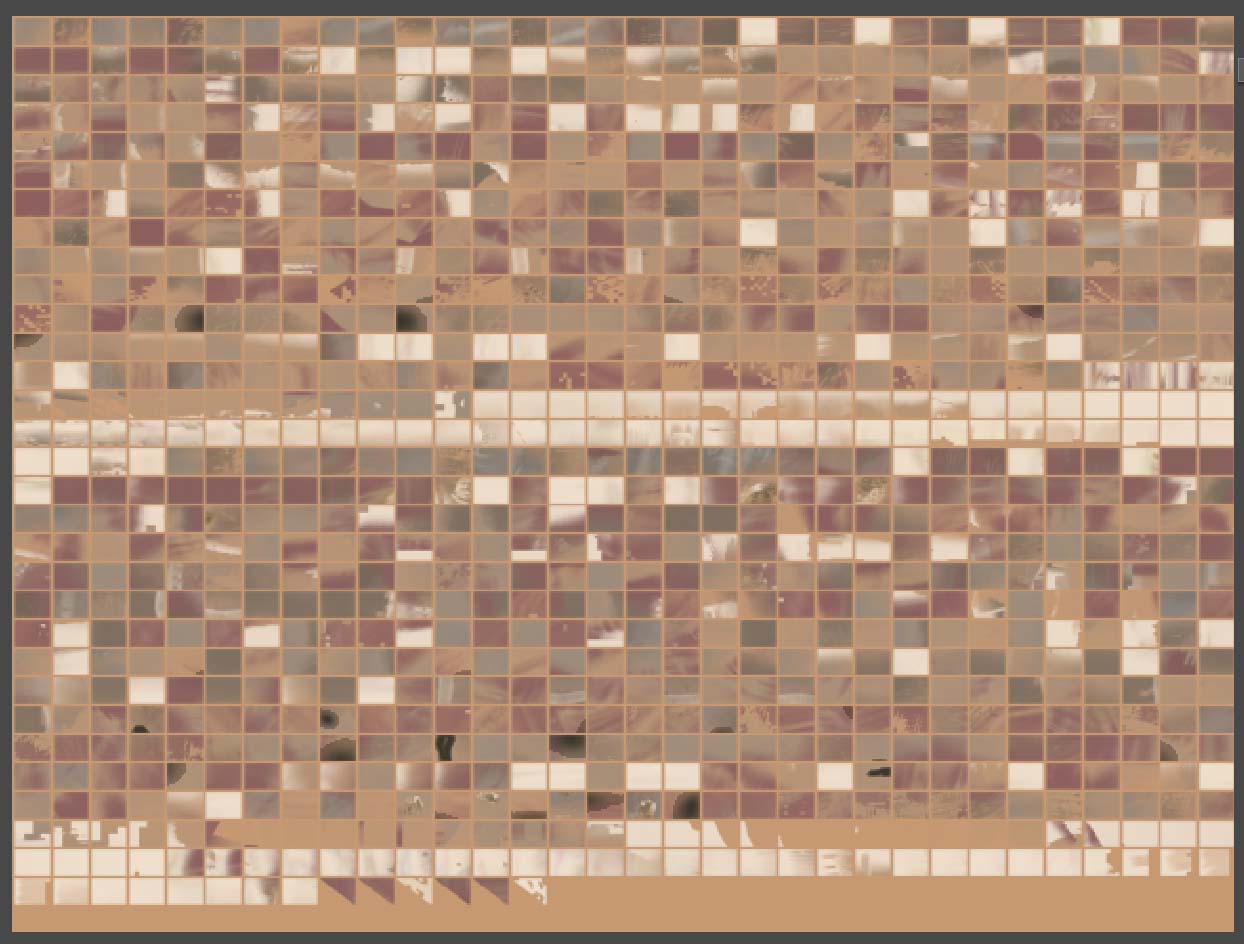
I started off with a texture in ZBrush 3000x3000 32 depth. It looks fine on the Zbrush model but when I crop and fill in Zbrush and import it into Max I realy notice the gaps in the texture. I imagine it has to do with the GUV. Is there anyway to get this to export out correctly to Max, that is fix this? I’ve looked over the FAQ and could not find anything on it.

Attachments
uvmapissue.jpg

Actually, that looks like AUVTiles. The way that it works is that every polygon is unwrapped separately. This results in a zero distortion mapping.

Although the map is incomprehensible to the naked eye, the computer has no trouble at all reading it. Simply flip the texture vertically and export it to Max. When you apply it in Max, be sure not to use any MIP-mapping or texture anti-aliasing, as they can pull pixels from outside the UV mapping into the visible parts of the model.

Thanks, I guess the issue I was having is that they show up in OpenGL looking split apart but it renderd just fine. Is there a post on how to get it to look good in OpenGL? I can live with it either way.

OpenGL is strictly a preview for most animation apps. I’ve almost never seen a texture look really good when viewed that way, regardless of mapping. Some textures look better than others, but you always have to do an actual render to get the real quality.

This makes perfect sense, too. If the system was capable of delivering a final-quality image in the preview window, why would you need to render at all?

Your animation package MAY have settings regarding the quality of the OpenGL preview – but increasing its quality will be paid for in the form of slower performance while you work. Is it worth that, just so the texture can look pretty while you’re setting up your scene?