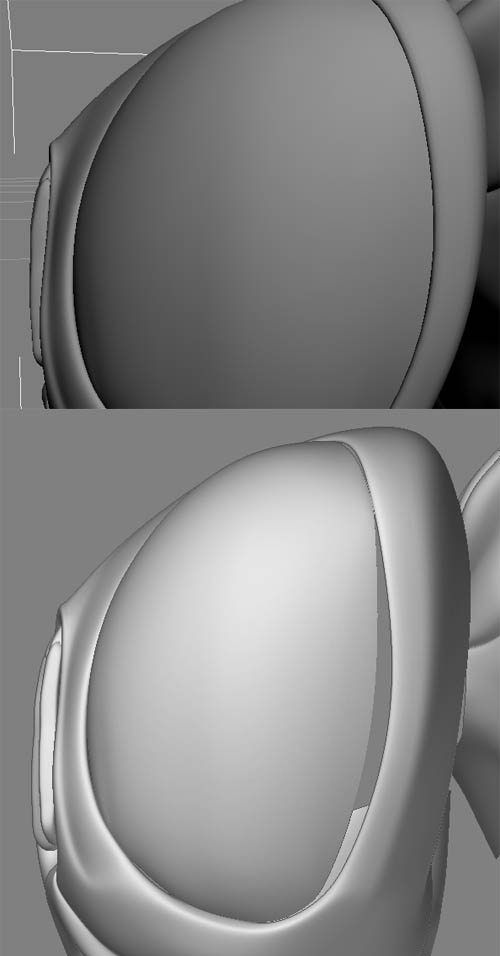
hi, I´ve imported an OBJ file from 3dsMax, too tried it from maya (same result) to zBrush. it happened that after deviding the mesh in zBrush there showed up those gaps in geometry. the mesh itself containes of multiple combined meshes (some 10 objects) when subdividing the mesh in MAX and MAYA, there are no such gaps. in addition when rendering out a normal map from zBrush, the final normalMap doesn´t fit the deformation created.
does anyone have a clue what´s going on here? I guess it´s a matter of those multiple meshes combined, cause with a single “watertight” mesh everything workes fine. and btw - the meshes can not be merged together.
thx a lot in advance!
edit: the upper pic is shot from 3dsmax, the lower pic is from zBrush
Attachments