ZBrushCentral

freezing, shutting down and acting strange.

I’m working on a mac with zbrush r4R
while working on this zbrush has crashed twice and now has added another figure into my scene. what I was doing when this happened. made a duplicate of the tool, just had finished using a qremesher on the base model. It seemed like it was stuck and then worked. I duplicated subtool. I went to the base subtool and divided it twice- seems to be where the hick up happens. then it got stuck again. dWhen it was done it has added another image into the screen, which is not in the subtool list and I cannot delete. ( this is almost as if I drew something onto the canvas but I did not.) I can start over again, which is what I have done 3 other times. Luckily I got smart and started to save in smaller increments. I’m just not sure if this is driver error, or what.
FYI looking at my preferences Mem max poly is 158659, if this makes a difference.

Attachments
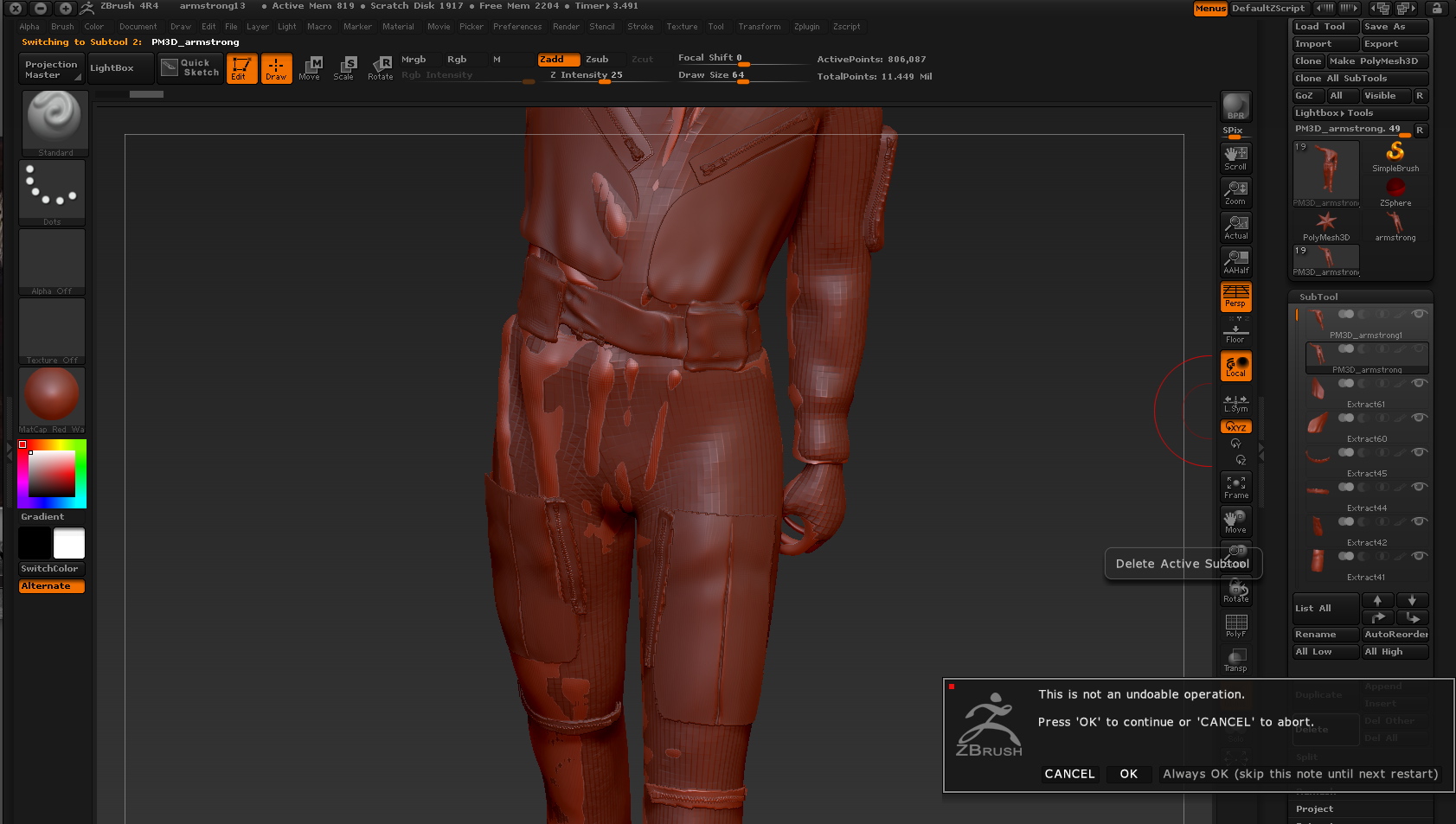
Snapz Pro XScreenSnapz011.jpg

the “extra” image is a stamp on the canvas of your current mesh.
While you’re still in Edit mode just hit ctrl+n or whatever it is on a mac for new canvas.
This will keep your active tool up and in edit mode while clearing the entire canvas of any background information.
Shift S is the hotkey for stamp BTW.

As for freezing, what is your preference.mem setting at? How many gigs of RAM do you have in your system? Processor? etc?

Thanks for your suggestion. However, even though I worked past the problem-I tried a different way to work to get past the problem I had. zbrush keeps crashing

My memory preference.

compact memory 256
max poly per mesh 176056
hd max poly 7932

my computer has 12 Gb of memory

I’m wondering if I should uninstall zbrush and reinstall, and if so, how do I do that exactly.

Have you checked for updates? Mine shows 4R4 P2

UPgraded and it is still crashing.