Hi! This is my first time at this forum.
I’m Tiko from Spain, Barcelona (firstly, forgive my poor english, I will try to write correctly but if you see some…kick to the dictionary, please, forgive me) and I’m 22 (sizes 90-60-90 xDD).
Ok.
Mainly I work with Photoshop (concept art, comic, character design,…, bla bla) and today I have a lot of free time. So I try to learn to use ZBrush.
After see some webs, forums (this for example) and throw my computer to the WC, I try to do “something”.
I thought tio do something easy (like…apple…)…but my “wild” imagination calls me to do a woman.
Ok. I began to work…ZSpheres,…,frame,…up, down,…bla bla… but…
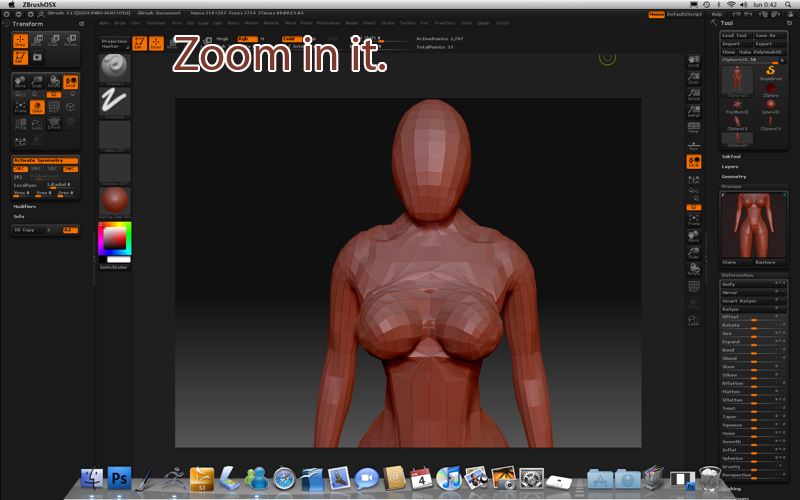
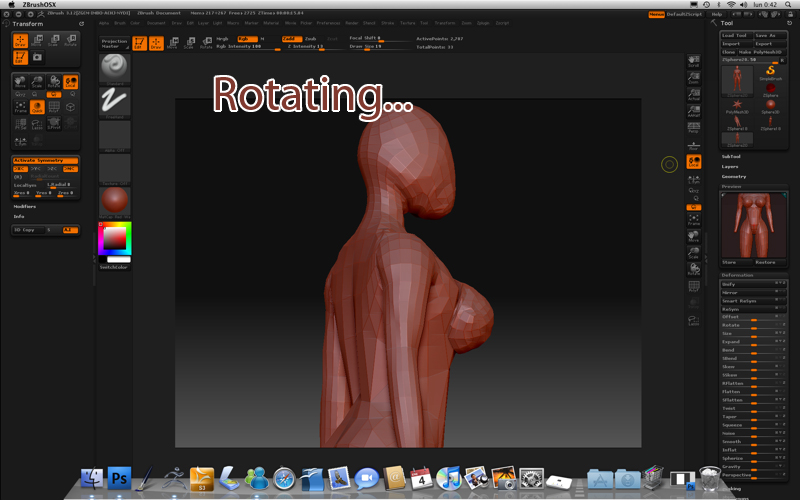
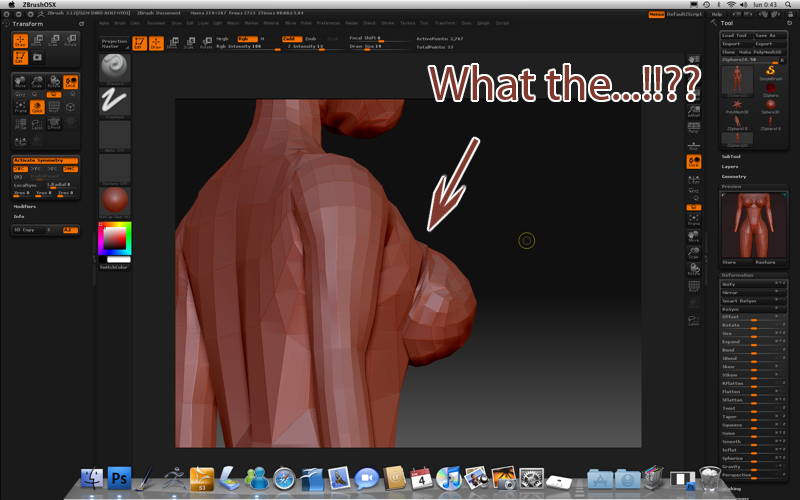
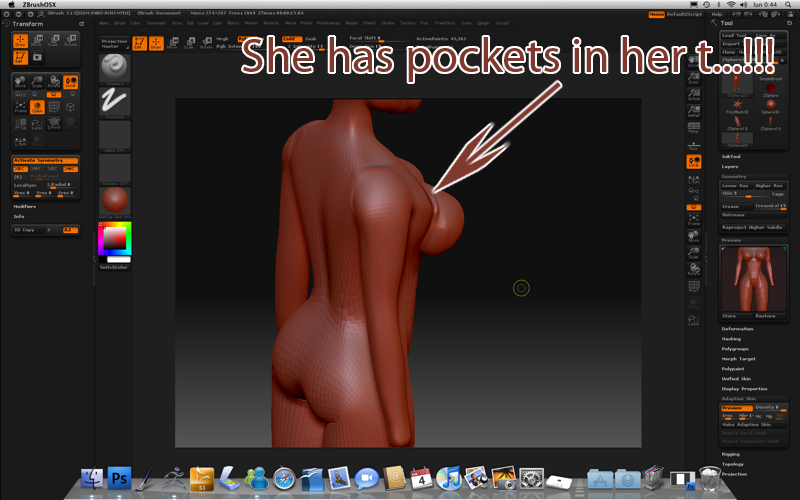
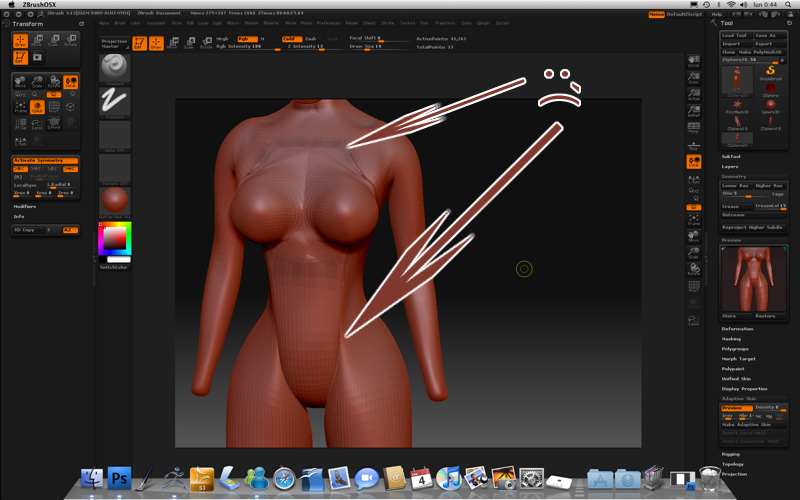
When I see the “sketch” I see like a frame’s bold that I don’t know how to resolve it. I know that an image is better than 100000 words watch it please:
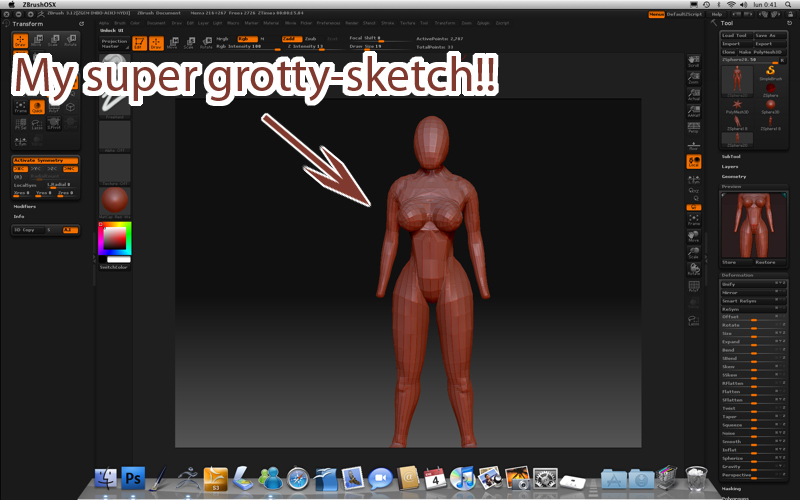
Did you see that!!?? How can I resolve it? Exists any tool that can help me to “join”, to “weld” this “frames” to make it desappear?
I have searched but I don’t find anything (maybe because my english is a shi… and I don’t know the correct word to search about it).
Please, If you help you’ll do a super favour to me. Thanks a lot.
(Si algun español me los explica mejor, que así lo entiendo xDD).
Edit: I put the images again, hehe.
Attachments
 is that true?