ZBrushCentral

Forming Sharp Edges

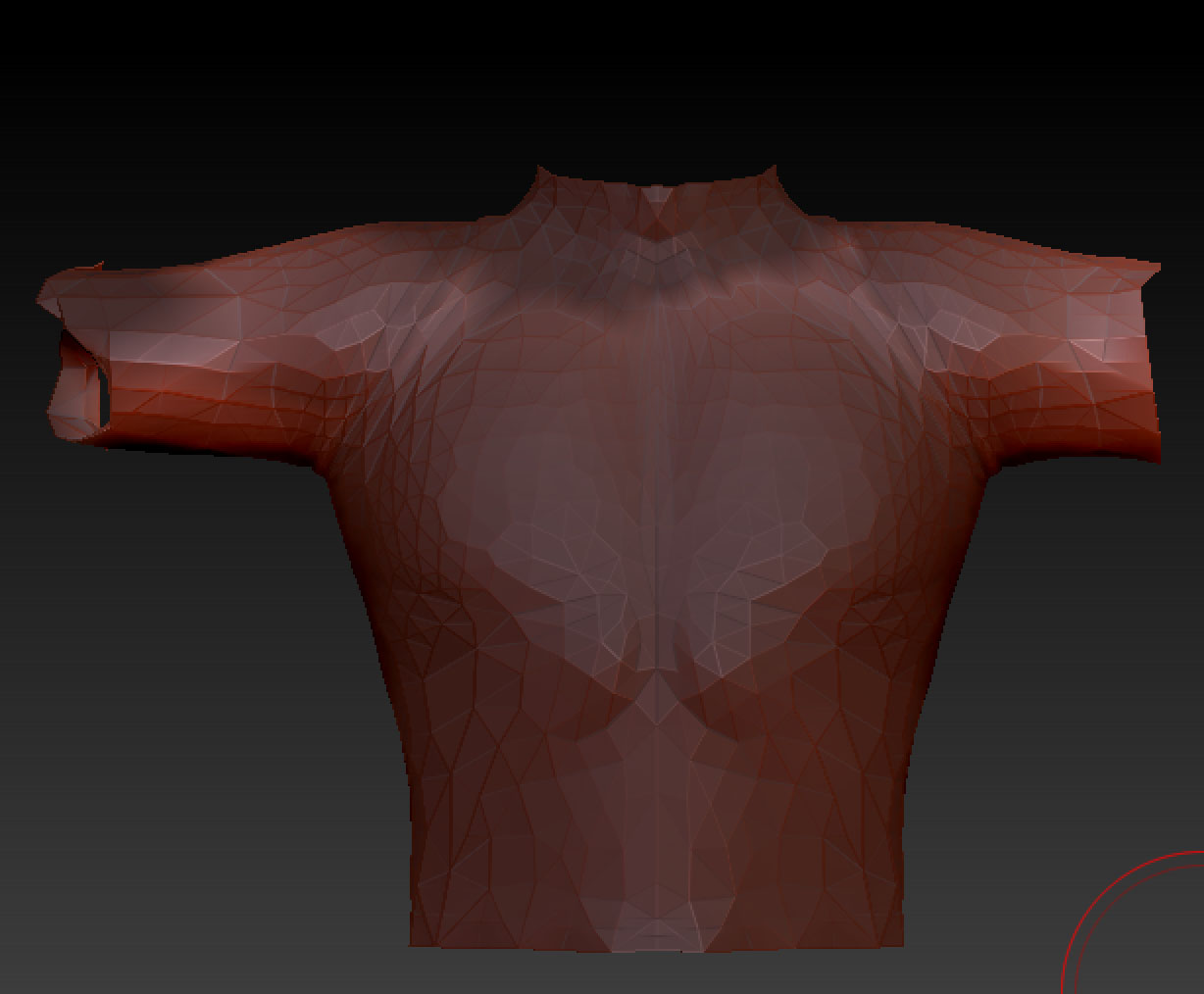
I am trying to trim the sleeves on this form and nothing I can find works after 2 hours of hunting. Trim and clip rectangle does not help. I tried even just hiding a portion using command/shift with no luck.

Please help :slight_smile:
Nealhttp://www.pixologic.com/docs/index.php/Hiding_and_Showing_Model_Parts

Attachments
top screen shot.jpg

It would have been easy if your mesh wasn’t decimated and you had good edge flow. Did you decimate it in ZBrush or import it from another app that way. If you did it in ZBrush to try and cut the number of polygons down, it was probably not a good idea to do that. Never decimate a mesh if you are still going to be working on it. ZBrush likes 4 sided polygons for sculpting and a lot of other things.

OK, having said that and you still want to trim it, then the SliceCurve brush will probably be your best bet. Watch the “Slice Curve” video here.

Thank you for the video on it now. I’m not too clued in on decimating yet so I dont think i did it. Just brought in a model, painted on and extracted.
having fun! lol
thanks again :+1:

No problem! :+1:small_orange_diamond:) That SliceCurve brush should make easy work of what you want to do. Have fun! :slight_smile: