ZBrushCentral

Following tutorial issues

Okay very new to ZBrush have had it for awhile, but lacked the time to really play with it and get in and learn.

I am not sure if it is 4R5 or it is me, I have been following the Projection Master Tutorial on the site, and followed along step by step , minus the fact that i can not get resolution down to 8 like he does.
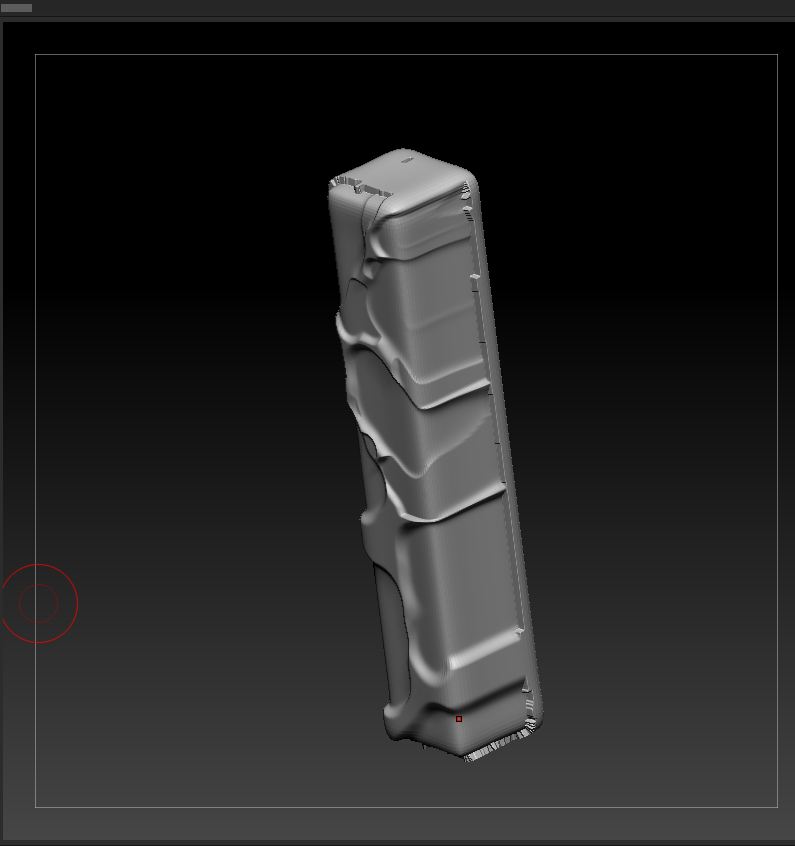
The lowest is goes is to 16. and I get this:

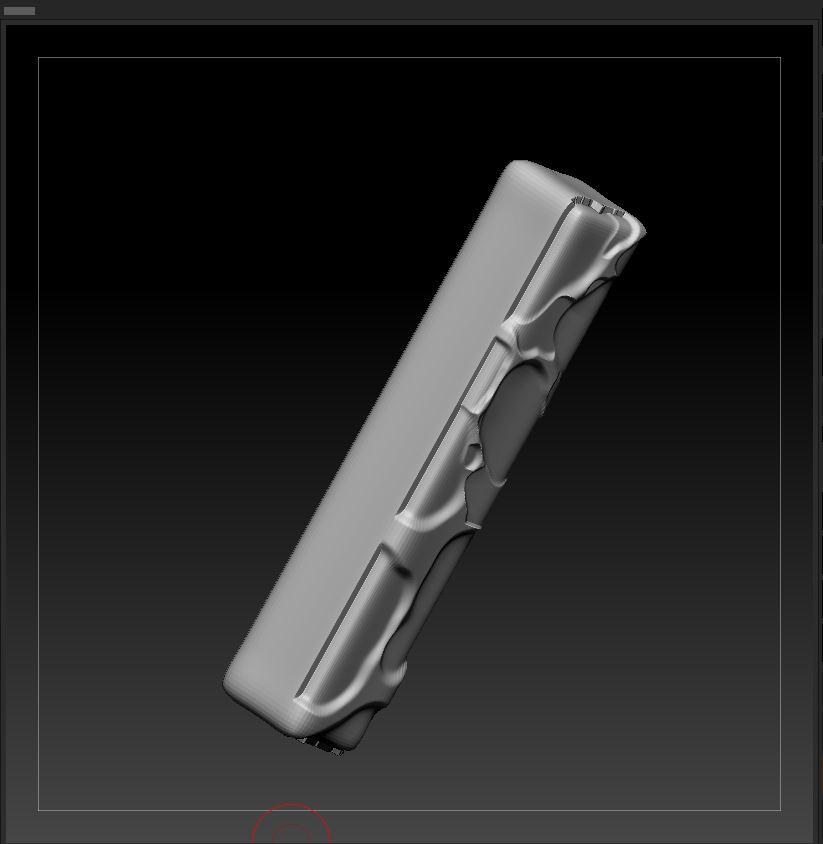
So then I import my own modelled column and follow along, settings in projection master are identical to his. I create the sculpt and go back to pick up. and I get the following… everytime.

Can someone help? or have any ideas what is going wrong?

Attachments
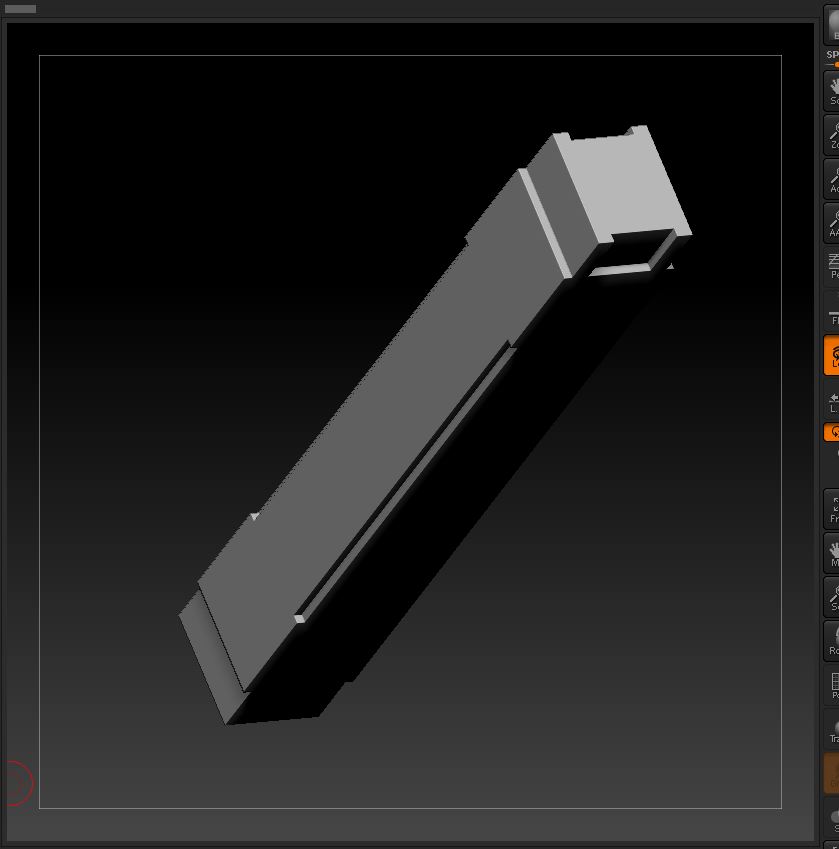
projection master res16.JPG

projection master issues.JPG

projection master issues02.JPG

Regarding your first image, after you ‘Initialize’ the way you want, you have to ‘Make Polymesh3D’ before you make it a Unified Skin. Yes, it does only go down to 16 Resolution but if you need it to go to 8, select the Unified Skin you just made from the Tool palette, then ‘Reconstruct Subdiv’ once in the ‘Geometry’ palette.

Regarding your second issue (you don’t really mention what you expect to happen) so I am only presuming that you have the ‘Double Sided’ selected in Projection Master but it’s not doing double sided. Pixologic is aware of it. A workaround for now, which will give you the results your after is to turn on ‘Double’ in Tool>Display Properties’ before you go into Projection Master. After doing that, check ‘Double Sided’, ‘Deformation’ and ‘Normalized’ and uncheck everything else in the Projection Master settings.

Edit: Also, keep in mind that tutorial series (again, you didn’t mention but I assume you mean Sebastien Legrain’s tutorial) was done in ZBrush 3.1 and a lot has been changed and added since then.

Yeah I knew it was kinda old… but so far the tutorials i have done are more or less all the same which is nice… some differences with brushes not avl in 4 but still gets me where i need to go, and yes the double side has been the issue for the 2nd set of issues, so thank you for that work around!

And the tip with the resolution thank you as well for that! I appreciate the help and the tips!