ZBrushCentral

Flipped normals in Edit Topology HELP PLS!

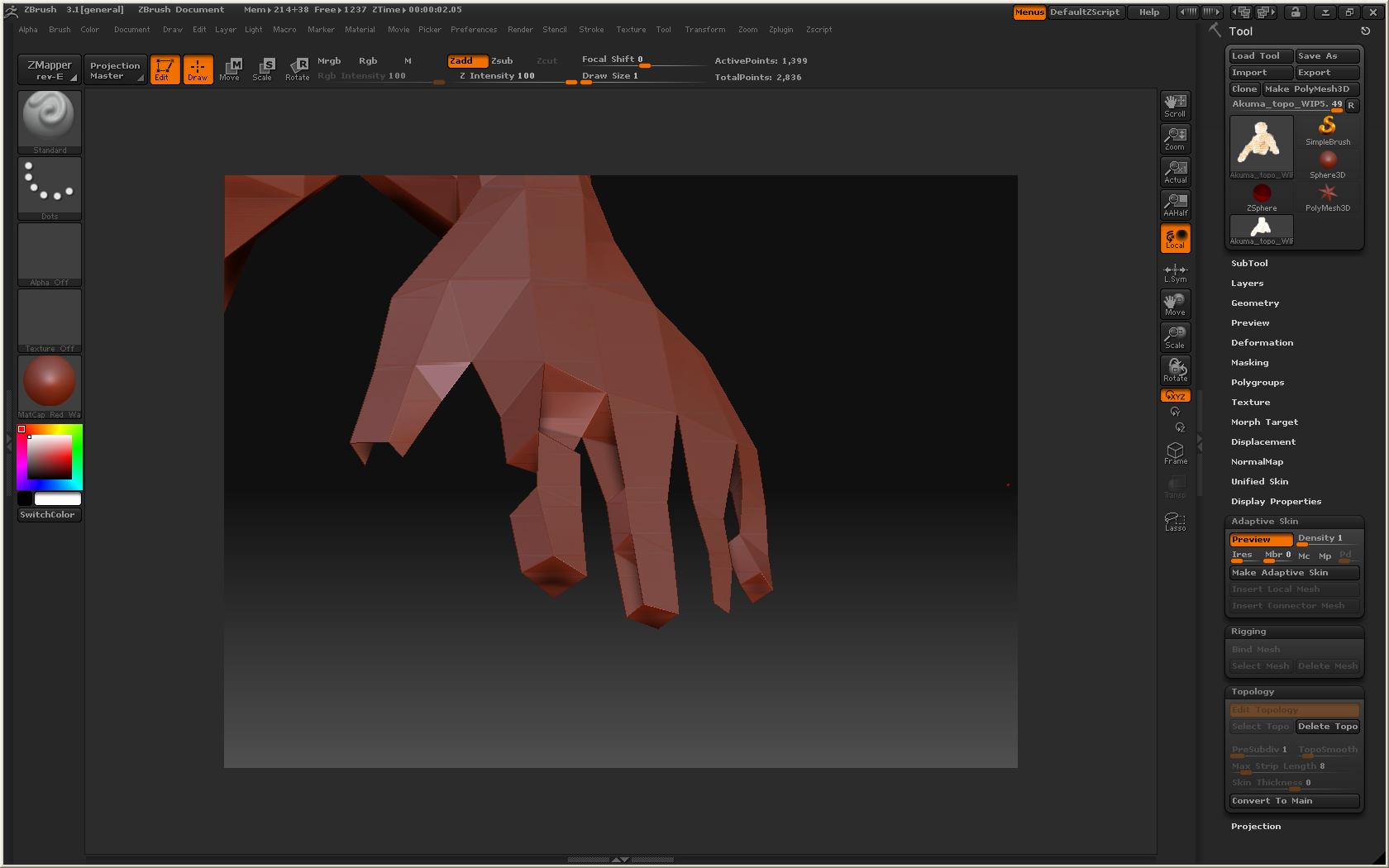
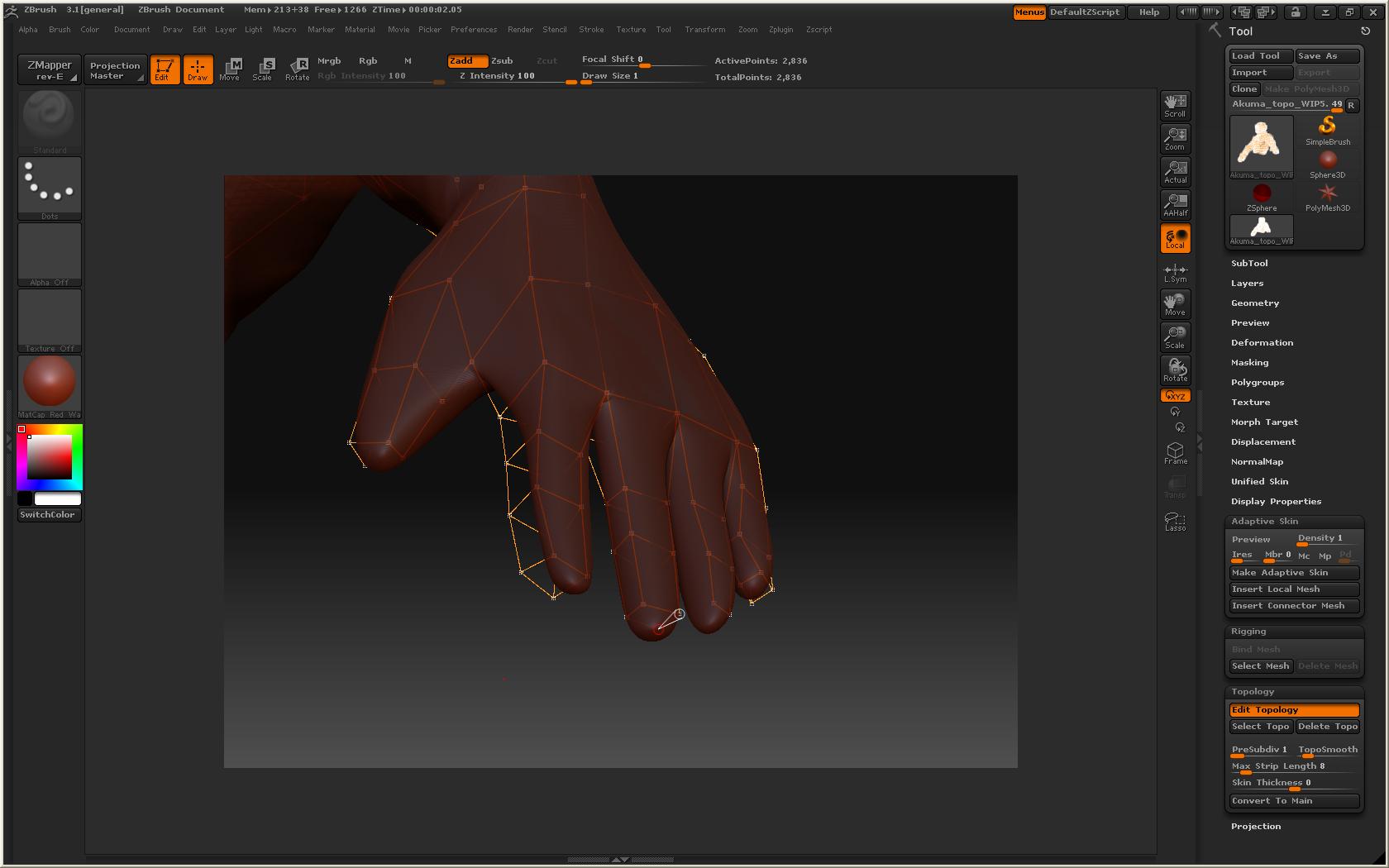
Hey I am Editing the Topology for my model in 3.1, the adaptive skin looks fine until the fingers on the hands. parts of the fiingers have flipped normals. I havnt touched the settings or anything. Does Zbrush only recgonize a specific way of laying down Zspheres in Edit Topology for some smaller parts like fingers and toes?? Because i saw some hints holding ctrl inside Zbrush. Anyone countered this problem before and know a fix? thanks for all the help in advance!retopo_err1.JPG
Attachments

retopo_err2.JPG

ZBrush Topology Test
http://www.youtube.com/watch?v=uGe0ka5wMAU

.

can’t do a 4 sided extrusion with retopo tools. add another edge loop in the retopo. or cut off the fingers leaving the face that would be extruded and then extrude the mesh using the geometry panel after you finish the rest of the topo. make the extrusions, put them in place, then project the mesh.

aaaa thanks ancomic and goast666! haha damn something so simple and i couldnt figure it out. :+1: :+1: