ZBrushCentral

Flat surface masking question

Hi,

I have imported as an alpha a skull shape .

My goal is to keep the shape but get rid of the flat base ( through masking -> delete hidden ).

Is there a way to select the flat surface through the use of tools like “Mask by Cavity” or “Mask Peaks and Valleys” etc etc ?

Right now the only way I found was to mask everything “manually”. :confused:

Thanks in advance

Cheers
Vincent

Attachments
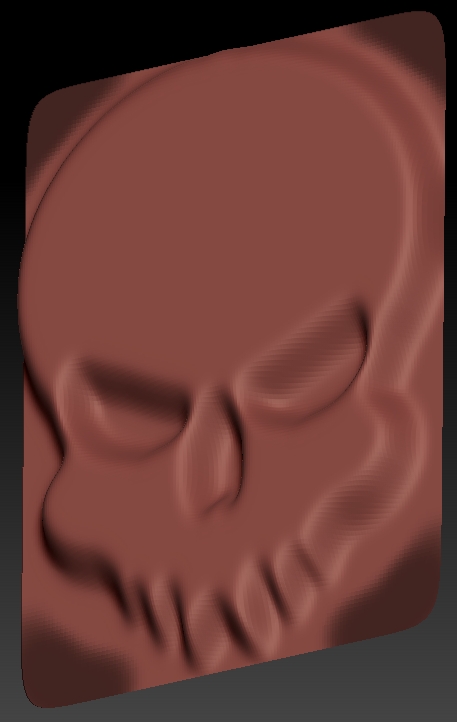
Skull masking.jpg

Mask by the alpha image you have.

could you please elaborate ?

I mean I know how to mask and masking with the ctrl key pressed is easy but I would like to know if there’s a way to use the various masking tools/options to somehow “automate” the masking of the base ( and just keep the shape ).

Cheers
V.

If you go into the alpha menu you can invert the alpha before making your 3D object.
http://www.pixologic.com/docs/index.php/Alpha_Palette

new-2.JPG

Brilliant, I’ll try that tonight :+1:

Out of curiosity, is there a book or a tutorial somewhere explaining all the in/out of the masking options ?

Thanks for the help.

Cheers
V.

Here is a start.