ZBrushCentral

fixing Ear Geo solutions and suggestions request

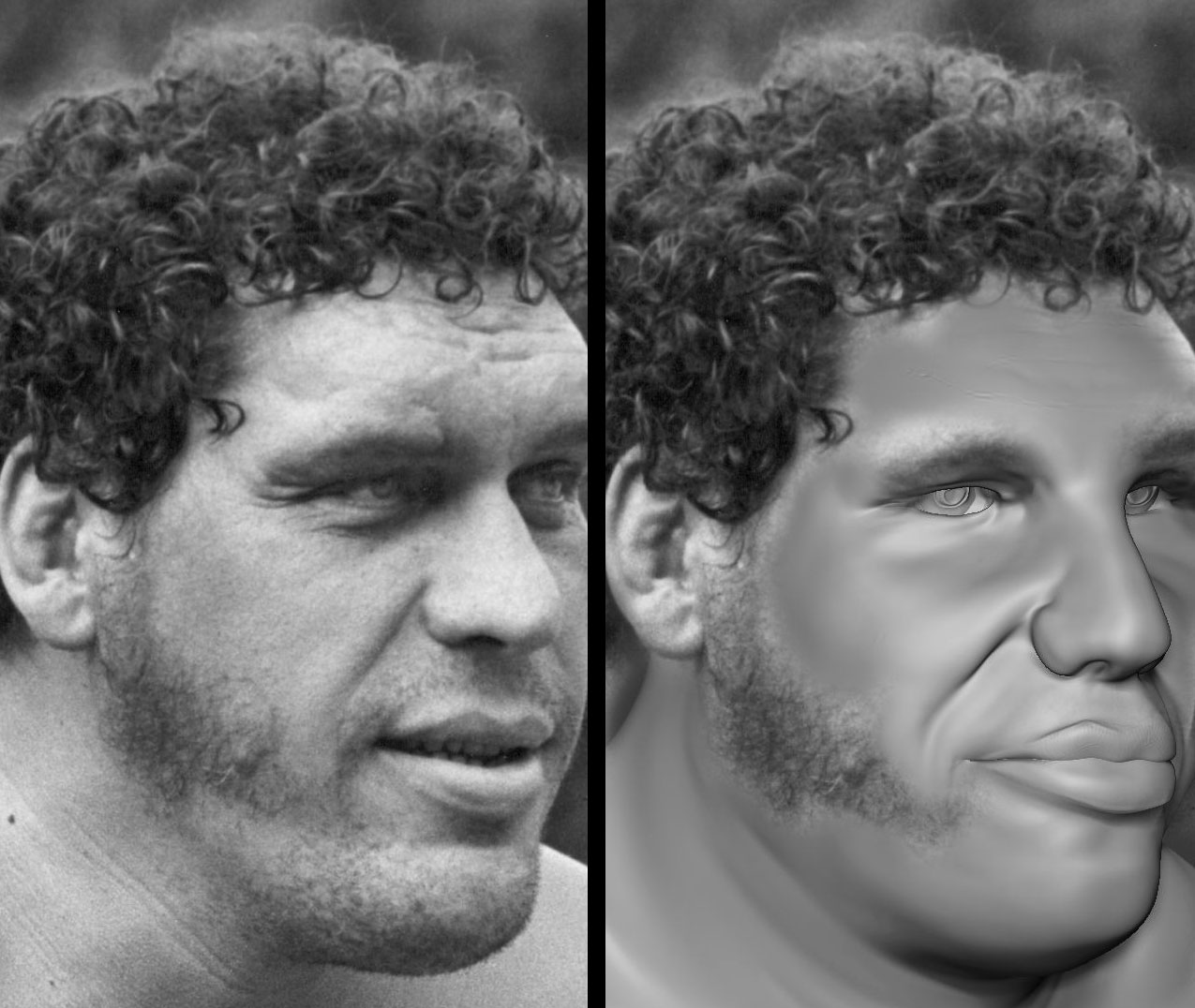
bare with me, am new to zbrush. am making tribute model of “andre the giant”
ideally he would be in “sasquatch” form from the old show “six million dollar man”

right now i’d simply like to do a correct face with proper physical parts. later the sasquatch would not really show much face detail.

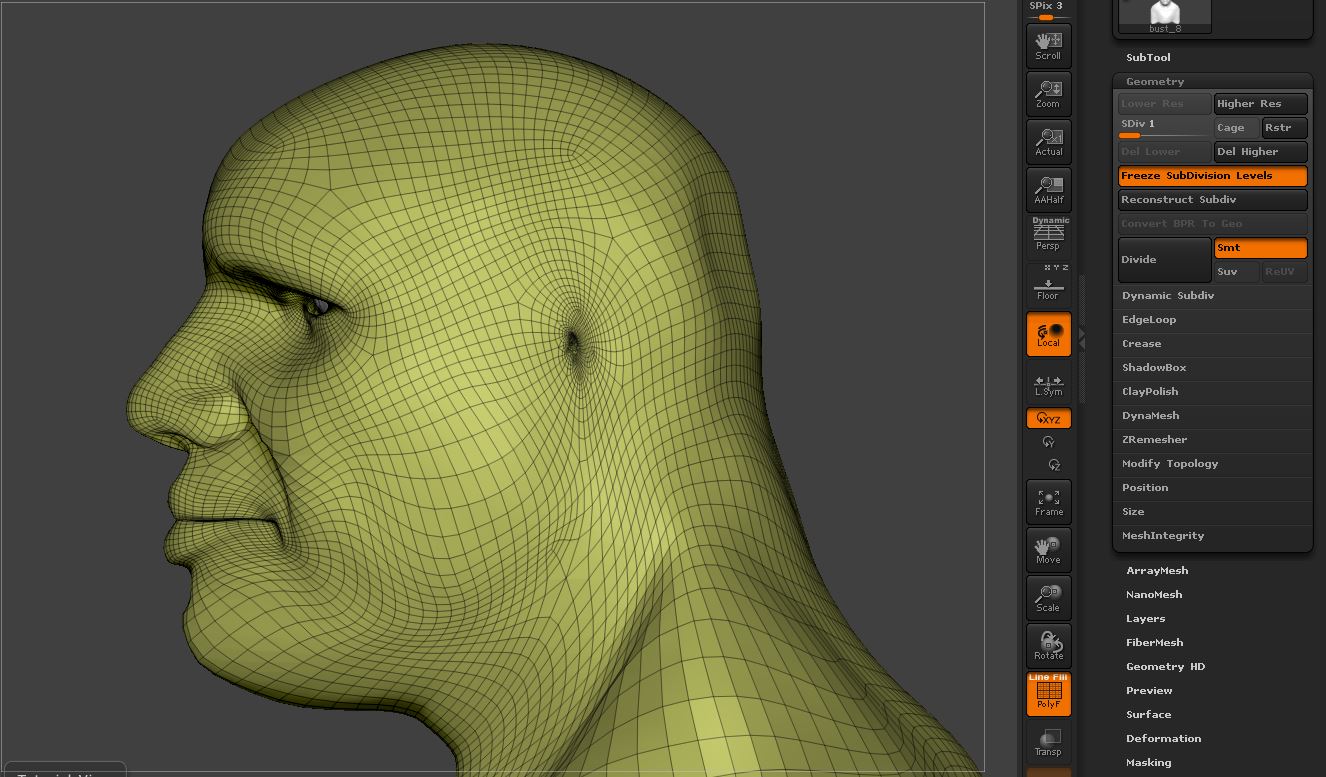
am stuck on how to best add the ears. to this weird geometry i some how made. i’ve tried cutting the area out and then “closing holes” did not work for me. same edge flow.

tried dynameshing another ear from the body insert brushes. same issue, kept getting hard edges where the ear connected to the head that i could not simply could not “smooth” out.

would be super greatful if anyone could help me understand how to fix such an issue. will post images and link to file.

zTool:
https://www.dropbox.com/s/2vtoe2rzmbbvt8f/andre%20ztool.rar?dl=0

Attachments
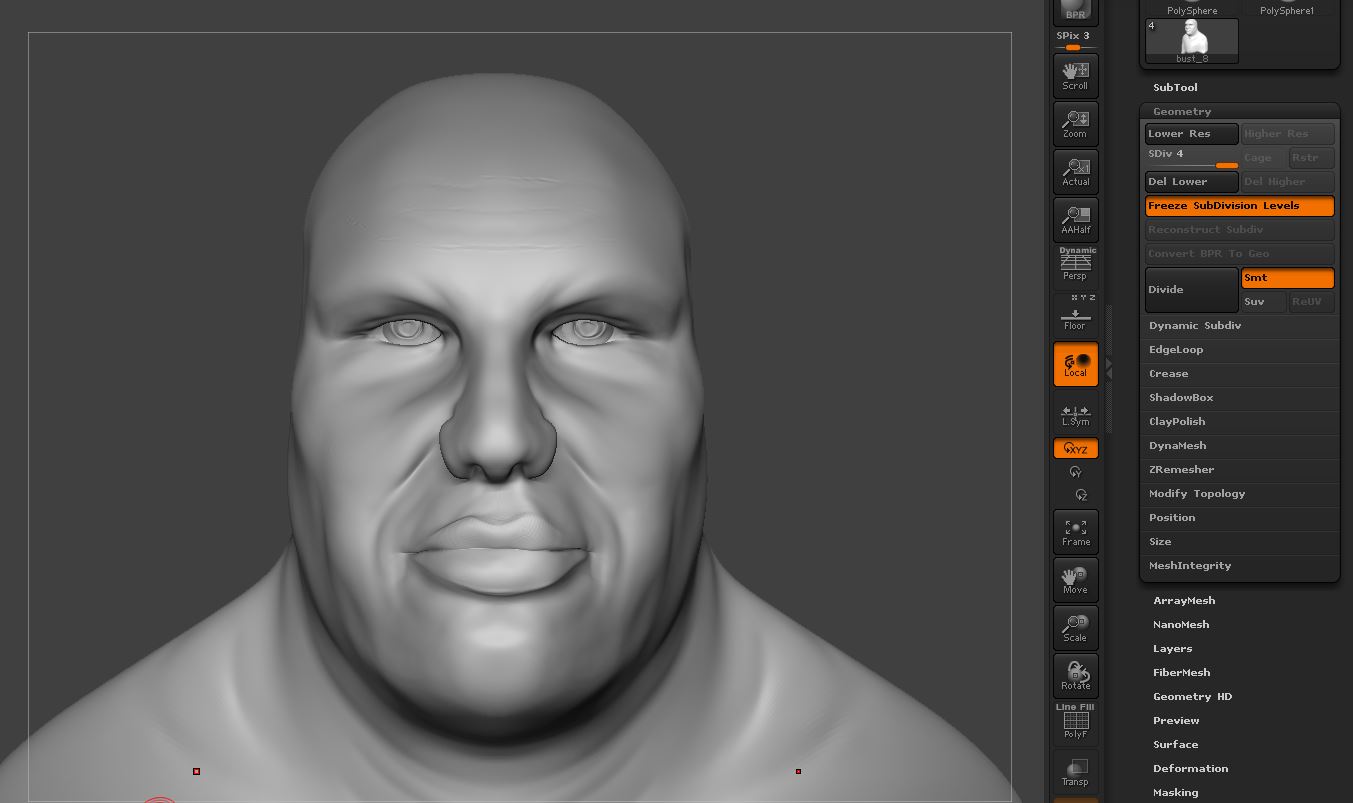
1.JPG

2.JPG

basicFormCheck.jpg

Not sure why i didn’t think of this sooner. Used GoZ to take the geo to a 3d app and removed points then closed the poly.

So now i am asking what are the best ways to add body part to a mesh at this stage with the “body insert brushes” inside zbrush ??

Convert the mesh to dynamesh ? Forgive the dumb suggestion as i am hoping someone will have pity and help a newbie :wink:

Any other suggestions greatly appreciated.

Create a group to ‘add the part to’.

  1. Group or slice the area you want to remove:

001.jpg

  1. Use the insert brush:

002.jpg

  1. Delete the group from step 1:

003.jpg

  1. Use the curve bridge brush to connect the groups:

004.jpg

You can use zremesher on a copy and reproject to fix the topology when you’re done.

this response was great xmas surprise. totally saved by newbie butt :wink:

thank you again sooo much for this.

have a wonderful holiday season !

here’s another video i found today that does this in a different way that may help in unique situations:
https://www.youtube.com/watch?v=G-5oOHSpFpQ