Hi
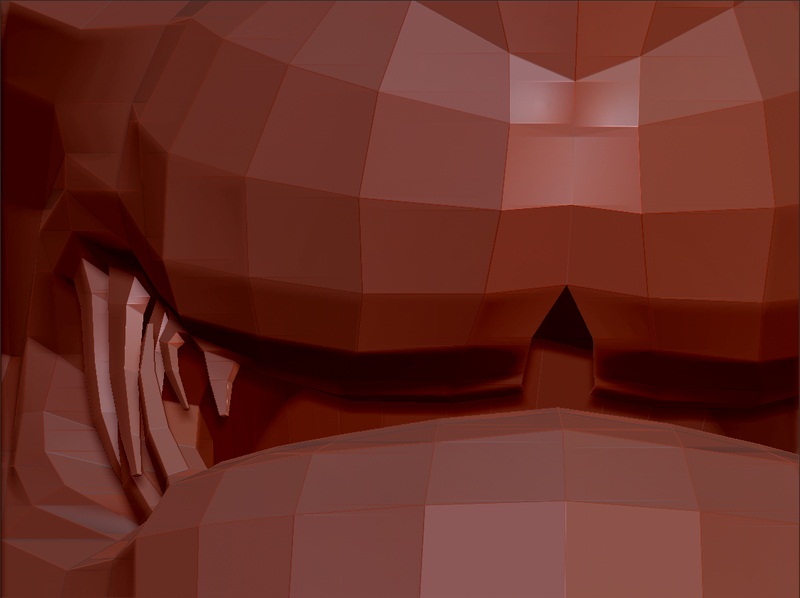
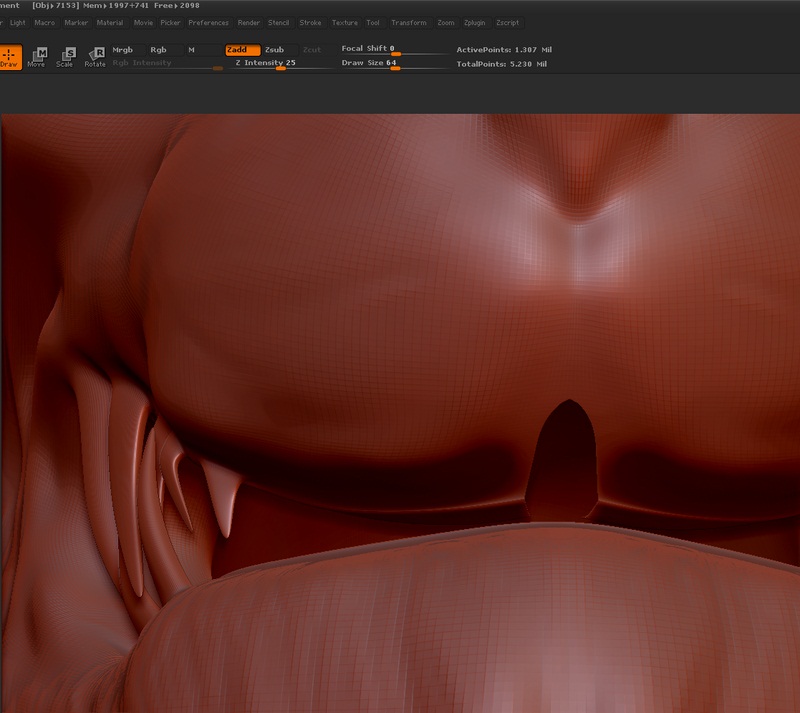
I just found a hole in my character’s lip after finishing sculpting and I wanted to know how to fix it. I imported it from Maya (box modeled so I guess some of the verts on the seam didn’t merge) and I didn’t even notice the hole until I went to sculpt the lip. Is there a way to merge the seam in Zbrush (or maya) without losing all of the other sculpting levels?
Thanks
k
[ATT=]seam1.jpg[/ATT]
[ATT=]seam2.jpg[/ATT]
Attachments