First real work in ZBrush but struggling with UVW unwrapping. If anybody can help it would be appreciated.
Attachments
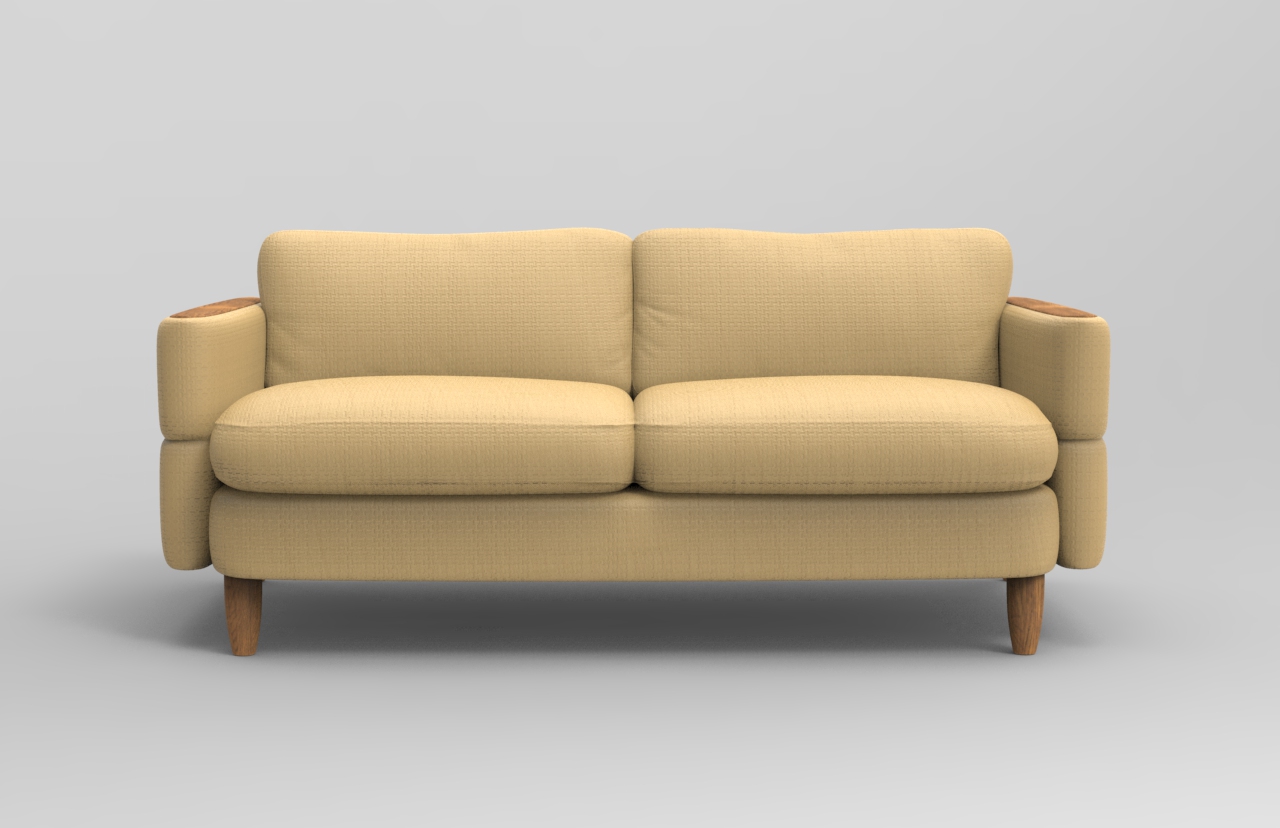
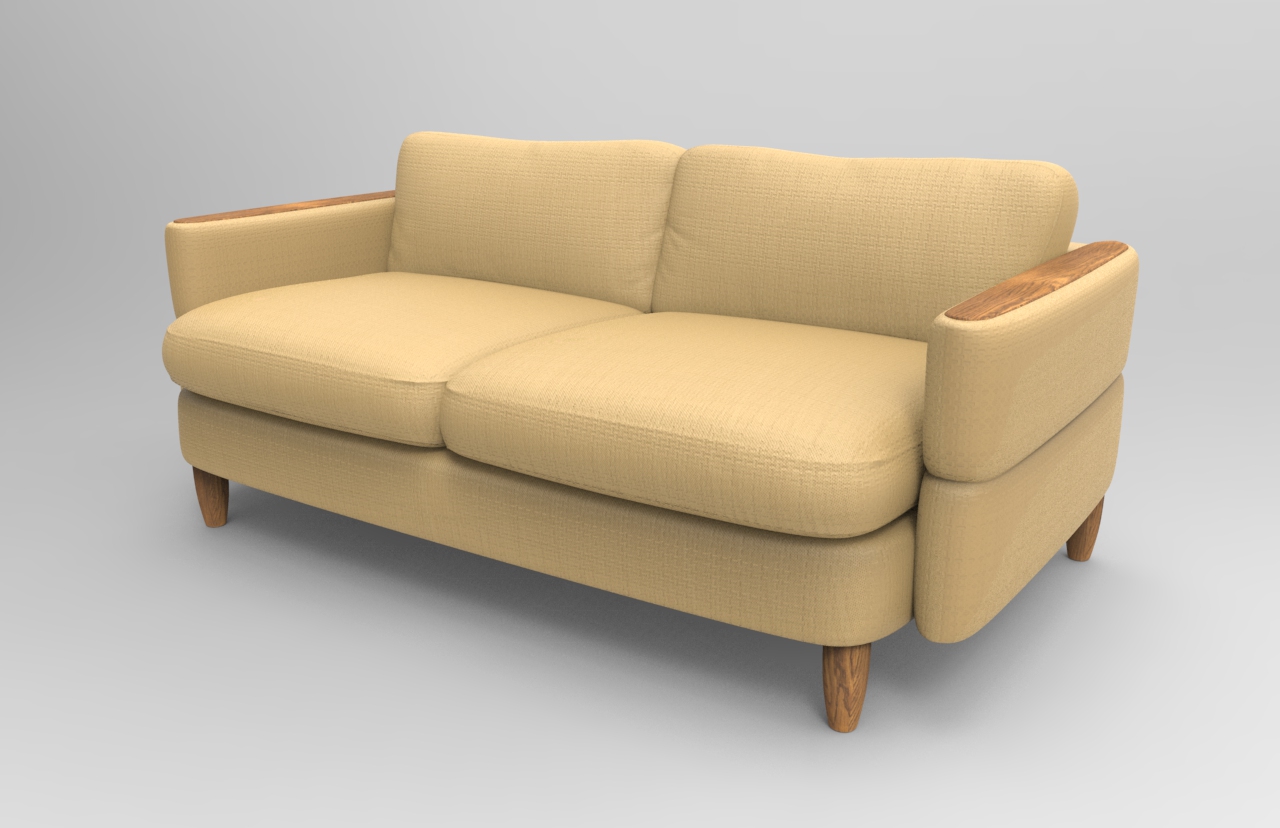
First real work in ZBrush but struggling with UVW unwrapping. If anybody can help it would be appreciated.
Normally you would use the UV master in the Zplugin section. It is very easy to use. It is better is that first you set polygroups in the way that you want the islands of the UVs to be divided. If you leave that completely automatic will have the tendency to create shapes too stretched. It is up to you if you need more islands or less. When more islands more seams, with less islands more deformation. There are two tools to control seams and density but the seam one doesn’t work ok. It is better to use polygroups and activate the option polygroups of UV master in order to force him to create islands based in polygroups.
Apart of that in the same menu you have the option to flatten the UVs. In this mode you can edits further the islands , scaling them, rotating them etc. You need to avoid to move in 3 dimensions or to modify the number or verts as this would invalidate the UVs
A tutorial from pixologic about this that will be useful for you:
http://pixologic.com/zclassroom/homeroom/lesson/uv-master/
And the documentation of the UVs and the plugin
http://docs.pixologic.com/reference-guide/tool/polymesh/uv-map/
http://docs.pixologic.com/user-guide/zbrush-plugins/uv-master/
Thank you for your assistance, but I’m still lost as I would like all the items of the sofa on one map which seems as though it isn’t possible? The fabrics I’m wanting to use have a certain direction that the patterns need to follow/match, then there’s two way matching fabrics like checks/plaids where a solution is also required if possible.
For furniture Mapping tools as the ones in 3ds Max would be more logical to use, but obviously they have a high learning curve. I guess you want to use tiles of repetition to fill the texture instead painted it. The way Zbrush does the mapping is rather for painting and doing a tiling will make evident how the UVs are continuously curving and changing directions.
Also to keep the textures in one UV will force you to covert all subtools in one only subtool.
Having said that you can try to separate the different sides of your model in polygroups and force to use polygroups the UV master. For example each cushion create polygroups in the main sides or whatever number give good results. This could make all sides relatively straight. Then you can re arrange if you select flatten option the different pieces to have the orientation you want. The option to use tiles is in tools- uv map H or V repeat.
Also even it is perfectly possible to do that furniture in Zbrush modeling in other more standard 3d packages is more straightforward as you are modeling instead sculpting.