ZBrushCentral

first post

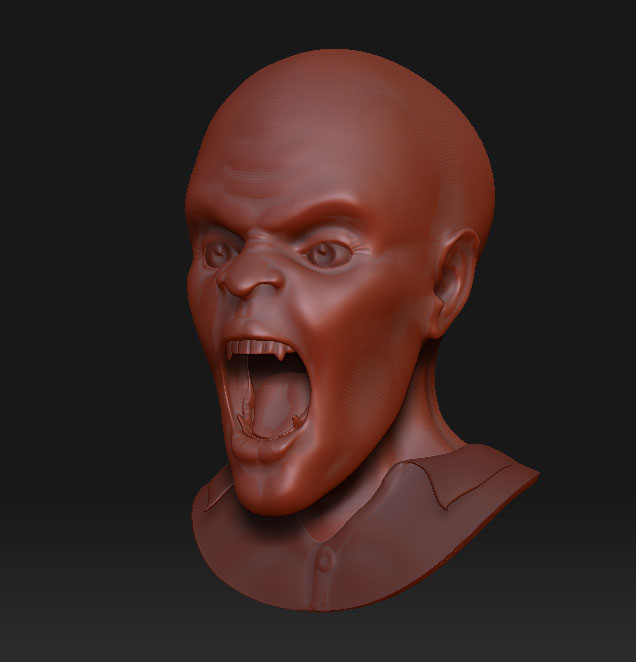
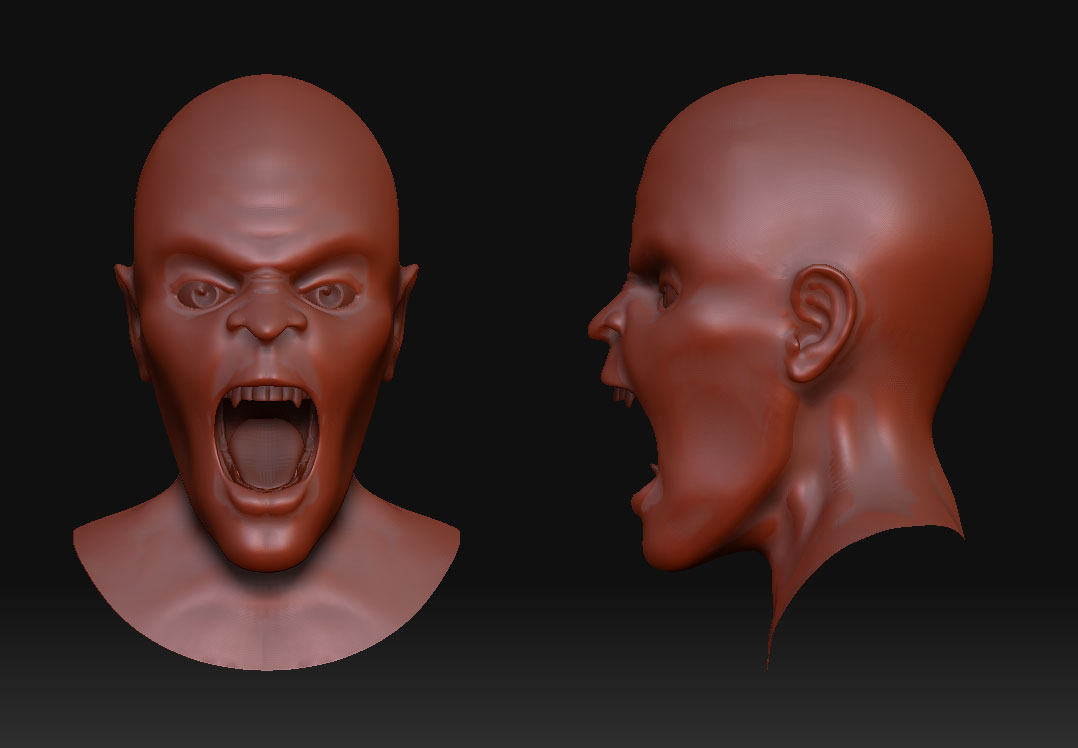
http://www.zbrushcentral.com/zbc/attachment.php?attachmentid=61247&stc=1hey, love the community here I’m a new poster but long time viewer. Here is a WIP not sure where it’s going.
[[attach=61247]zweb.jpg[/attach]](javascript:zb_insimg(‘61247’,‘zweb.jpg’,1,0))

Attachments
zweb.jpg

webup.jpg

here is an update, anyone know how to add on a body without another 3d app?
[webup.jpg]

[QUOTE=mphilip]here is an update, anyone know how to add on a body without another 3d app?

You can do it this way
http://www.zbrushcentral.com/zbc/showthread.php?t=47410

Or with the zproject brush
http://www.zbrush.info/docs/index.php/Tutorial:ZProject_and_SubTools
:slight_smile:

I will try the first method today and post results thanks…

ok so i gave your method a try, I shift click to paint topology and join the meshes, everything goes well except my fingers and toes fall apart. Can anyone help?
[prob.jpg](javascript:zb_insimg(‘61312’,‘prob.jpg’,1,0))

Have a look at this first

http://www.zbrushcentral.com/zbc/showthrea…6&page=32&pp=15

But you will nee to understand the Editing existing topology section before you can make it work.

http://www.pixolator.com/zbc/showthread.php?t=44876&highlight=flow

I think you could just use the Editing existing topology method after you create new poly meshes and insert one of them so have only one mesh , and just skip the shift painting altogether but I haven’t tried it yet. good luck :slight_smile: